How to Publish a Book Using Book Creator for Teachers
TL;DR
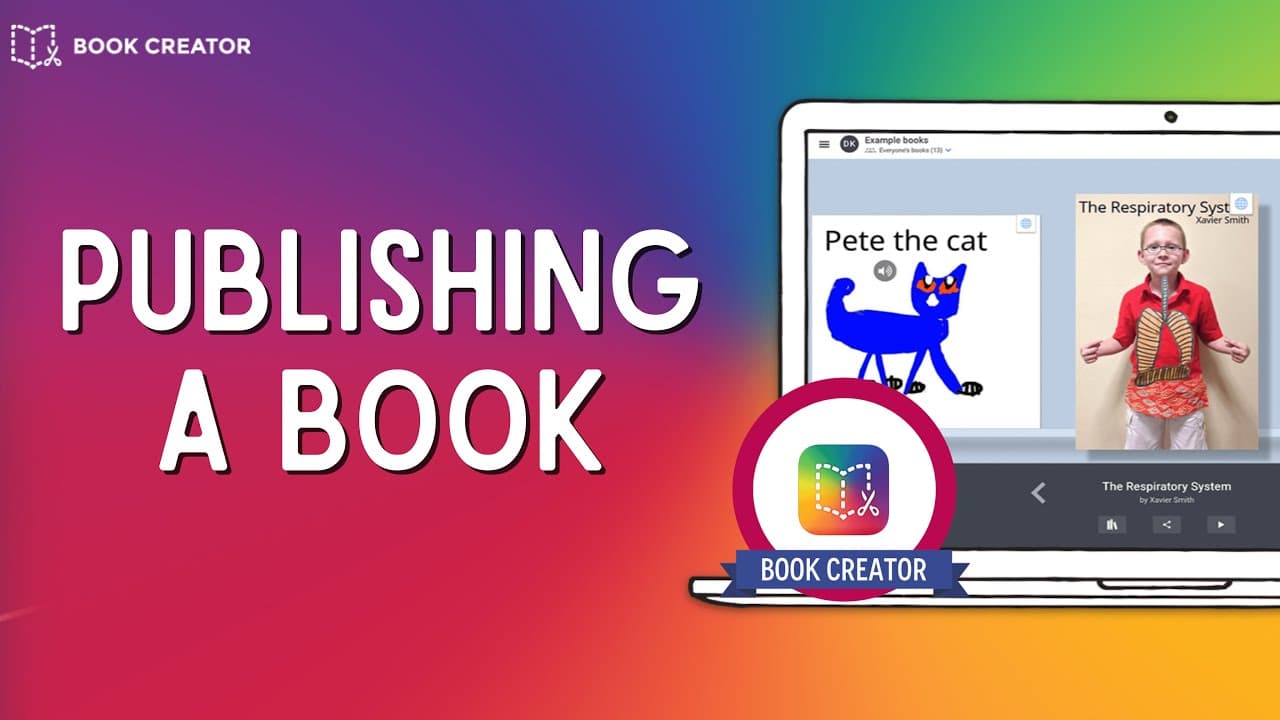
To publish a book using Book Creator, teachers can share student-created works online by selecting 'publish online' and adjusting privacy settings. Students can download their books as ebooks or view them online, and teachers can monitor and edit student projects in real-time before publication, making it a versatile tool for classroom use.
Transcript
so this is not finished but let's just say for the sake of this tutorial that my four page book is just about done so i've got it right over here inside my library you'll notice that if i click on the share button it gives me a few different options in terms of downloading that as an ebook which is a great feature that you may want to explore the o... Read More
Key Insights
- 💦 Book Creator provides options for both ebook downloads and online publishing, making it easy for students to share their work.
- 👻 The preview feature allows students to see their books' appearance before publishing.
- 🫠 The "Read to Me" option caters to students who may have difficulty reading.
- 💦 Teachers have the ability to monitor and edit student work before publishing.
- 👻 Book Creator offers privacy settings, allowing books to be either public or private.
- 👤 The remix feature enables users to create modified versions of existing books.
- 🫠 Publishing a book online generates a shareable link for anyone to read.
Install to Summarize YouTube Videos and Get Transcripts
Explore YouTube Video Summarizer or Get YouTube Transcript Extractor
Questions & Answers
Q: What options are available for sharing student-created books using Book Creator?
Students can either download their books as ebooks or publish them online for others to read.
Q: Can students preview their books before publishing them?
Yes, students can use the preview feature to see how their books will look when published as a link.
Q: What additional features does Book Creator offer for students who have difficulty reading?
Book Creator has a "Read to Me" option that reads the book aloud, making it accessible for younger students or those who struggle with reading.
Q: How can teachers monitor and make edits to student-created books?
Teachers can view and edit student work in near real time using their Book Creator accounts.
Summary & Key Takeaways
-
Book Creator offers two main options for sharing student-created books: downloading them as ebooks or publishing them online.
-
Students can preview their books and experience how they will look when published as a link.
-
Teachers, with their own accounts, can view students' work in real time, make necessary edits, and publish the books online.
Read in Other Languages (beta)
Share This Summary 📚
Summarize YouTube Videos and Get Video Transcripts with 1-Click
Try YouTube Summary with ChatGPT & Claude or YouTube Transcript Generator
Explore More Summaries from EdTech Hustle 📚



![Keynote: Remove The Background of Any Photo [Using Instant Alpha] thumbnail](/_next/image?url=https%3A%2F%2Fi.ytimg.com%2Fvi%2F0Ji-uTffzJE%2Fhqdefault.jpg&w=750&q=75)


Summarize YouTube Videos and Get Video Transcripts with 1-Click
Try YouTube Summary with ChatGPT & Claude or YouTube Transcript Generator