How to Build a RAG App for PDF Queries Locally
TL;DR
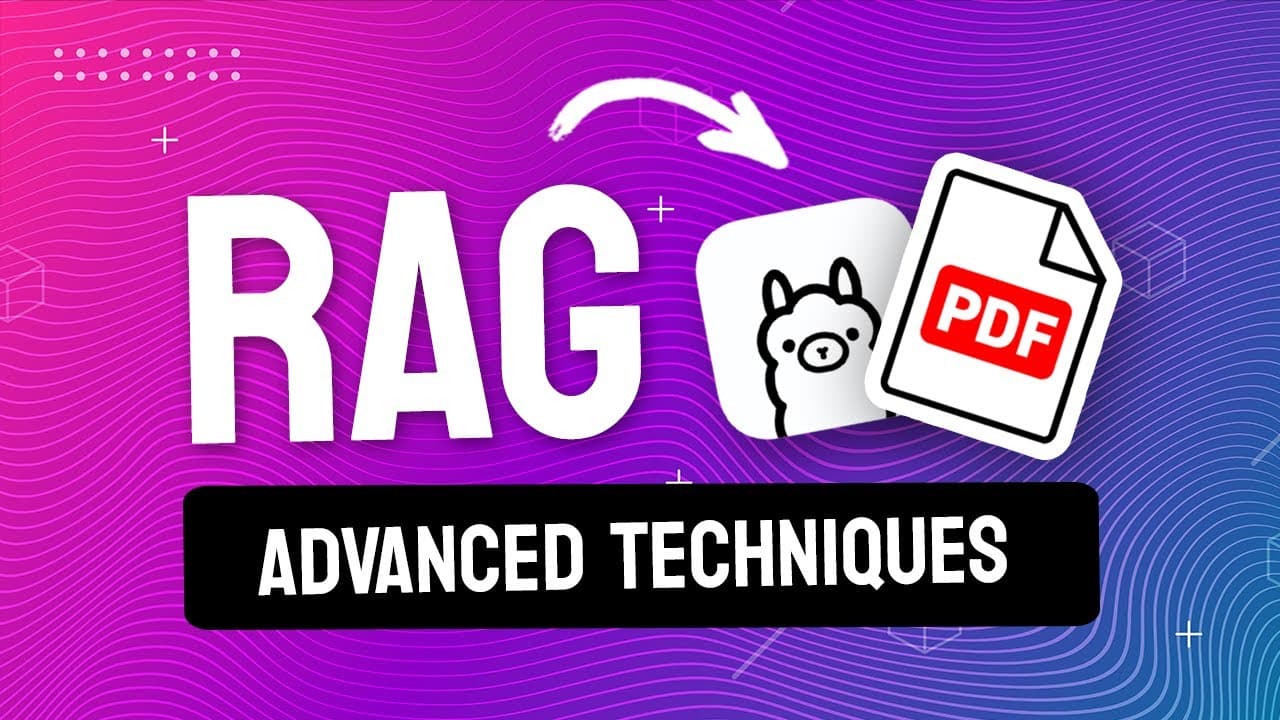
Learn to create a Python RAG application to query PDFs using local LLMs. The app indexes PDFs, like board game manuals, enabling natural language queries that return answers with source references. Advanced features include local execution, database updates, and AI response evaluation to ensure app quality.
Transcript
In this video, we're going to build a Python RAG application that lets us ask questions about a set of PDFs we have using natural language. The PDFs I'm going to use here are a bunch of board game instruction manuals for games like Monopoly or CodeNames. I can ask questions about my data, like "how do I build a hotel in Monopoly?" The app will give... Read More
Key Insights
- RAG is Retrieval Augmented Generation, combining data sources with LLMs for AI chat experiences.
- Local execution of RAG apps is possible using open-source LLMs like Ollama.
- Vector databases store indexed data chunks, enabling efficient query retrieval.
- Langchain library offers tools for loading and processing various document types.
- Embeddings are crucial for matching queries with relevant data chunks.
- ChromaDB supports dynamic database updates with unique chunk identifiers.
- AI response quality can be evaluated using LLM-based unit tests.
- Hybrid approaches use online embeddings with local LLMs for optimal performance.
Install to Summarize YouTube Videos and Get Transcripts
Explore YouTube Video Summarizer or Get YouTube Transcript Extractor
Questions & Answers
Q: How to set up a RAG app to query PDFs?
To set up a RAG app for querying PDFs, first gather your PDFs and use a library like Langchain to load them. Split the documents into manageable chunks and create embeddings for each chunk. Store these embeddings in a vector database like ChromaDB. Implement a querying mechanism that converts user queries into embeddings, retrieves relevant chunks, and uses an LLM to generate responses.
Q: What is Retrieval Augmented Generation (RAG)?
Retrieval Augmented Generation (RAG) is a method that combines data sources with large language models (LLMs) to create AI chat experiences. It indexes data into a format that allows an LLM to generate responses based on both the data and the query. This approach enhances the relevance and accuracy of AI-generated answers by leveraging specific, indexed information.
Q: How to run a RAG app locally?
To run a RAG app locally, use an open-source LLM like Ollama. After setting up your vector database and embedding functions, configure the LLM to run on your local machine. Ensure all dependencies are installed and the LLM server is active. This setup allows the app to process queries and generate responses without relying on external servers.
Q: How to update a vector database with new data?
To update a vector database, assign unique identifiers to each data chunk based on its source and position. When new data is added, compare these identifiers to the existing ones in the database. Only add chunks with new identifiers, ensuring the database remains current without duplicating existing entries. This method allows seamless updates without rebuilding the entire database.
Q: How to evaluate AI response quality in a RAG app?
AI response quality in a RAG app can be evaluated using unit tests and LLMs. Write sample questions with expected answers and use these in tests to compare with actual app responses. Employ an LLM to judge the equivalence of expected and actual answers, allowing for flexible evaluation beyond strict string matching. This approach helps maintain app accuracy over updates.
Q: What are embeddings and why are they important?
Embeddings are numerical representations of data that capture semantic meaning, enabling efficient similarity comparisons. In RAG apps, embeddings allow the conversion of both data chunks and queries into a format that can be matched to retrieve relevant information. High-quality embeddings are crucial for ensuring that user queries align with the most pertinent data chunks, enhancing response accuracy.
Q: How to handle different document types in a RAG app?
To handle different document types in a RAG app, use a library like Langchain, which provides document loaders for various formats such as PDFs, CSVs, and HTML. These loaders convert documents into a consistent format suitable for processing and indexing. By leveraging these tools, you can expand your RAG app's capabilities to include a wide range of data sources.
Q: How to ensure unique chunk identifiers in a vector database?
Ensure unique chunk identifiers in a vector database by using a combination of the document source path, page number, and chunk index. This method creates a deterministic identifier for each chunk, allowing the system to check for existing entries and avoid duplication. By maintaining unique identifiers, you can efficiently update and manage the database as new data is added.
Summary & Key Takeaways
-
The video teaches how to build a Python RAG app to query PDFs using local LLMs. It covers indexing PDFs, like board game manuals, for natural language queries that return answers with source references. Key features include local execution, database updates, and AI response evaluation.
-
RAG stands for Retrieval Augmented Generation, enabling AI chat experiences by combining data sources with LLMs. The tutorial uses open-source LLMs, like Ollama, for local execution and ChromaDB for dynamic database updates with unique chunk identifiers.
-
Langchain library facilitates loading and processing various document types, while embeddings ensure query relevance. AI response quality is evaluated using LLM-based unit tests, and a hybrid approach with online embeddings and local LLMs offers optimal performance.
Read in Other Languages (beta)
Share This Summary 📚
Summarize YouTube Videos and Get Video Transcripts with 1-Click
Try YouTube Summary with ChatGPT & Claude or YouTube Transcript Generator
Explore More Summaries from pixegami 📚
Summarize YouTube Videos and Get Video Transcripts with 1-Click
Try YouTube Summary with ChatGPT & Claude or YouTube Transcript Generator