How to Use ChatGPT and Canva for Learning Graphic Design
TL;DR
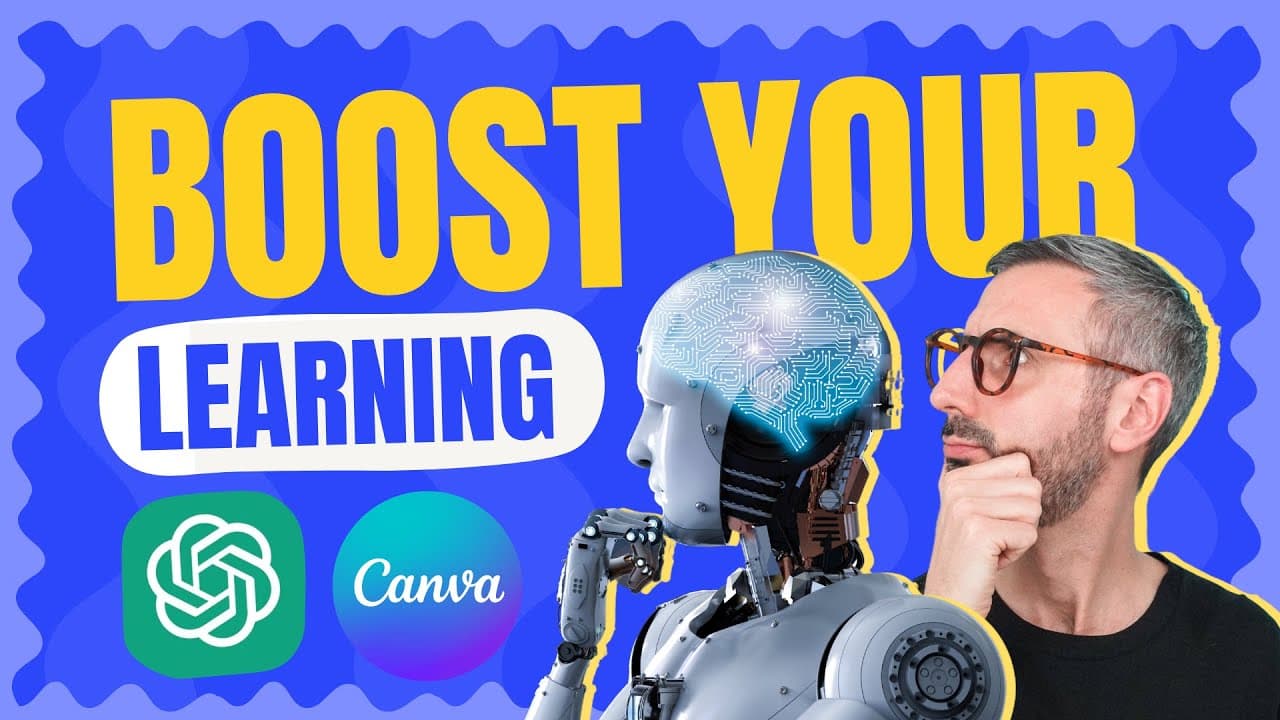
To effectively learn graphic design using ChatGPT and Canva, start by defining what skills you want to acquire, such as hard skills like design software or soft skills like communication. Use ChatGPT to gather detailed information and resources, then organize your learning visually in Canva. Combining these tools enhances your education by creating a structured, interactive learning path.
Transcript
let's see how we can learn pretty much anything by combining chat gpt's almost infinite knowledge with canvas powerful visual communication tools let's go what is up guys Ronnie here welcome back to the channel today I have another chat GPT plus canva tutorial and this time I'd like to see how to use these tools to learn pretty much anything that i... Read More
Key Insights
- 🍦 Learning any skill requires defining what you want to learn and considering hard skills, career path skills, or soft skills.
- 👊 Chat GPT can provide information and guidance on various topics, including design principles, industry trends, and software recommendations.
- 🔨 Canva's visual communication tools can help organize and visualize the learning process effectively.
- 🎨 Websites, social media platforms, design communities, conferences, and podcasts are all valuable resources for learning and staying updated in the field of graphic design.
- 👊 Chat GPT's ability to generate comprehensive answers can be enhanced by formatting the responses into tables using Canva's capabilities.
- 👾 Canva's new whiteboard feature provides an infinite space to organize and structure the learning program.
- 👨🦱 Fact-checking the information provided by Chat GPT is crucial, as some links and URLs may be outdated or non-existent.
Install to Summarize YouTube Videos and Get Transcripts
Explore YouTube Video Summarizer or Get YouTube Transcript Extractor
Questions & Answers
Q: How can I use Chat GPT and Canva to learn a new skill?
By utilizing Chat GPT's vast knowledge and Canva's visual communication tools, you can gather information and organize your learning journey effectively.
Q: What are the three ways to answer the question of what to learn?
The three ways are to consider hard skills, career path skills, or soft skills that are relevant to your learning goals.
Q: How can I keep up with the latest graphic design trends?
Some ways to stay updated with industry trends include following design publications, utilizing social media platforms, joining design communities, attending conferences and events, and listening to design podcasts.
Q: What are some popular graphic design tools and software mentioned by Chat GPT?
Chat GPT suggests Adobe Creative Suite, Sketch, Figma, Canva, and Procreate as popular graphic design tools and software to learn.
Summary & Key Takeaways
-
Define what you want to learn, whether it's hard skills, career path skills, or soft skills.
-
Choose a topic to learn, such as becoming a better graphic designer.
-
Use Chat GPT to obtain information and Canva to organize and visualize your learning program.
Read in Other Languages (beta)
Share This Summary 📚
Summarize YouTube Videos and Get Video Transcripts with 1-Click
Try YouTube Summary with ChatGPT & Claude or YouTube Transcript Generator
Explore More Summaries from Design with Canva 📚


Summarize YouTube Videos and Get Video Transcripts with 1-Click
Try YouTube Summary with ChatGPT & Claude or YouTube Transcript Generator