Build a File Storage App with Role Based Authorization (Next.js, Shadcn, Typescript)
TL;DR
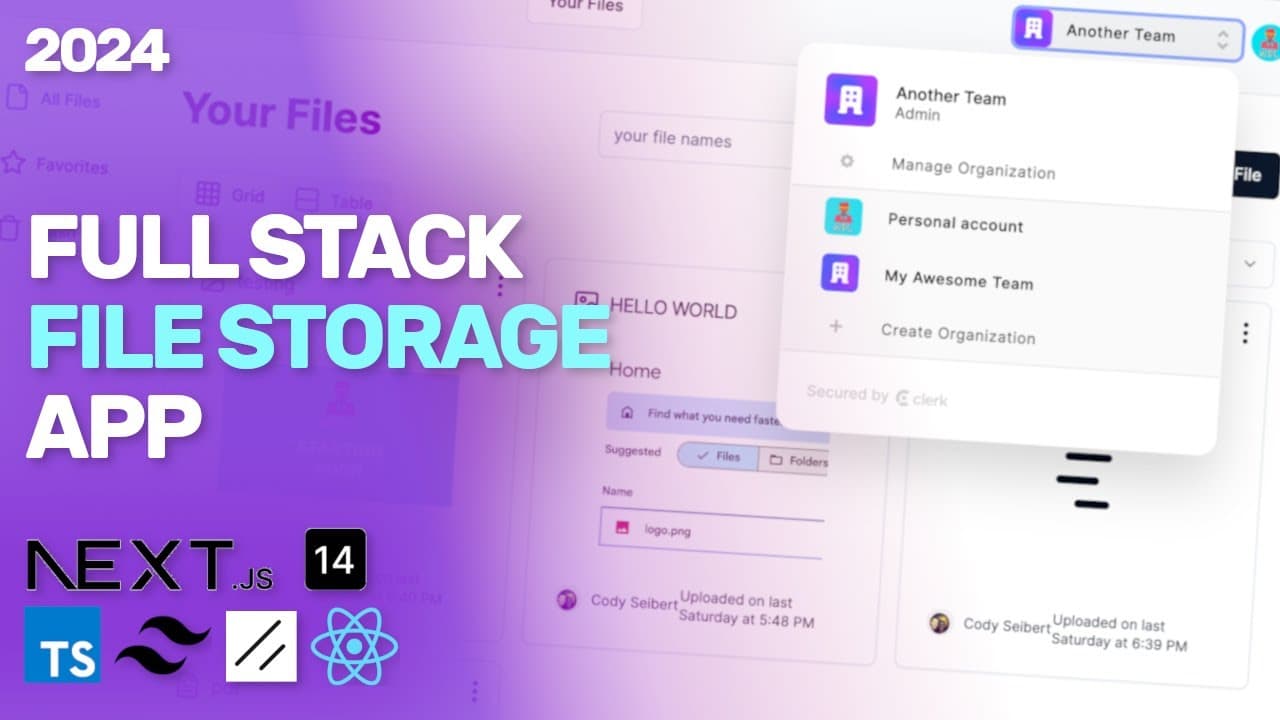
A complete tutorial on building a Google Drive clone using full stack technologies.
Transcript
hey everyone I'm excited to share with you this full stack tutorial that I've been working on where we basically build out a Google Drive mini clone so I'm going to walk through all the features and show you what I built and then you can watch the entire tutorial and see how I built this so if we go ahead and just click get started we don't have an... Read More
Key Insights
- 😒 Full stack development can be streamlined with the use of modern frameworks like Next.js and backend services like Convex and Clerk.
- 🫡 Implementing role-based access control enhances security and ensures that user permissions are respected within collaborative applications.
- 👤 Real-time data capabilities improve user engagement by providing instant feedback and updates within the application.
- 👤 The project emphasizes the importance of a responsive and user-friendly interface, integrating various UI components for better usability.
- 🫵 The ability to toggle between different views (card vs. table) caters to user preferences, ensuring flexibility in how data is displayed.
- 🍵 Leveraging cron jobs for file management adds a layer of efficiency in handling data upkeep and maintenance.
- 👤 Clear error handling and confirmation dialogs improve user experience by preventing accidental deletions and providing feedback.
Install to Summarize YouTube Videos and Get Transcripts
Explore YouTube Video Summarizer or Get YouTube Transcript Extractor
Questions & Answers
Q: What technologies are used in building the Google Drive mini clone?
The project utilizes Next.js for the front-end framework, Convex for real-time backend services, and Clerk for user authentication. Together, these technologies streamline the development process and enhance user experience.
Q: Can users manage their files and organize them into teams?
Yes, users can upload, favorite, delete, and restore files. They can also switch between personal and team-based organization accounts, allowing for better collaboration and file management among team members.
Q: How does the application handle file deletion and recovery?
Instead of immediate deletion, files are marked for deletion, allowing a cron job to periodically delete marked files. Users can also restore deleted files before they are permanently removed.
Q: What features are included to enhance user experience when viewing files?
The application offers both card and table views for displaying files, a search bar for finding specific files, and filters for categorizing content based on file types, improving navigation and accessibility.
Q: How does the application ensure secure file access?
Role-based access control is implemented, where users must possess the appropriate permissions to delete or manage files. This is facilitated by the integration of Clerk for authentication and proper user role management.
Q: What UI components are provided in the tutorial?
The tutorial includes UI components for authentication, file upload, search functionality, favorites management, and a footer with navigation links, all styled using the Shad CN component library.
Q: Is real-time data handling implemented in the application?
Yes, using Convex's capabilities, the application enables real-time updates, allowing users to see changes instantly when files are uploaded, deleted, or modified.
Summary & Key Takeaways
-
This tutorial provides a step-by-step guide to creating a Google Drive mini clone using Next.js, Convex, and Clerk for authentication.
-
The application includes features such as file upload, search functionality, role-based access, and organization management, showcasing how to implement a real-time data application.
-
Users can also manage their accounts, delete files, and view files in both card and table formats, with various filters to enhance user experience.
Read in Other Languages (beta)
Share This Summary 📚
Summarize YouTube Videos and Get Video Transcripts with 1-Click
Try YouTube Summary with ChatGPT & Claude or YouTube Transcript Generator
Explore More Summaries from Web Dev Cody 📚





Summarize YouTube Videos and Get Video Transcripts with 1-Click
Try YouTube Summary with ChatGPT & Claude or YouTube Transcript Generator