How to Deploy a Full Stack App Using Railway?
TL;DR
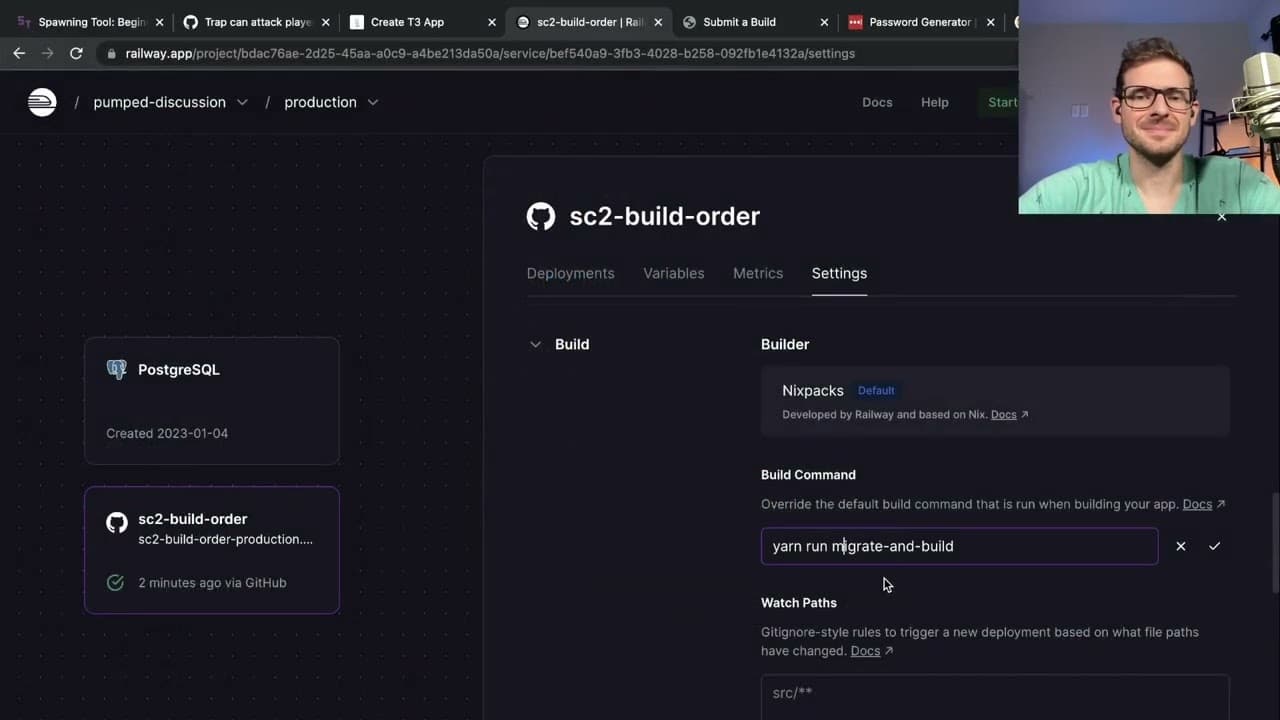
To deploy a full stack app with Railway, create a new project and connect your GitHub repository. Set up environment variables for the database URL and other configurations, then use migration scripts to manage schema changes. After resolving initial deployment issues, your app will be live and accessible for user interaction.
Transcript
so in this video I wanted to maybe try to deploy the Starcraft 2 build order application to a production environment right just deploy it somewhere so that people can play around with it hopefully they don't upload obscene builds just so that I can get real user feedback and people can tell me how garbage this app is I plan to use I think I might u... Read More
Key Insights
- 👀 Railway offers a convenient and straightforward means of deploying applications, making it suitable for developers looking to share their projects with real users.
- 👏 Proper environment variable configuration is essential for deployment, as it affects the app's ability to connect to its database and use authentication services securely.
- 💝 Using migration scripts ensures that the production database remains updated with the latest schema, reducing the risk of errors during application runtime.
- 👤 Iterative design is crucial; the presenter’s willingness to adjust the UI based on user feedback reflects the importance of maintaining a user-centered approach in development.
- 😀 Dealing with deployment issues can often reveal deeper insights into the app's structure, prompting developers to refine their code and improve overall efficiency.
- 👤 Continuous feedback is necessary for improving applications, as the presenter mentions encouraging users to provide input, which is vital for future updates.
- 👤 Balancing between functionality and user experience can drive design decisions; making interfaces intuitive can significantly affect user engagement and satisfaction.
Install to Summarize YouTube Videos and Get Transcripts
Explore YouTube Video Summarizer or Get YouTube Transcript Extractor
Questions & Answers
Q: What cloud platform does the presenter use for deployment?
The presenter uses Railway for deployment, which provides free credits for hosting applications. Railway simplifies the process by allowing direct deployment from a GitHub repository and automatically manages server resources.
Q: What are the initial setup requirements before deploying the application?
Before deployment, the application requires configuration of environment variables such as database URL, authentication secrets, and any additional settings specified in the project's configuration files. This preparation ensures a smooth deployment process without runtime errors.
Q: How does the presenter handle database migration in Railway?
The presenter discusses integrating a migration script that automatically runs against the production database whenever changes are merged to the main branch. This is crucial for keeping the database schema in sync with application updates, ensuring consistent functionality.
Q: What challenges did the presenter face during the deployment process?
The presenter encountered issues such as invalid environment variables and complications with the default configurations that were meant for other hosting services. This required adjusting settings, removing unnecessary features, and customizing the deployment to fit their specific requirements.
Q: What improvements did the presenter plan for the UI of the application?
The presenter considers improving the user interface by reorganizing filter options for better usability, suggesting that a layout similar to an e-commerce site would enhance user experience by reducing the steps needed to find relevant build orders.
Q: Why does the presenter not use certain services, like Discord?
The presenter mentions removing Discord integration because it was unnecessary for their application in its current state. Keeping the app simple and focused on core functionalities is prioritized over including unneeded services that could complicate the setup.
Summary & Key Takeaways
-
The video showcases the deployment of a Starcraft 2 build order application to a production environment using Railway, a cloud platform offering easy app deployment.
-
Various setup steps are demonstrated, including configuring database URLs, handling environment variables, and troubleshooting initial deployment issues to ensure a successful launch.
-
The presenter also discusses UI improvements, including filtering options and user experience enhancements for the application’s main page.
Read in Other Languages (beta)
Share This Summary 📚
Summarize YouTube Videos and Get Video Transcripts with 1-Click
Try YouTube Summary with ChatGPT & Claude or YouTube Transcript Generator
Explore More Summaries from Web Dev Cody 📚





Summarize YouTube Videos and Get Video Transcripts with 1-Click
Try YouTube Summary with ChatGPT & Claude or YouTube Transcript Generator