How to Build a Dropdown Component with Tailwind and React
TL;DR
To build a dropdown component with Tailwind CSS and React, create a functional component that manages its open/close state using React hooks. Utilize Tailwind's utility classes for styling, ensuring a responsive design, and consider user experience by incorporating hover effects and accessibility best practices.
Transcript
testing all right um let me share a link real quick i'm just getting set up i don't know if it was in the stream right now but just trying to get set up a project that has some tailwind so i can actually just practice building out some smaller widgets one thing i've noticed with tailwind is like i i i'm pretty familiar with css and all the css prop... Read More
Key Insights
- 💨 Tailwind CSS simplifies the styling process by offering utility classes that enable faster development cycles.
- 🥺 Viewer engagement during coding streams can lead to interactive learning and help developers overcome obstacles by sharing knowledge and tips.
- 👨💻 Understanding Typescript's role in defining component prop types enhances code quality and maintains proper typing during development.
- 🥺 Structuring components effectively in React, using hooks to manage state, can lead to more maintainable and scalable applications.
- 😛 The importance of feedback loops in coding, where developers refine their approaches based on trials, can prevent getting stuck on a single solution.
- 👤 Building UI components should consider user experience, especially in terms of accessibility and responsiveness for various devices.
Install to Summarize YouTube Videos and Get Transcripts
Explore YouTube Video Summarizer or Get YouTube Transcript Extractor
Questions & Answers
Q: What is Tailwind CSS, and why is it useful for building UI components?
Tailwind CSS is a utility-first CSS framework that provides a set of pre-defined classes for styling web components directly in the markup. This approach increases productivity by reducing the need to write custom CSS styles and helps maintain consistent designs across projects.
Q: How can the dropdown component be expanded to include more features?
To enhance the dropdown component, features like keyboard accessibility, support for multi-select options, and animations for the dropdown appearance can be added. Integrating a search bar within the dropdown can also improve usability, especially for larger sets of options.
Q: What were some challenges faced during the stream regarding Tailwind CSS?
The host encountered difficulties with memorizing Tailwind classes and error management in Typescript, particularly understanding the right ways to implement responsive designs and how to properly structure States in functional components.
Q: How does the stream emphasize collaboration and community involvement?
The host actively engages with the audience, asking for suggestions on components to build and incorporating viewer feedback into the programming process, thus fostering a collaborative learning environment.
Summary & Key Takeaways
-
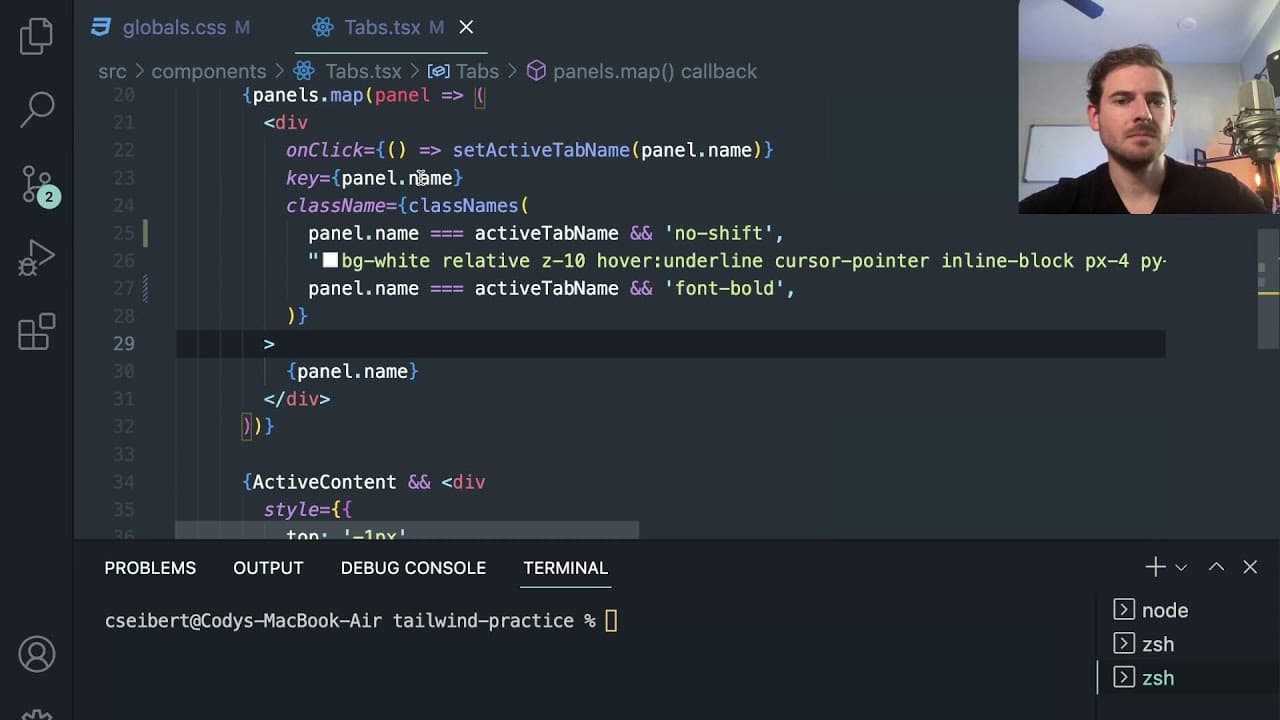
The stream covers building a dropdown component and tab interface using Tailwind CSS alongside functional React components, emphasizing interactive design.
-
Throughout the coding session, the host seeks viewer input for design ideas, showcasing the use of Tailwind's utility classes to streamline styling.
-
Challenges faced include understanding Tailwind class naming and Typescript interfaces, leading to discussions about best coding practices and enhancing productivity.
Read in Other Languages (beta)
Share This Summary 📚
Summarize YouTube Videos and Get Video Transcripts with 1-Click
Try YouTube Summary with ChatGPT & Claude or YouTube Transcript Generator
Explore More Summaries from Web Dev Cody 📚





Summarize YouTube Videos and Get Video Transcripts with 1-Click
Try YouTube Summary with ChatGPT & Claude or YouTube Transcript Generator