How to Use the Omniverse UE4 Connector for Asset Management
TL;DR
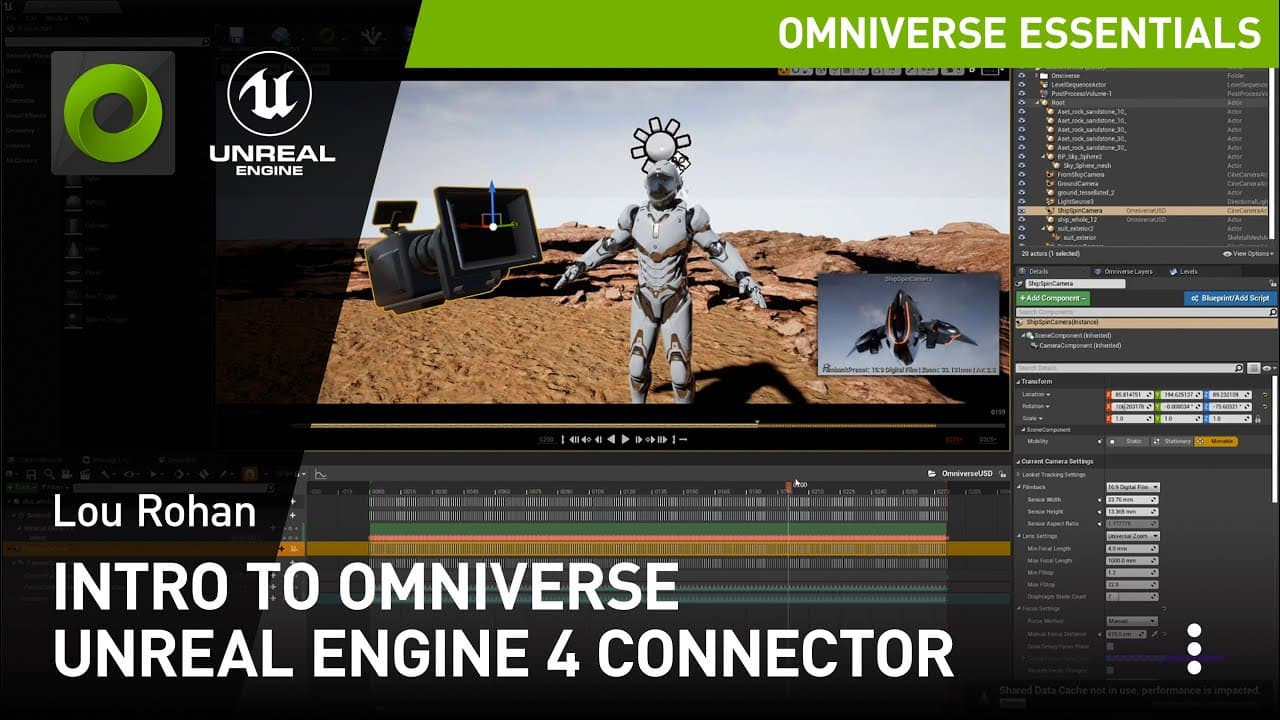
The Omniverse UE4 Connector enables seamless export, import, and editing of various Unreal Engine 4 assets, including meshes and materials. Users can connect to external servers to access content and use real-time rendering in Omniverse Create. While some UE4 material properties may not transfer perfectly, the workflow enhances collaboration and cross-platform editing capabilities.
Transcript
welcome to an overview of the omniverse ue4 connector the ue4 connector consists of two plug-ins a usd and an mdl plug-in these allow export import and editing of usd meshes skeletal meshes stages cameras lights and mdl materials that includes textures and materials and material instances we're going to start by showing you this taskbar icon omnive... Read More
Key Insights
- 😵 The Omniverse UE4 Connector provides a streamlined workflow for transferring assets between Unreal Engine 4 and Omniverse, enhancing collaboration and cross-platform compatibility.
- 👤 Users can add external servers in the content browser to directly access and import assets into UE4 without the need to manually transfer files.
- 👻 Exporting stages to Omniverse allows for real-time rendering, interactive editing, and support for level sequences in Omniverse Create.
- 🙂 The connector supports the export and import of various elements, including meshes, textures, materials, cameras, and lights.
- ❤️🩹 While exporting, certain properties of UE4 materials may not be available in MDL materials, but this usually doesn't have a significant impact on the end result.
- 🫵 Imported assets in Omniverse are cached locally, and users can view and edit the imported materials, textures, and meshes.
- 🧘 The overview demonstrates the export, import, and editing capabilities of the Omniverse UE4 Connector, showcasing its usefulness in a production pipeline.
Install to Summarize YouTube Videos and Get Transcripts
Explore YouTube Video Summarizer or Get YouTube Transcript Extractor
Questions & Answers
Q: What is the purpose of the Omniverse UE4 Connector?
The Omniverse UE4 Connector allows for the seamless transfer of assets between UE4 and Omniverse, enabling users to export, import, and edit USD meshes, stages, cameras, lights, and MDL materials.
Q: Can I import assets from external servers using the connector?
Yes, you can add servers in the content browser and browse, import, and use stages, meshes, and materials from those servers directly within the UE4 editor.
Q: How does the export process work?
To export a stage from UE4 to Omniverse, you can right-click on the desired level in the browser and choose the "Export to Omniverse" option. The exported stage will include meshes, textures, materials, and even level sequence data.
Q: Is it possible to edit the materials after importing them into Omniverse?
Yes, the imported materials in Omniverse are fully editable. You can change properties, textures, and other settings dynamically to achieve the desired visual effect.
Summary & Key Takeaways
-
The Omniverse UE4 Connector consists of two plugins, a USD and MDL plugin, allowing for the export, import, and editing of various elements in Unreal Engine 4 (UE4).
-
Users can add servers in the content browser to access and import stages, meshes, and materials from external sources.
-
The exported stages can be viewed and edited in Omniverse Create, with real-time rendering and support for level sequences.
Read in Other Languages (beta)
Share This Summary 📚
Summarize YouTube Videos and Get Video Transcripts with 1-Click
Try YouTube Summary with ChatGPT & Claude or YouTube Transcript Generator
Explore More Summaries from NVIDIA 📚


Summarize YouTube Videos and Get Video Transcripts with 1-Click
Try YouTube Summary with ChatGPT & Claude or YouTube Transcript Generator