How to Turn AI-Generated Images into Videos
TL;DR
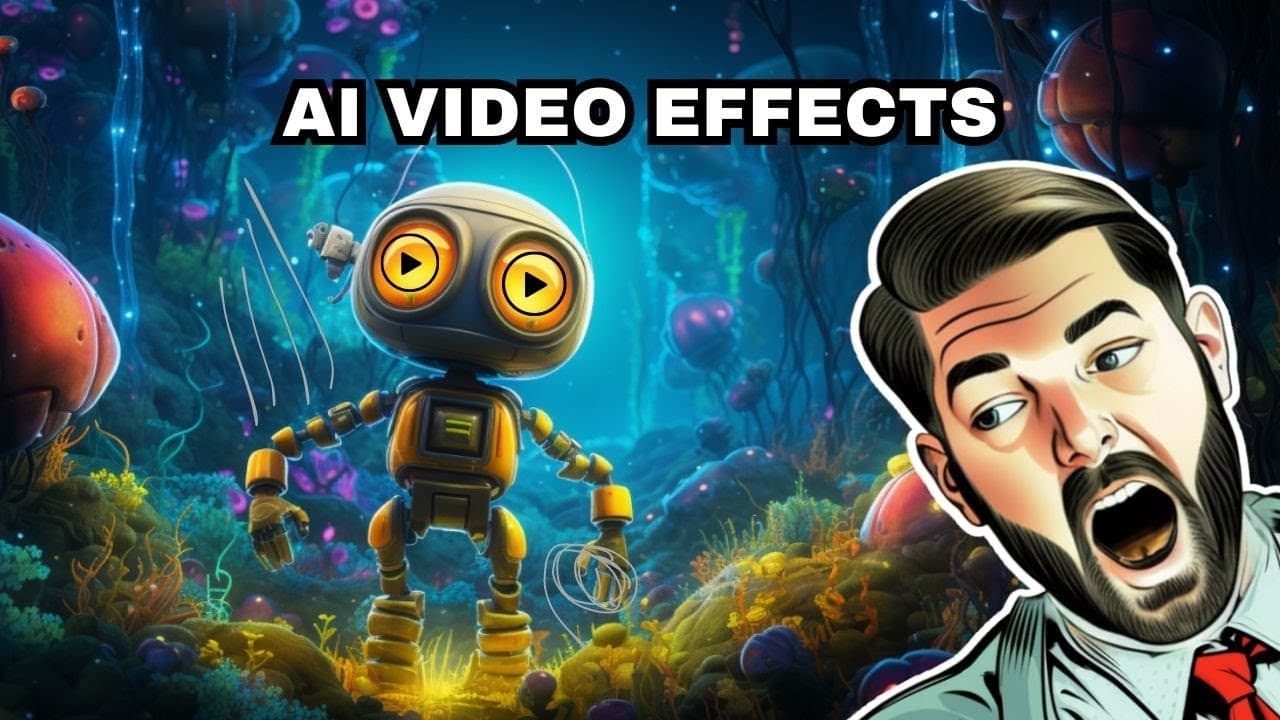
To turn AI-generated images into videos, use tools like Midjourney and Runway Gen 2 for animation. Start by generating a still image, then create animations by manipulating frames and layering videos in software like DaVinci Resolve. Experimenting with various AI tools can yield creative visual effects, such as transforming into animated characters.
Transcript
in this video we're going to have some fun I want to experiment with a handful of different AI generation tools to make videos like the one that you're seeing on the screen right now and I'll also show you how I made this video where I turn myself into a robot by pulling a picture frame over myself there's a handful of cool tools that I haven't rea... Read More
Key Insights
- 🎮 The video demonstrates the use of various AI tools like mid Journey, Runway Gen 2, and kyber for video creation.
- 🥺 Overlaying videos and animating effects in DaVinci Resolve can lead to creative visual transformations.
- 🖼️ The viral trend of turning into a robot using a picture frame inspired by the creator's initial video.
- 🎮 AI tools offer endless possibilities for creativity and experimentation in video production.
- 🎮 Combining different AI tools can result in unique and visually appealing video content.
- 🤖 The process of transforming into a robot involves strategic overlaying and animating of video layers.
- 🛟 The creator's experimentation with AI tools serves as inspiration for others to explore creative video-making techniques.
Install to Summarize YouTube Videos and Get Transcripts
Explore YouTube Video Summarizer or Get YouTube Transcript Extractor
Questions & Answers
Q: What AI tools were used in the video for creating animations?
The video showcased the use of tools like mid Journey, Runway's Gen 2, and kyber for generating images and animations with unique effects.
Q: How did the creator transform into a robot in the video?
The transformation into a robot was achieved through a process involving overlaying two videos in DaVinci Resolve and animating a crop effect to reveal the robot layer gradually.
Q: What inspired the viral video trend of transforming into a robot with a picture frame?
The creator's initial video inspired others to recreate the effect by overlaying videos, using AI tools, and adding visual effects to create a seamless transformation into a robot.
Q: How can viewers replicate the creative AI experimentation shown in the video?
Viewers can explore AI tools like mid Journey, Gen 2, and kyber, follow the process of overlaying videos, and experiment with visual effects to create their unique video creations.
Summary & Key Takeaways
-
Using AI tools like mid Journey, Gen 2, and kyber for video creation.
-
Demonstrating the process of generating animations and videos with AI.
-
Highlighting a viral video trend of transforming into a robot using visual effects.
Read in Other Languages (beta)
Share This Summary 📚
Summarize YouTube Videos and Get Video Transcripts with 1-Click
Try YouTube Summary with ChatGPT & Claude or YouTube Transcript Generator
Explore More Summaries from Matt Wolfe 📚
Summarize YouTube Videos and Get Video Transcripts with 1-Click
Try YouTube Summary with ChatGPT & Claude or YouTube Transcript Generator