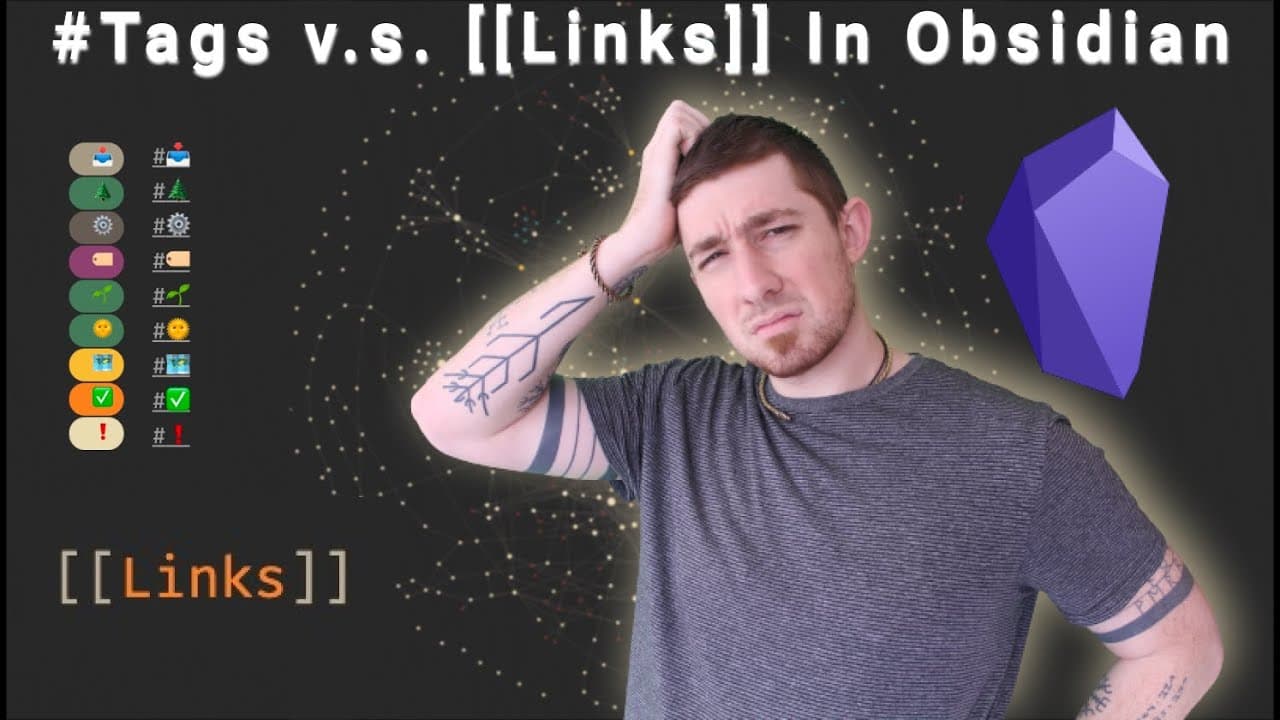
Here Is How I Use Tags 🏷️ And Links 🔗️ In Obsidian To Manage My Zettelkasten 📝️
TL;DR
Learn why the use of links as tags in a knowledge management system can enhance organization and knowledge discovery.
Transcript
links or tags in your zettlecaustin system which one should you use why what are the benefits drawbacks of either approach and how do i use them that's what we're going to cover today stay tuned welcome back everyone if you're new here my name is brian jenks and today i'm going to be talking about why i use links as my tags and tags are basically j... Read More
Key Insights
- 🍻 Using links as tags can enhance organization and knowledge discovery in a digital knowledge management system like Obsidian.
- 🍻 Links provide a flexible and adaptable structure that can adapt to the evolving nature of knowledge.
- 🍁 By promoting frequently referenced tags to map of content (mock) notes, you can create a hierarchal structure for organizing related concepts.
Install to Summarize YouTube Videos and Get Transcripts
Explore YouTube Video Summarizer or Get YouTube Transcript Extractor
Questions & Answers
Q: What is the main benefit of using links as tags in a knowledge management system?
By using links as tags, you can create a web of connected knowledge, allowing for easy discovery and traversal of related notes and concepts. It also provides a flexible and adaptable structure for organizing digital knowledge.
Q: How do links differ from tags in Obsidian?
In Obsidian, tags are soft links that do not directly link files together. They serve as status indicators. On the other hand, links create actual connections between files and can be used as both links and tags simultaneously.
Q: How can links as tags help in identifying and structuring emerging topics?
By tagging notes that do not yet exist but are frequently referenced, you can monitor patterns and identify emerging topics. These tags can then be promoted to map of content (mock) notes, creating a structured hierarchy of related concepts.
Q: How does using links as tags support knowledge discovery and serendipitous connections?
By creating a web of interconnected notes through links, you can serendipitously discover forgotten or overlooked connections between concepts. It allows for a more intuitive and exploratory approach to knowledge discovery.
Summary & Key Takeaways
-
This content discusses the use of links as tags in a knowledge management system, specifically in Obsidian.
-
The author explains the benefits of using links as status indicators for notes and how it supports the use of maps of content.
-
They discuss the differences between tags and links in Obsidian and how links can create a web of connected knowledge.
-
The author emphasizes the importance of this approach in structuring and organizing digital knowledge in a way that is flexible and less burdensome than traditional folder hierarchies.
Read in Other Languages (beta)
Share This Summary 📚
Summarize YouTube Videos and Get Video Transcripts with 1-Click
Try YouTube Summary with ChatGPT & Claude or YouTube Transcript Generator
Explore More Summaries from Bryan Jenks 📚
![The Absolute State of [[Spaced Repetition]] In Obsidian | Anki, Plugins, Workflows, & More 🧠️ thumbnail](/_next/image?url=https%3A%2F%2Fi.ytimg.com%2Fvi%2FOqVs1Sw-Ahg%2Fhqdefault.jpg&w=750&q=75)

![👑️ My 2021 Comprehensive Obsidian Zettelkasten Workflow 👑️ [Copious Timestamps] 🏷️ thumbnail](/_next/image?url=https%3A%2F%2Fi.ytimg.com%2Fvi%2FwB89lJs5A3s%2Fhqdefault.jpg&w=750&q=75)


Summarize YouTube Videos and Get Video Transcripts with 1-Click
Try YouTube Summary with ChatGPT & Claude or YouTube Transcript Generator