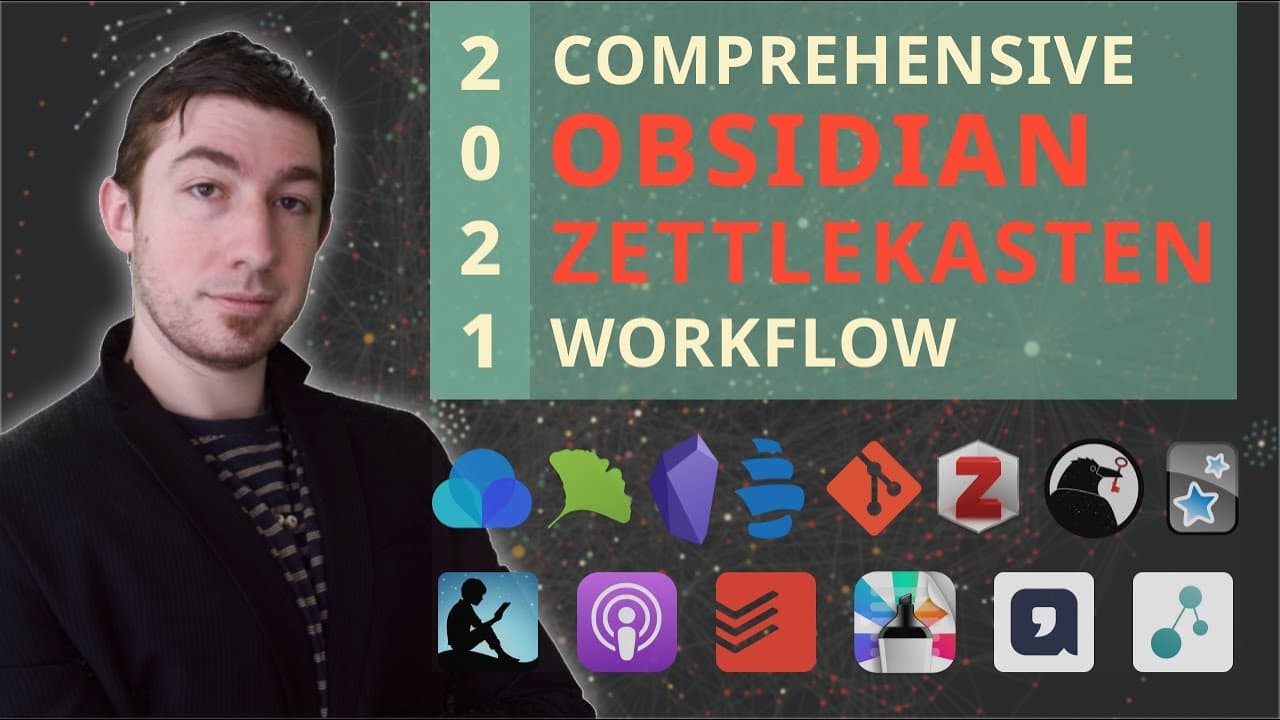
👑️ My 2021 Comprehensive Obsidian Zettelkasten Workflow 👑️ [Copious Timestamps] 🏷️
TL;DR
This video provides an updated workflow for using Obsidian and Zettlecostin, covering personal knowledge management, productivity systems, and various tools and methods for organization and productivity.
Transcript
welcome back everyone if you're new here my name is brian jenks and today is the long long awaited debut of my updated comprehensive obsidian and zettlecostin workflow that's probably the most popular video on my channel for my 2020 version and a lot of things have changed since then and between each of these videos or even every individual video i... Read More
Key Insights
- 💭 The presenter's goals for the personal knowledge management system include creative output, external framework for thought, and statistics for research papers.
- 👻 Quick capture is an essential part of the workflow, allowing for efficient capturing of ideas and notes.
- 💁 Searching and filtering methods such as textual searches and symbolic taxonomy help in finding specific information in the system.
- 🍁 Different approaches to structure, such as folder systems and freeform maps of content, cater to personal preferences and desired levels of organization and flexibility.
- 👨🔬 Curating a large knowledge base can be done through following rhizomes, local graph traversals, reviews, and smart random searches.
- 🔨 Balancing aesthetics, automation, and tool selection is important to ensure the system is both inviting and functional.
Install to Summarize YouTube Videos and Get Transcripts
Explore YouTube Video Summarizer or Get YouTube Transcript Extractor
Questions & Answers
Q: How does the presenter approach the process of capturing ideas and notes?
The presenter uses a quick capture system, capturing ideas and notes through daily notes, task management software, and other tools. This allows for quick and efficient capturing of thoughts and ideas for later processing.
Q: What are some methods suggested for searching and finding information in the system?
The presenter suggests using textual searches, regular expressions, symbolic taxonomy, and filters to search for specific information in the system. These methods allow for efficient and targeted retrieval of information based on specific criteria.
Q: How does the presenter recommend structuring the personal knowledge management system?
The presenter explains different approaches to structure, ranging from rigid folder systems to freeform maps of content. The choice of structure depends on personal preferences and the desired level of organization and flexibility.
Q: What are some techniques for curating a large knowledge base in the system?
The presenter suggests following topic rhizomes, using local graph traversals, setting intervals for reviews, and using smart random searches to curate and maintain a large knowledge base. These techniques help in organizing and updating the system over time.
Summary & Key Takeaways
-
The video covers the updated comprehensive workflow for using Obsidian and Zettlecostin.
-
The content explores the personal knowledge management system, including processing inputs, managing tasks, and leveraging various applications.
-
The presenter emphasizes the importance of focusing on results and productivity, rather than getting caught up in the latest tools and trends.
Read in Other Languages (beta)
Share This Summary 📚
Summarize YouTube Videos and Get Video Transcripts with 1-Click
Try YouTube Summary with ChatGPT & Claude or YouTube Transcript Generator
Explore More Summaries from Bryan Jenks 📚


![The Absolute State of [[Spaced Repetition]] In Obsidian | Anki, Plugins, Workflows, & More 🧠️ thumbnail](/_next/image?url=https%3A%2F%2Fi.ytimg.com%2Fvi%2FOqVs1Sw-Ahg%2Fhqdefault.jpg&w=750&q=75)
Summarize YouTube Videos and Get Video Transcripts with 1-Click
Try YouTube Summary with ChatGPT & Claude or YouTube Transcript Generator