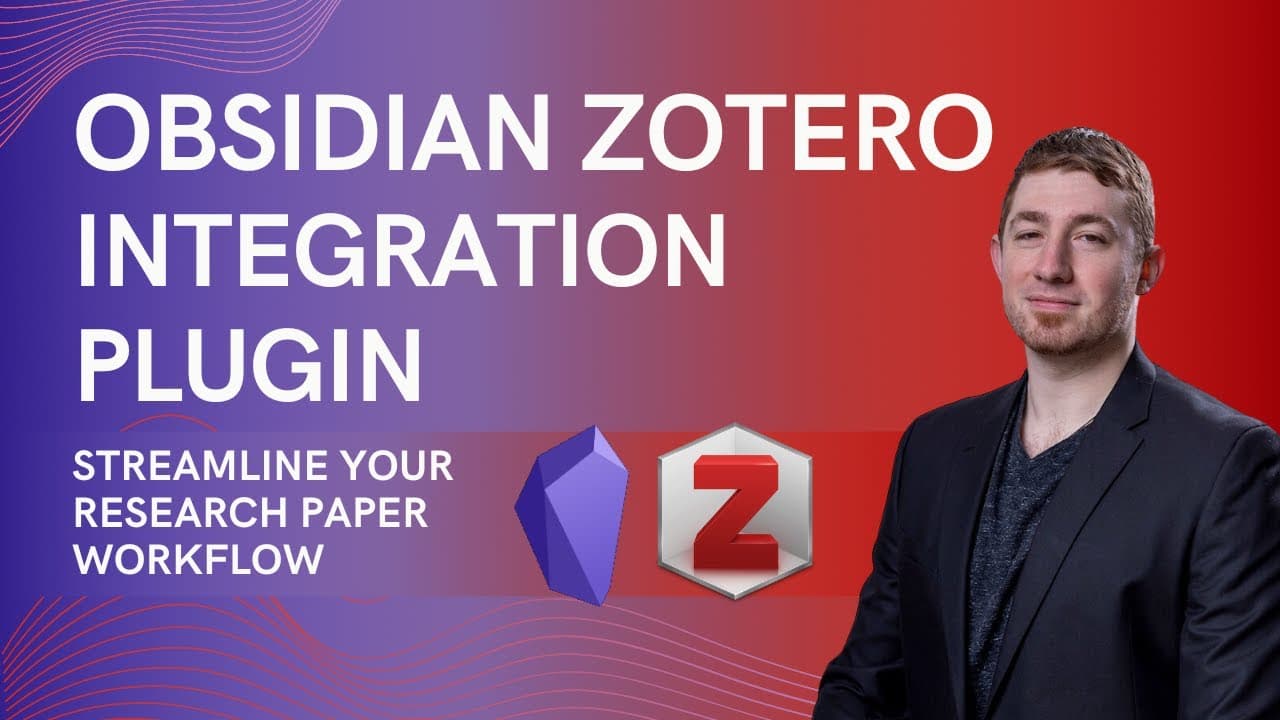
Obsidian Zotero Integration Plugin | Streamline Your Research Paper Workflow 📝️
TL;DR
Learn how to set up the Zotero integration plugin for efficient management of research paper workflow, including extracting annotations, organizing images, and creating notes in Obsidian.
Transcript
so it's been a while since I've done much with my research paper workflow and I was still using the MD notes workflow zot file doesn't work anymore after zotero version six the links back to zotero to the granular fine links for the extracted annotations didn't work anymore and I just never had the time to actually figure out the zotero integration... Read More
Key Insights
- 😃 Key Insight 1: The MD notes workflow in Zotero no longer works after version six, but the Zotero integration plugin offers a viable alternative for managing research papers, notes, and annotations.
- 😊 Key Insight 2: To set up the Zotero integration plugin, users need to install the community plugin and browse for the Zotero integration plugin. Reading the documentation is also recommended.
- 👌 Key Insight 3: Setting up the Zotero integration plugin involves downloading the .xpi file from the provided link and dragging it into the Zotero tools add-ons folder. Restarting Zotero may be required.
- 📚 Key Insight 4: Better BibTeX installation is recommended for efficient management of citations and references in Zotero.
- 🔧 Key Insight 5: The plugin offers various configuration settings, including options for PDF utility, note import location, citation command format, and note importing settings.
- 🖼️ Key Insight 6: Images and annotations from Zotero can be sent to Obsidian, organized in specific folders under 'media/zotero', and referenced using the site key and page numbers.
- 🔄 Key Insight 7: The plugin allows for automated renaming of extracted papers, keeping track of related papers, and generating metadata such as abstracts and URLs.
- 💡 Key Insight 8: The workflow involves using hotkeys to import papers, creating note templates with customizable metadata, and using the Jinja syntax to generate notes with annotations and images. The workflow can be personalized based on individual preferences and note-taking methods.
Install to Summarize YouTube Videos and Get Transcripts
Explore YouTube Video Summarizer or Get YouTube Transcript Extractor
Questions & Answers
Q: How can the Zotero integration plugin improve the efficiency of managing research paper workflow?
The Zotero integration plugin allows users to seamlessly extract annotations, organize images, and create notes in Obsidian, eliminating the need for manual workflows and enhancing productivity.
Q: What are the steps to set up and configure the Zotero integration plugin for research paper workflow?
To set up the Zotero integration plugin, users need to install the plugin, activate it, and configure settings such as the location for importing notes and the format for citation commands.
Q: How can users organize and reference images within their research paper notes?
Users can create a dedicated folder for images in Zotero and organize them using the site key and page numbers. The images can be easily referenced and reused in other papers.
Q: What are some advantages of using the Zotero integration plugin for research paper workflow?
The Zotero integration plugin streamlines the workflow by automating the extraction of annotations, organizing images, and creating structured notes. It also offers flexibility in configuring settings according to individual preferences.
Q: How does the Zotero integration plugin enhance the organization and accessibility of research paper annotations?
By linking annotations directly to the original source in Zotero and creating a structured note template, the Zotero integration plugin ensures that annotations are easily accessible and well-organized, improving research paper management.
Summary & Key Takeaways
-
The author discusses the process of setting up and configuring the Zotero integration plugin to streamline their research paper workflow.
-
They explain how to install the plugin, customize settings, and set up a template for extracting annotations and creating notes in Obsidian.
-
The author also demonstrates how to organize images and reference them within the notes using the site key and page numbers.
Read in Other Languages (beta)
Share This Summary 📚
Summarize YouTube Videos and Get Video Transcripts with 1-Click
Try YouTube Summary with ChatGPT & Claude or YouTube Transcript Generator
Explore More Summaries from Bryan Jenks 📚
![The Absolute State of [[Spaced Repetition]] In Obsidian | Anki, Plugins, Workflows, & More 🧠️ thumbnail](/_next/image?url=https%3A%2F%2Fi.ytimg.com%2Fvi%2FOqVs1Sw-Ahg%2Fhqdefault.jpg&w=750&q=75)
![👑️ My 2021 Comprehensive Obsidian Zettelkasten Workflow 👑️ [Copious Timestamps] 🏷️ thumbnail](/_next/image?url=https%3A%2F%2Fi.ytimg.com%2Fvi%2FwB89lJs5A3s%2Fhqdefault.jpg&w=750&q=75)


Summarize YouTube Videos and Get Video Transcripts with 1-Click
Try YouTube Summary with ChatGPT & Claude or YouTube Transcript Generator