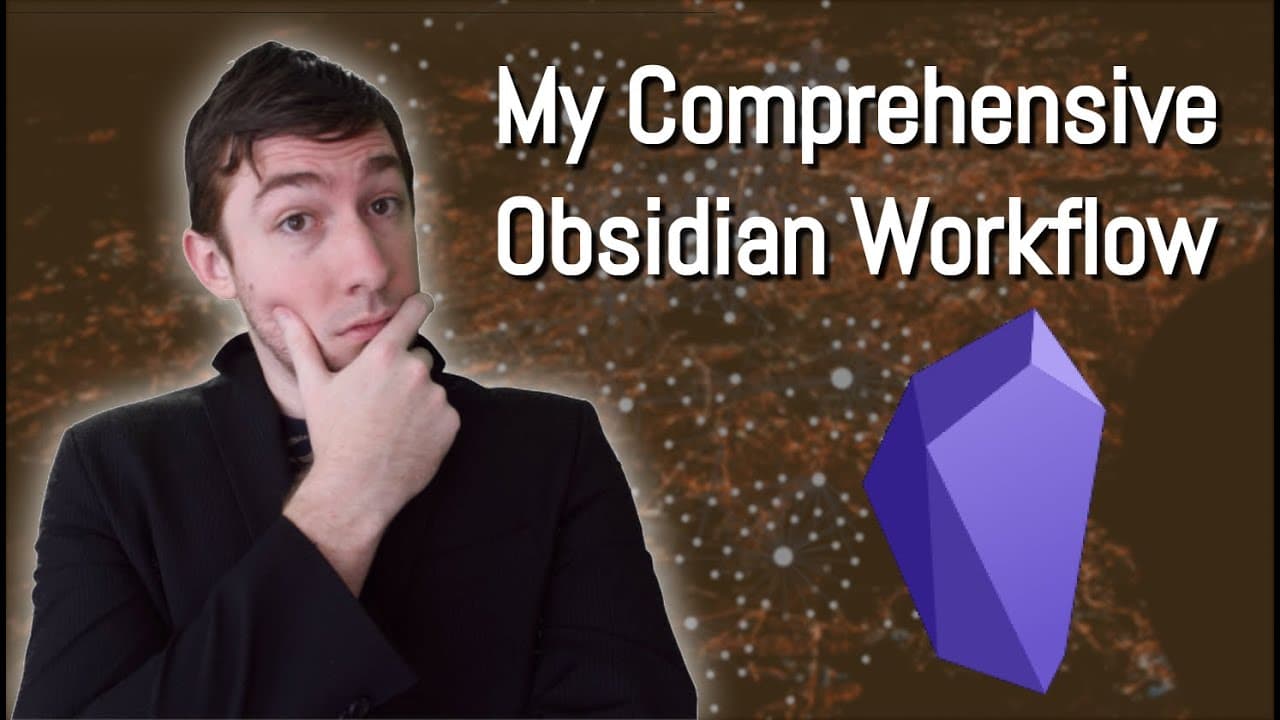
My 2020 Comprehensive Obsidian Workflow For Zettelkasten and Evergreen Notes
TL;DR
This video discusses the YouTuber's personal knowledge management system using Obsidian, combining elements of zettelkasten and evergreen notes.
Transcript
welcome back everyone if you're new here my name is brian jenks and today i'm going to be talking about how i use obsidian for my personal knowledge management system obsidian is a free application that you can go and download off of obsidian.md and it has a very welcoming and very active community of developers and supporters it's a very awesome a... Read More
Key Insights
- 🔎 Obsidian is a free application for personal knowledge management with a welcoming and active community of developers and supporters.
- 🎯 Obsidian combines the paradigms of Zettelkasten and evergreen notes to create a personalized knowledge management system.
- 📚 Zettelkasten was developed by German sociologist Nicholas Luhmann and involves using note cards to generate unique ideas and connect them through an indexing system.
- 💡 Evergreen notes, based on the ideas of Andy Matuschak, focus on distilling an idea down to its simplest component and linking it to other atomic notes.
- 💻 Obsidian offers features like powerful search options, mass editing capabilities, and cloud hosting for plain text files, making it portable and easily accessible.
- 🌱 The workflow for personal knowledge management with Obsidian involves reading, capturing ideas, generating seedlings, and linking them to existing knowledge through an evergreen note forest.
- ⚙️ Obsidian's versatility allows for various workflows, including note-taking on YouTube videos, podcasts, research papers, and articles, all of which can be easily processed and linked together.
- 🔁 The use of tags, templates, and search functions in Obsidian helps with organization and retrieval of notes, while the graph view provides a visual overview of the interconnectedness of ideas.
Install to Summarize YouTube Videos and Get Transcripts
Explore YouTube Video Summarizer or Get YouTube Transcript Extractor
Questions & Answers
Q: How does the YouTuber combine the concepts of zettelkasten and evergreen notes in their knowledge management system?
The YouTuber combines the principles of zettelkasten and evergreen notes by using Obsidian to link their ideas together and create a network of interconnected notes. They generate unique content by reviewing and refining their notes over time.
Q: What benefits does the YouTuber find in using Obsidian for their personal knowledge management system?
The YouTuber finds Obsidian's features of searching, mass editing, and cloud hosting particularly useful in their knowledge management system. These features help them easily navigate and organize their notes, as well as access them from anywhere.
Q: How does the YouTuber curate and organize their notes in Obsidian?
The YouTuber uses a combination of tags, file naming conventions, and saved searches to curate and organize their notes in Obsidian. They also utilize the random note feature to stumble upon notes and make edits as needed.
Q: How does the YouTuber integrate other sources of content, such as books, videos, podcasts, and research papers, into their knowledge management system?
The YouTuber explains how they process and link their notes from various sources such as books, videos, podcasts, and research papers in Obsidian. They also discuss the use of raindrop.io for saving online articles and the integration of Zotero for managing research papers and annotations.
Q: What other tools or techniques does the YouTuber use in their knowledge management system?
The YouTuber mentions the use of regular expressions, command-line utilities, and templates for tasks such as searching, organizing, and creating Anki flashcards. They also discuss the integration of Excalidraw for adding drawings or diagrams to their notes in Obsidian.
Summary & Key Takeaways
-
The YouTuber combines elements of zettelkasten and evergreen notes in their personal knowledge management system using Obsidian.
-
They explain the concepts of zettelkasten and how it aids creativity and content generation.
-
Obsidian's features, such as searching, mass editing, and cloud hosting, are highlighted as important tools in this system.
Read in Other Languages (beta)
Share This Summary 📚
Summarize YouTube Videos and Get Video Transcripts with 1-Click
Try YouTube Summary with ChatGPT & Claude or YouTube Transcript Generator
Explore More Summaries from Bryan Jenks 📚

![The Absolute State of [[Spaced Repetition]] In Obsidian | Anki, Plugins, Workflows, & More 🧠️ thumbnail](/_next/image?url=https%3A%2F%2Fi.ytimg.com%2Fvi%2FOqVs1Sw-Ahg%2Fhqdefault.jpg&w=750&q=75)

![👑️ My 2021 Comprehensive Obsidian Zettelkasten Workflow 👑️ [Copious Timestamps] 🏷️ thumbnail](/_next/image?url=https%3A%2F%2Fi.ytimg.com%2Fvi%2FwB89lJs5A3s%2Fhqdefault.jpg&w=750&q=75)
Summarize YouTube Videos and Get Video Transcripts with 1-Click
Try YouTube Summary with ChatGPT & Claude or YouTube Transcript Generator