Comprehensive Obsidian & Zotero Workflow For Zettelkasten & Evergreen Notes 📝
TL;DR
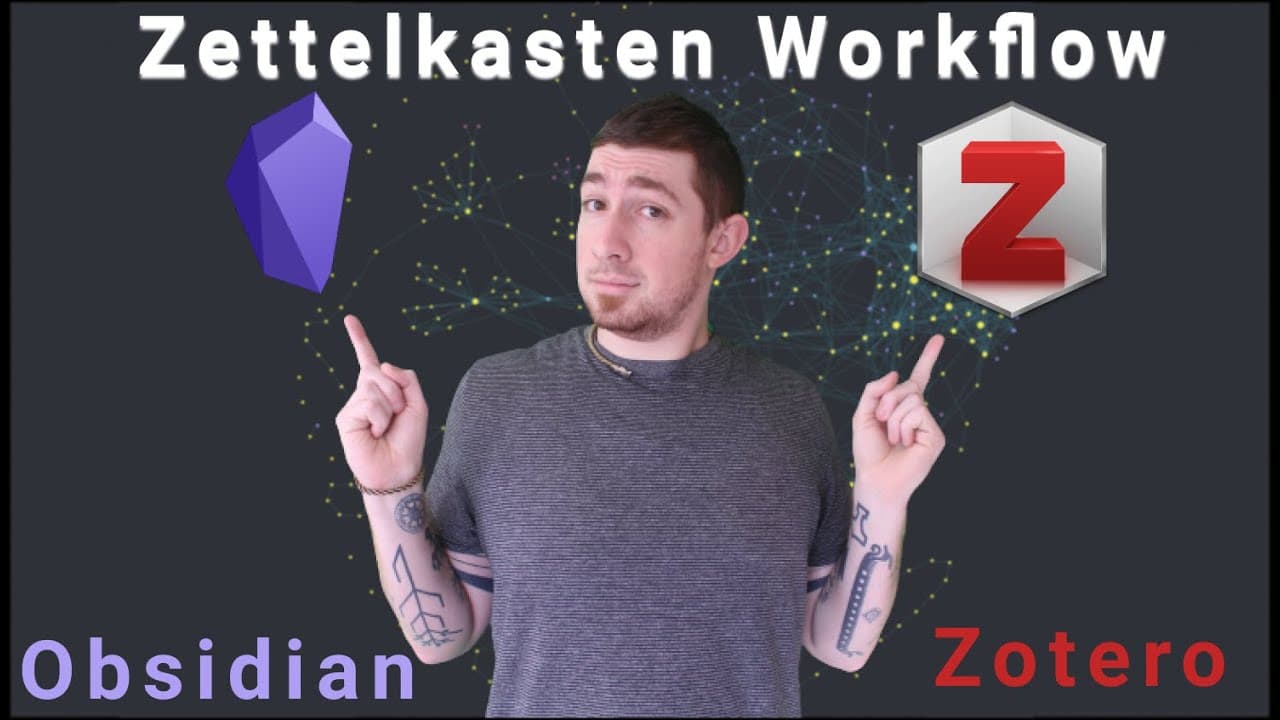
Learn how to use Zotero to annotate PDFs and extract Markdown notes for easy integration into Obsidian.
Transcript
welcome back everyone if you're new here my name is brian jenks and today we're going to talk about the md notes and zot file workflow to get markdown notes out of pdf annotations in zotero to obsidian a lot of words basically you want to markup pdfs in zotero in your reference manager and just get markdown notes for obsidian for your zettle costum... Read More
Key Insights
- 👨🔬 Zotero is a powerful reference manager that can be integrated with Obsidian for efficient note-taking and research organization.
- 💁 The ZotFile and MD Notes plugins enable the extraction and conversion of annotations from Zotero PDFs into Markdown format.
- 👨🔬 By using this workflow, users can easily navigate between notes and original PDFs, improving their research process.
- 🛀 The integration of Zotero and Obsidian eliminates the need for separate note-taking applications, keeping all resources in one place.
- 😒 The use of plain text Markdown notes ensures long-term compatibility and accessibility of research annotations.
- 👻 The Zotero workflow is highly customizable, allowing users to expand its functionality using additional plugins and features.
Install to Summarize YouTube Videos and Get Transcripts
Explore YouTube Video Summarizer or Get YouTube Transcript Extractor
Questions & Answers
Q: What is the benefit of using Zotero for managing research papers?
Zotero allows users to organize and store research papers and citations in one place, streamlining the research process and facilitating easy access to relevant information.
Q: How can I extract annotations from PDFs in Zotero?
By using the ZotFile plugin, you can extract annotations, including highlights and notes, from PDFs stored in Zotero.
Q: How do I convert extracted annotations to Markdown format?
The MD Notes plugin in Zotero converts the extracted annotations into Markdown format, making it compatible with note-taking systems like Obsidian.
Q: Can I access the original PDFs and annotations after converting them into Markdown notes?
Yes, the converted Markdown notes in Obsidian retain the links to the original PDFs and annotations, allowing you to access them directly from Obsidian.
Key Insights:
- Zotero is a powerful reference manager that can be integrated with Obsidian for efficient note-taking and research organization.
- The ZotFile and MD Notes plugins enable the extraction and conversion of annotations from Zotero PDFs into Markdown format.
- By using this workflow, users can easily navigate between notes and original PDFs, improving their research process.
- The integration of Zotero and Obsidian eliminates the need for separate note-taking applications, keeping all resources in one place.
- The use of plain text Markdown notes ensures long-term compatibility and accessibility of research annotations.
- The Zotero workflow is highly customizable, allowing users to expand its functionality using additional plugins and features.
- The video tutorial provides step-by-step instructions on setting up the Zotero and Obsidian workflow, making it accessible for users of varying technical expertise.
Summary & Key Takeaways
-
This video tutorial explains how to set up a workflow using Zotero and Obsidian to extract Markdown notes from annotated PDFs.
-
Zotero, a reference manager, allows users to collect research papers and citations in one place while taking notes and highlighting important information.
-
By using plugins like ZotFile and MD Notes, users can extract annotations from PDFs stored in Zotero and convert them into Markdown format for direct integration into Obsidian.
Read in Other Languages (beta)
Share This Summary 📚
Summarize YouTube Videos and Get Video Transcripts with 1-Click
Try YouTube Summary with ChatGPT & Claude or YouTube Transcript Generator
Explore More Summaries from Bryan Jenks 📚
![👑️ My 2021 Comprehensive Obsidian Zettelkasten Workflow 👑️ [Copious Timestamps] 🏷️ thumbnail](/_next/image?url=https%3A%2F%2Fi.ytimg.com%2Fvi%2FwB89lJs5A3s%2Fhqdefault.jpg&w=750&q=75)

![The Absolute State of [[Spaced Repetition]] In Obsidian | Anki, Plugins, Workflows, & More 🧠️ thumbnail](/_next/image?url=https%3A%2F%2Fi.ytimg.com%2Fvi%2FOqVs1Sw-Ahg%2Fhqdefault.jpg&w=750&q=75)
Summarize YouTube Videos and Get Video Transcripts with 1-Click
Try YouTube Summary with ChatGPT & Claude or YouTube Transcript Generator