How to Build a Local DeepSeek-R1 Coding App
TL;DR
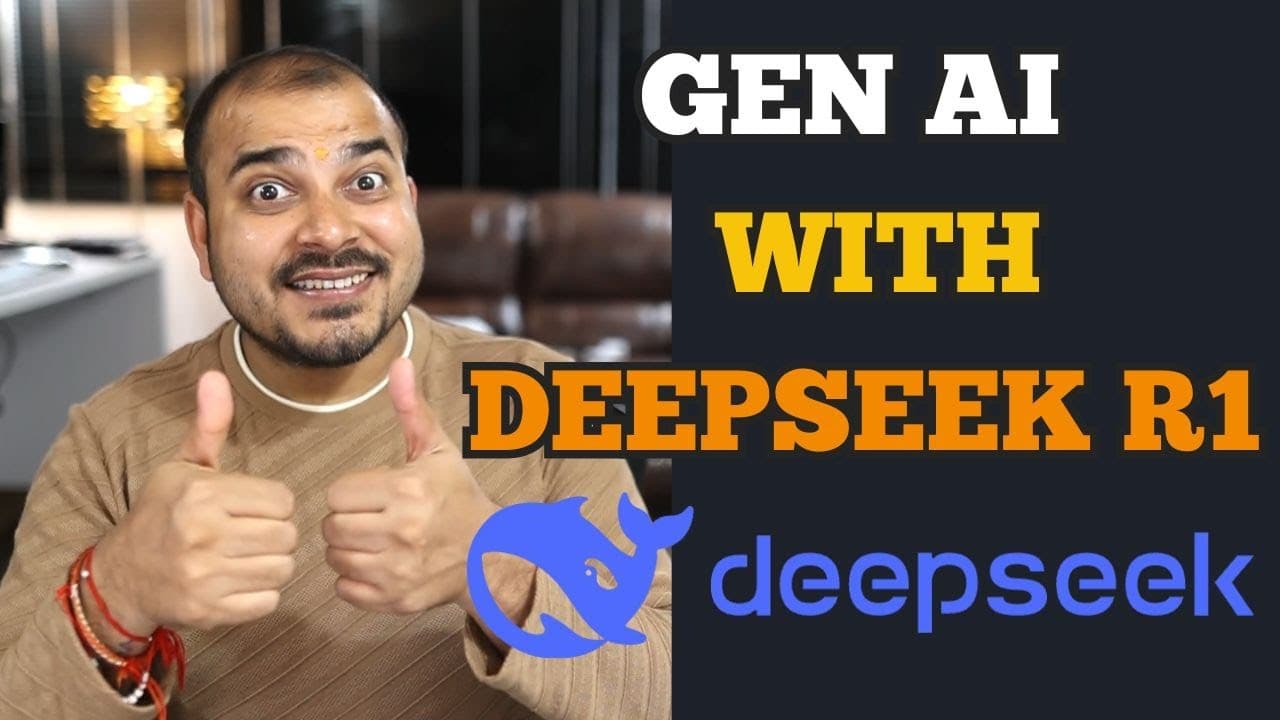
Run a DeepSeek-R1 distilled model locally through Ollama, connect it to LangChain with ChatOllama, and build a Streamlit coding assistant that retains chat history. The application uses selectable local models, a system prompt, session state, and chat components, keeping prompts on the local setup instead of sending them through the DeepSeek API.
Transcript
hello all my name is krishn and welcome to my YouTube channel so guys in this specific video I am going to show you how we can develop easy endtoend generative AI applications with the help of deep seek R1 model okay and this obviously I will be integrating the model uh I will probably use AMA in my local itself I'll download the entire model I'll ... Read More
Key Insights
- Ollama is used to download and run DeepSeek-R1 locally, allowing the application to access the model without using the DeepSeek API. The presenter chooses this arrangement because API conversations would send data to a remote server, while the demonstrated workflow keeps processing within the local setup.
- DeepSeek-R1 is available through Ollama in several parameter sizes, including 1.5 billion, 7 billion, 8 billion, 14 billion, 32 billion, 70 billion, and 671 billion. The tutorial recommends the smaller 1.5 billion parameter distilled model as a practical starting point for local experimentation.
- Local response speed is influenced by the computer configuration. The presenter reports fast generation on a desktop with 64 GB of RAM and an Nvidia Titan RTX GPU, while noting that users with different hardware may experience delays when running large language models locally.
- ChatOllama is the connection between LangChain and models downloaded through Ollama. The application supplies the selected model name, Ollama's local base URL, and a temperature of 0.3 when creating the language model engine used by the Streamlit coding assistant.
- The system prompt defines the assistant as an expert AI coding helper that provides concise and correct solutions. It also requests debugging strategies, debugging print statements, and English responses, showing how application-level instructions can shape the locally hosted model's behavior.
- Streamlit session state is used to preserve the message log during the application session. Each stored message includes a role and content, enabling the interface to reconstruct prior user and assistant messages and provide the chat-with-memory behavior planned for the application.
- The Streamlit sidebar provides model selection between DeepSeek-R1 distilled options, including 1.5 billion and 3 billion parameter entries. The selected value is passed into ChatOllama, although the presenter notes that a model must be downloaded locally before it can be used.
- The application stack includes Streamlit and LangChain packages for the interface, prompt construction, Ollama integration, and output handling. Imported components include ChatOllama, StrOutputParser, system and human message prompt templates, an AI message prompt template, and a chat prompt template.
Install to Summarize YouTube Videos and Get Transcripts
Explore YouTube Video Summarizer or Get YouTube Transcript Extractor
Questions & Answers
Q: How do you run DeepSeek-R1 locally with Ollama?
Install Ollama, locate the desired DeepSeek-R1 model in its model library, and run the corresponding Ollama command from a command prompt. The first run pulls the model and can take some time. After the download, Ollama presents a message prompt where you can test the model locally before connecting it to LangChain or Streamlit.
Q: Which DeepSeek-R1 model should you use for a local app?
The tutorial recommends beginning with the 1.5 billion parameter distilled model because it is the smallest option presented and is more practical than downloading a very large model. Ollama also lists 7 billion, 8 billion, 14 billion, 32 billion, 70 billion, and 671 billion variants, but the suitable choice depends on local system capabilities.
Q: How do you connect DeepSeek-R1 in Ollama to LangChain?
Import ChatOllama from the LangChain Ollama package and create a language model engine with the locally downloaded model's exact name. The demonstrated configuration also supplies Ollama's standard local base URL and sets the temperature to 0.3. The model selected in the Streamlit sidebar is passed directly into this ChatOllama configuration.
Q: How does the DeepSeek-R1 coding app retain chat history?
The application creates a message log inside Streamlit session state and keeps conversation entries there. Each entry contains a role and content value. The chat container loops through this stored state and displays the corresponding messages, allowing earlier user questions and assistant responses to remain visible and supporting the intended chat-with-memory experience.
Q: What packages are required for the local DeepSeek-R1 app?
The requirements shown include LangChain Core, LangChain Community, and the LangChain Ollama integration, while the code also imports Streamlit. Specific components include ChatOllama, StrOutputParser, SystemMessagePromptTemplate, HumanMessagePromptTemplate, AIMessagePromptTemplate, and ChatPromptTemplate. Together, these support the local model connection, prompts, output processing, interface, and conversation flow.
Q: How is the local AI coding assistant configured?
A system message prompt tells the model that it is an expert AI coding assistant. It requests concise and correct solutions, strategies with print statements for debugging, and responses in English. This prompt provides persistent behavioral guidance for the model, while the Streamlit chat input supplies each user's individual coding question during the conversation.
Q: Why use Ollama instead of the DeepSeek API for this app?
The presenter chooses Ollama because it downloads and runs the model on the local machine. He states that conversations sent through the DeepSeek API would go to the remote server, even though API access is inexpensive at roughly 60 cents for the referenced token quantity. The local approach is intended to avoid sending chat data there.
Q: What hardware affects DeepSeek-R1 performance on a local computer?
Response speed depends on the system configuration and the size of the model being run. The presenter demonstrates fast local output on a desktop with 64 GB of RAM and an Nvidia Titan RTX GPU. He cautions that other systems may produce slower responses, particularly when users select larger DeepSeek-R1 parameter variants through Ollama.
Summary & Key Takeaways
-
The tutorial begins by downloading and running a DeepSeek-R1 distilled model through Ollama. The presenter recommends starting with the smaller 1.5 billion parameter option instead of the much larger variants, then verifies the local installation by asking the model questions directly from the command prompt before connecting it to an application.
-
The application combines Streamlit, LangChain Core, LangChain Community, and the LangChain Ollama integration. ChatOllama connects the selected DeepSeek-R1 model to Ollama through its local base URL, while a temperature value of 0.3 and a system message configure the assistant to produce concise English coding solutions with debugging strategies and print statements.
-
The Streamlit interface is designed as an AI coding companion with model selection and capabilities for Python expertise, debugging, documentation, and solution design. Streamlit session state stores messages, a chat container displays earlier exchanges by role and content, and a chat input collects new coding questions while preserving conversational context across interactions.
Read in Other Languages (beta)
Share This Summary 📚
Summarize YouTube Videos and Get Video Transcripts with 1-Click
Try YouTube Summary with ChatGPT & Claude or YouTube Transcript Generator
Explore More Summaries from Krish Naik 📚
Summarize YouTube Videos and Get Video Transcripts with 1-Click
Try YouTube Summary with ChatGPT & Claude or YouTube Transcript Generator