How to Use LaTeX for Beginners: A Complete Guide
TL;DR
To get started with LaTeX, choose between online platforms like Overleaf or offline installations such as TeXmaker. LaTeX allows you to create professional documents with high-quality formatting, especially for mathematical content. It is cross-platform, customizable, and ideal for academic and scientific publishing.
Transcript
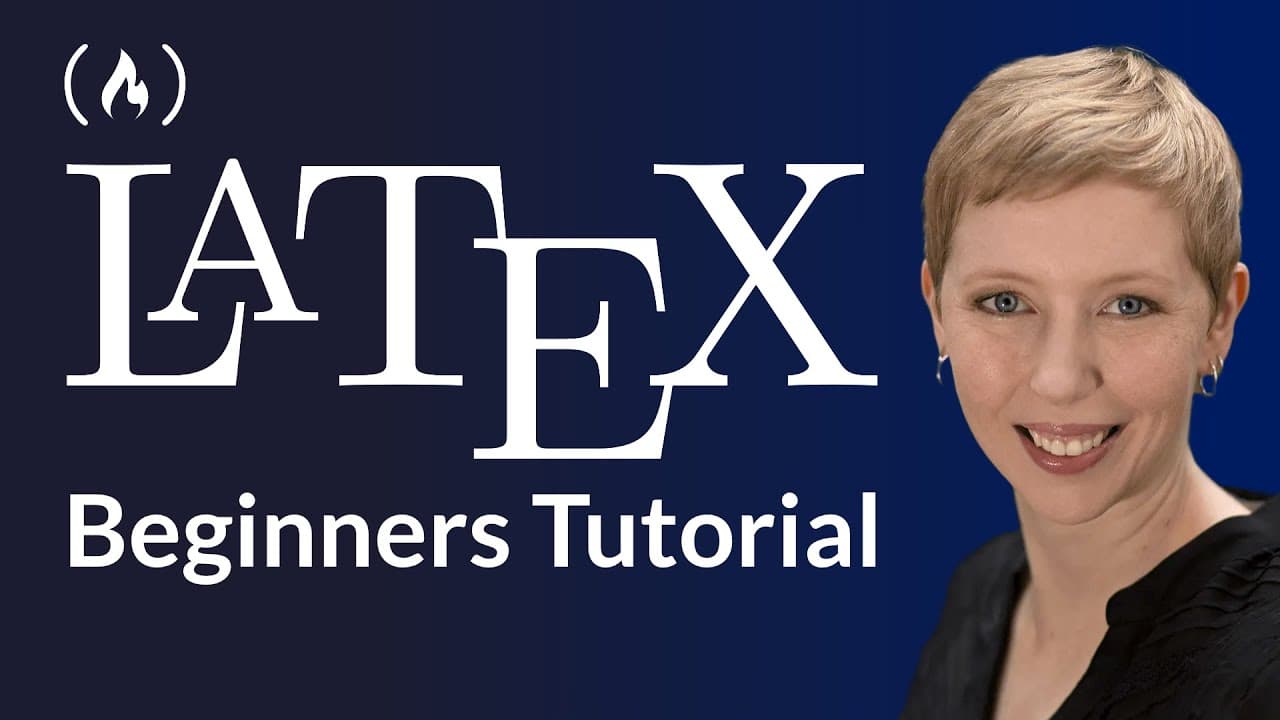
latex is a type setting system for creating professional looking documents commonly used in Academia and scientific publishing with the focus on content rather than appearance Michelle crummel is your instructor in this latex course for beginners she is an experienced teacher with multiple mathematics degrees welcome I'm Michelle crummell and in th... Read More
Key Insights
- 👀 LaTeX is a markup language used for creating professional-looking documents with consistent formatting.
- ❓ It is commonly used in academia and scientific publishing for typesetting mathematical notation.
- 😵 LaTeX offers advantages such as cross-platform compatibility, small file sizes, and customization options.
- 💦 There are online and offline options for working with LaTeX, each with its own benefits and considerations.
Install to Summarize YouTube Videos and Get Transcripts
Explore YouTube Video Summarizer or Get YouTube Transcript Extractor
Questions & Answers
Q: What is LaTeX and what is it used for?
LaTeX is a document markup language used to create professional-looking documents with consistent formatting. It is commonly used for typesetting mathematical notation in academia and scientific publishing.
Q: What are the advantages of using LaTeX over word processors?
Some advantages of LaTeX include cross-platform compatibility, small file sizes, and the ability to customize the formatting of documents. LaTeX also produces professional-looking output with consistent formatting.
Q: Can LaTeX be used to create documents other than academic papers?
Yes, LaTeX can be used for a variety of purposes, such as creating tests, quizzes, homework assignments, slide presentations, and even letters of recommendation. It is a versatile tool for creating professional-looking documents.
Q: What are the options for working with LaTeX, online or offline?
You can choose to work with LaTeX online using websites like Overleaf or work offline by installing LaTeX distribution software like MiKTeX or MacTeX along with a text editor like TeXmaker. Both options have their advantages and it depends on personal preference and specific needs.
Summary & Key Takeaways
-
LaTeX is a document markup language used to create professional-looking documents with consistent formatting.
-
It is especially useful for typesetting mathematical notation and is widely used in academia and scientific publishing.
-
LaTeX offers many advantages over word processors, such as cross-platform compatibility, small file sizes, and customization options.
-
There are online and offline options for working with LaTeX, including using websites like Overleaf or installing software like TeXmaker.
Read in Other Languages (beta)
Share This Summary 📚
Summarize YouTube Videos and Get Video Transcripts with 1-Click
Try YouTube Summary with ChatGPT & Claude or YouTube Transcript Generator
Explore More Summaries from freeCodeCamp.org 📚




Summarize YouTube Videos and Get Video Transcripts with 1-Click
Try YouTube Summary with ChatGPT & Claude or YouTube Transcript Generator