How to Remove Sensitive Information from Audio with the AssemblyAI Python SDK
TL;DR
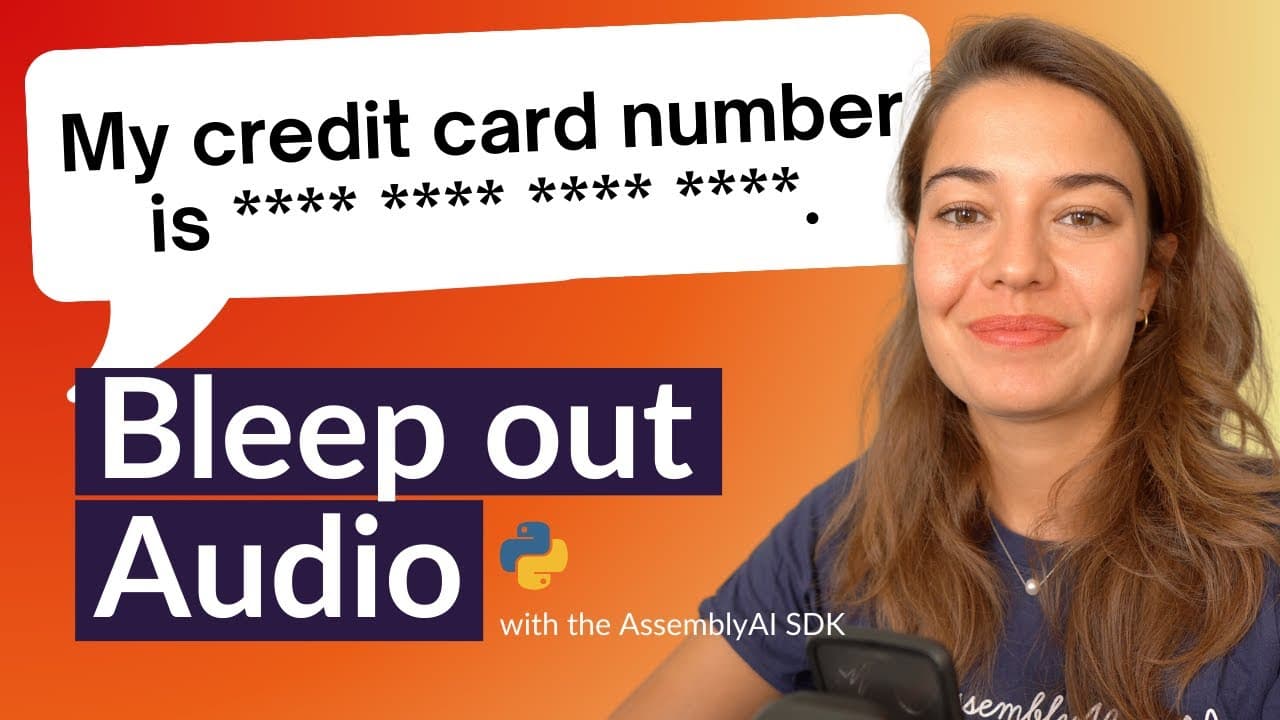
You can remove personally identifiable information from audio by enabling PII and audio redaction in an AssemblyAI Python SDK transcription job. Install the SDK with pip install assemblyai, add an API key, select policies such as credit card number, person name, phone number, or Social Security number, and save the result as an MP3. Read on for the exact configuration choices and output options.
Transcript
let's learn how to remove the personally identifiable information from your audio files and make it sound like this my name is and the last four digits of my card are and the security code is for this we're going to use the assembly AI python SDK so if you don't already have it installed make sure you go to your terminal and install it with Pip ins... Read More
Key Insights
- 💁 Assembly AI Python SDK offers a seamless solution for redacting personally identifiable information from audio files.
- 🤩 Obtaining an Assembly AI API key is a straightforward process through the Assembly AI website.
- 💁 Redaction policies can be customized to include or exclude specific types of sensitive information for redaction.
- 💁 Users can choose how redacted information is displayed in the transcribed audio files, enhancing customization options.
- 💾 Assembly AI provides features for transcription, redaction, and audio file saving in a single integrated solution.
- ❓ Compliance with data privacy regulations is facilitated through the secure and efficient redaction process offered by Assembly AI.
- 👤 Users can test and optimize redaction configurations based on specific use cases and requirements.
Install to Summarize YouTube Videos and Get Transcripts
Explore YouTube Video Summarizer or Get YouTube Transcript Extractor
Questions & Answers
Q: How do you remove sensitive information from audio with the AssemblyAI Python SDK?
Install the AssemblyAI Python SDK, import it into a Python file, and set your API key. Create a transcription job with redact_pii and redact_pii_audio set to true, choose the desired redaction policies, and save the redacted audio.
Q: How do you install and configure the AssemblyAI Python SDK for PII redaction?
Run pip install assemblyai in your terminal, then import AssemblyAI in your Python file. Set the API key through the SDK settings before creating the transcription job.
Q: How can you get an AssemblyAI API key?
Go to assemblyai.com and create an account. The transcript says that registering provides a free API key, which you then add to the SDK settings.
Q: Which configuration enables personally identifiable information redaction?
Set the transcription configuration’s redact_pii option to true. This returns a transcript in which personally identifiable information has been redacted.
Q: How do you request a redacted audio file instead of only a redacted transcript?
Set redact_pii_audio to true in addition to enabling PII redaction. This tells AssemblyAI to produce audio with the selected sensitive information removed.
Q: What types of sensitive information can AssemblyAI redact?
The demonstrated policies include credit card numbers, credit card expiration dates, credit card security codes, email addresses, locations, person names, phone numbers, banking information, and Social Security numbers. The documentation also lists options such as medical processes, blood type, drugs, injuries, nationality, person age, and organization.
Q: What does the number sequence redaction policy do?
The number_sequence policy is described as an umbrella or lazy rule. It redacts any consecutive number sequence containing more than two numbers, allowing one policy to cover details such as the card numbers used in the example.
Q: How can you retrieve or save the redacted audio?
One option is to obtain the redacted audio URL from the completed transcript. Another is to call the transcript’s redacted-audio saving method and provide a filename, such as redacted_audio.mp3.
Summary & Key Takeaways
-
Use Assembly AI Python SDK to redact personally identifiable information (PII) from audio files.
-
Obtain Assembly AI API key, start a transcription job, and set up PII redaction configuration.
-
Choose redaction policies, determine redacted audio output, and save the redacted audio file.
Read in Other Languages (beta)
Share This Summary 📚
Summarize YouTube Videos and Get Video Transcripts with 1-Click
Try YouTube Summary with ChatGPT & Claude or YouTube Transcript Generator
Explore More Summaries from AssemblyAI 📚






Summarize YouTube Videos and Get Video Transcripts with 1-Click
Try YouTube Summary with ChatGPT & Claude or YouTube Transcript Generator