How to Optimize Your Kindle Keywords for Better Sales
TL;DR
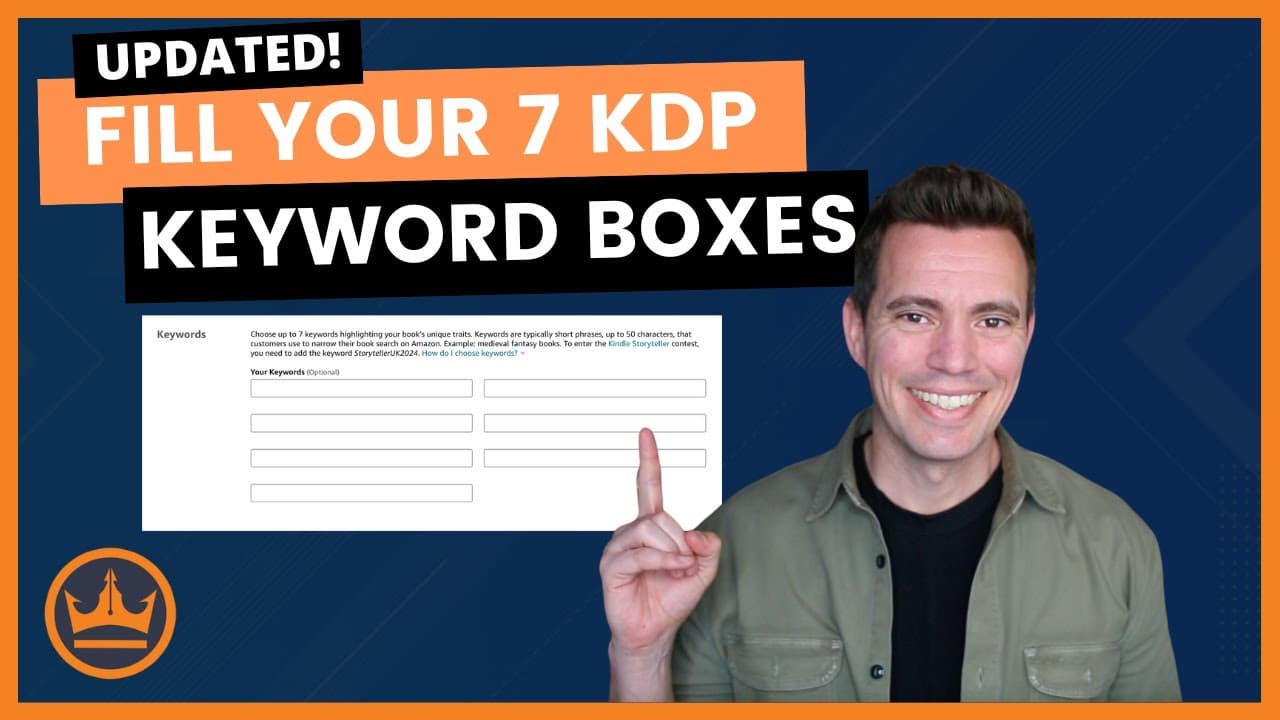
To optimize your Kindle keywords for better sales on Amazon, fill each of the seven keyword boxes with a variety of phrases without using commas. Prioritize specific phrases in three boxes, use general keywords in two, and include category-specific terms in the remaining two. This strategy enhances indexing and improves your book's discoverability while keeping in mind that keyword rankings may initially drop with broader terms.
Transcript
hi I'm Dave chessen of kindlepreneur tocom when you go to publish your book on KDP you're going to see seven boxes where you can enter in your seven Kindle keywords the thing about it is that Amazon actually allows you to put in 50 characters which are letters and spaces in each box so this leaves authors with the question of should I just write in... Read More
Key Insights
- 🍱 Filling KDP keyword boxes with a variety of words increases overall indexing potential, making books more discoverable on Amazon.
- 🫰 Amazon indexes multiple combinations of phrases within each box, which increases the likelihood of appearing in different searches.
- 📪 While maximizing word count in keyword boxes can boost indexing, authors may initially see lower rankings for specific phrases if they overload the boxes.
- 🍱 Recent changes by Amazon mean that category placement is influenced by the keywords in the KDP boxes, necessitating thoughtful keyword selection.
- 🍱 Duplicate words in the boxes won't improve ranking but have no negative impact on the overall optimization strategy.
- 🏋️ Keywords in the book title and subtitle are given more weight than those in the KDP boxes, making their placement essential.
- 😜 Authors can enhance their strategy by identifying specific phrases to rank well for while also filling out secondary and category-specific keyword phrases.
Install to Summarize YouTube Videos and Get Transcripts
Explore YouTube Video Summarizer or Get YouTube Transcript Extractor
Questions & Answers
Q: Why is it important for authors to understand indexing and ranking on Amazon?
Indexing allows Amazon to recognize which keywords a book should appear for when users search, while ranking determines the visibility of the book in search results. Understanding these concepts helps authors strategically place keywords to improve their book's discoverability, ultimately leading to more clicks and sales.
Q: How many characters can authors use in each of the KDP keyword boxes, and what should they consider?
Authors can use up to 50 characters, including spaces, in each KDP keyword box. It’s vital to consider how filling the boxes with more words can lead to indexing for a broader range of keywords; however, they must also balance this with maintaining strong initial rankings for key phrases.
Q: What is the significance of using Publisher Rocket in the keyword selection process?
Publisher Rocket simplifies the keyword selection for authors by providing insights into search volume, competition, and sales potential for different phrases. This tool helps authors identify which keywords will enhance ranking and how best to fill the KDP boxes for maximized effectiveness.
Q: How can authors ensure they remain in their chosen categories on Amazon?
To ensure they stay in their chosen categories, authors should use specific keywords related to those categories in their KDP boxes. Amazon considers these keywords when determining category placement, so using relevant terms effectively is crucial for maintaining visibility in the desired categories.
Summary & Key Takeaways
-
Authors using KDP need to strategically fill seven keyword boxes to enhance indexing and ranking on Amazon for their books, which can lead to increased sales.
-
By packing more words into each box, authors can benefit from Amazon’s algorithm, indexing for multiple combinations and potentially reaching more readers.
-
The optimal strategy involves prioritizing keywords, filling in spaces with descriptive phrases, and considering how keywords influence category placement on Amazon.
Read in Other Languages (beta)
Share This Summary 📚
Summarize YouTube Videos and Get Video Transcripts with 1-Click
Try YouTube Summary with ChatGPT & Claude or YouTube Transcript Generator
Explore More Summaries from Kindlepreneur 📚
![How to Upload a Book to Amazon [in 2025] thumbnail](/_next/image?url=https%3A%2F%2Fi.ytimg.com%2Fvi%2Fu9-28PctM9E%2Fhqdefault.jpg&w=750&q=75)
Summarize YouTube Videos and Get Video Transcripts with 1-Click
Try YouTube Summary with ChatGPT & Claude or YouTube Transcript Generator