How to Build a Speech Recognition System on Raspberry Pi
TL;DR
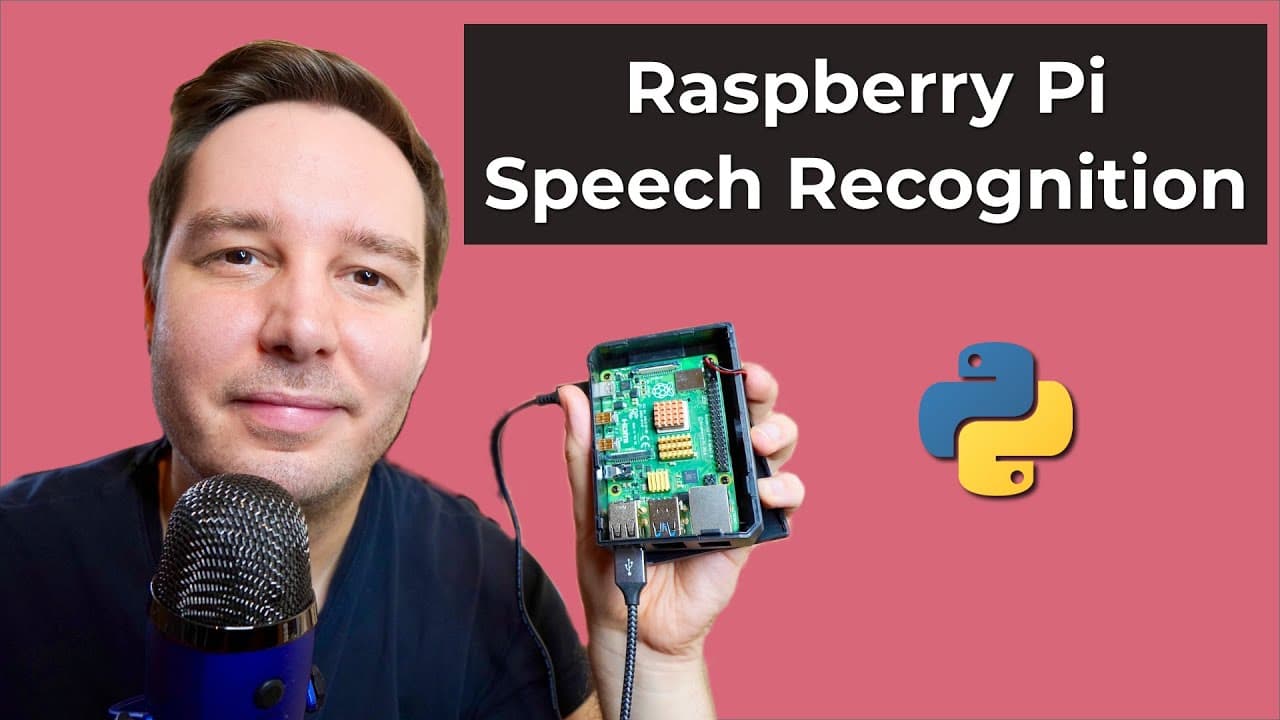
To build a speech recognition system on a Raspberry Pi, install Python, configure a USB microphone, and use websockets for real-time audio processing. Utilize the Assembly AI API to transcribe speech and consider adding wake word detection for enhanced voice assistant functionality.
Transcript
hi everyone i'm patrick from assembly ai and today you learn how you can do real-time speech recognition on a raspberry pi and build a voice assistant all you need is a raspberry pi so in my case it's the pi4 and of course a microphone so in my case it's a simple usb mic and that's all to get started so let's test it hey sam send a tweet python is ... Read More
Key Insights
- 😯 Real-time speech recognition on Raspberry Pi utilizes Python and a USB microphone.
- 😫 Configuring the USB microphone involves setting it as the default device in Raspberry Pi.
- 🔑 Enhancements like wake word detection and intent classification can improve virtual assistant capabilities.
- 🏛️ Building a wake word detection model or using pre-built solutions enhances the Raspberry Pi project.
- 🦻 Intent classification aids in understanding user actions for virtual assistant tasks.
- 😯 Using Python for speech recognition and websockets for communication with APIs is essential.
- 🤗 Opening VS Code, creating a virtual environment, and installing necessary dependencies are initial steps.
Install to Summarize YouTube Videos and Get Transcripts
Explore YouTube Video Summarizer or Get YouTube Transcript Extractor
Questions & Answers
Q: What hardware is needed to set up real-time speech recognition on a Raspberry Pi?
To set up real-time speech recognition, you need a Raspberry Pi, like Pi 4, and a USB microphone for audio input.
Q: How can you configure the USB microphone on a Raspberry Pi for speech recognition?
You can configure the USB microphone by listing available devices, setting the default card, and verifying its functionality with the a record and a play commands.
Q: What additional steps can be taken to improve the speech recognition project on Raspberry Pi?
Adding wake word detection allows the Raspberry Pi to activate speech recognition only when a specific word is detected. Intent classification can be used to determine user actions.
Q: How can one use a Raspberry Pi virtual assistant for tasks like sending tweets or taking notes?
Intent classification can be applied by searching for predefined intent words in speech to trigger specific actions like sending tweets or taking notes.
Summary & Key Takeaways
-
Patrick demonstrates setting up real-time speech recognition on a Raspberry Pi 4 using Python and a USB microphone.
-
He guides through setting up Raspberry Pi OS, installing Python, configuring the USB microphone, and using websockets for speech recognition.
-
Patrick suggests adding wake word detection and intent classification for more advanced virtual assistant functionalities.
Read in Other Languages (beta)
Share This Summary 📚
Summarize YouTube Videos and Get Video Transcripts with 1-Click
Try YouTube Summary with ChatGPT & Claude or YouTube Transcript Generator
Explore More Summaries from AssemblyAI 📚






Summarize YouTube Videos and Get Video Transcripts with 1-Click
Try YouTube Summary with ChatGPT & Claude or YouTube Transcript Generator