How to Effectively Use Amazon PPC for Brand Defense
TL;DR
To defend your brand on Amazon, launch comprehensive PPC campaigns using broad, phrase, and exact match types. Incorporate headline search ads and sponsored videos to enhance visibility for your brand name. Additionally, establish product targeting campaigns to protect your listings from competitors and appear prominently in related products sections.
Transcript
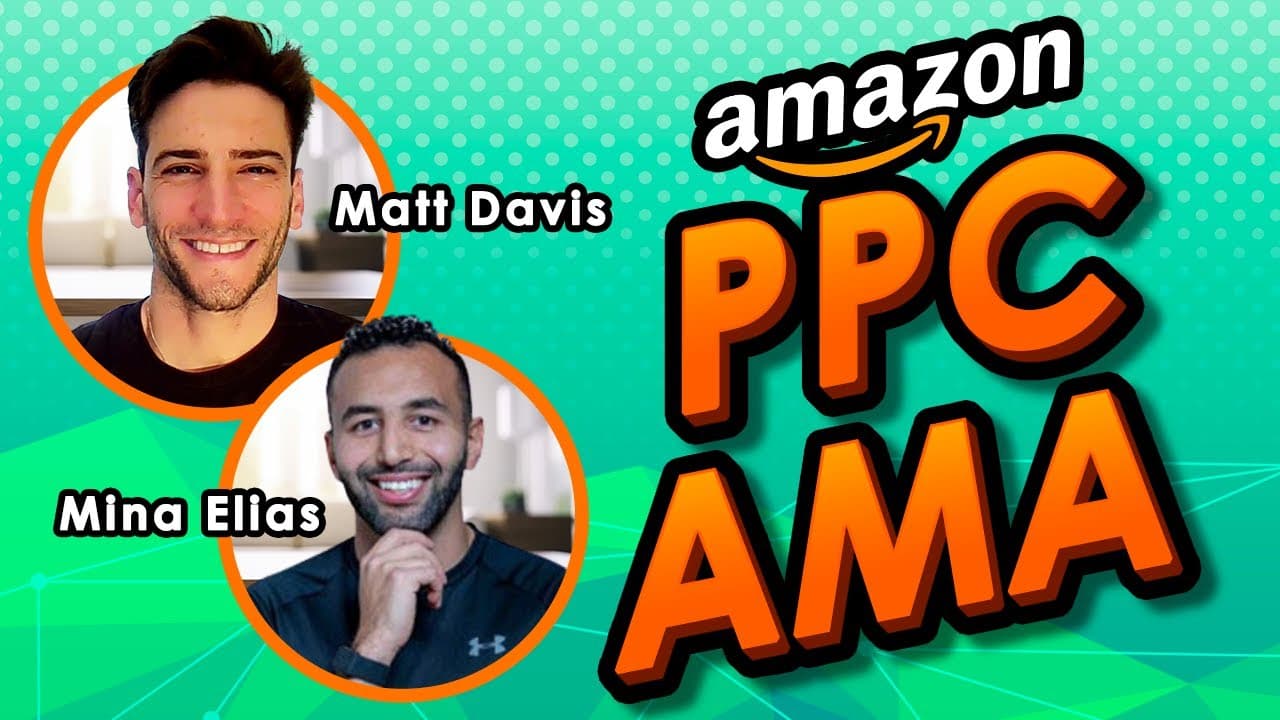
and and and and and and now and now oh he ah he n [Applause] n he hey hey n [Applause] he he and now oh all right hello welcome everyone to another mag Tuesday PPC AMA I'm your host Matt Davis uh with me today is the founder of trim Trivium group we're very fo Read More
Key Insights
- 📛 Utilize a combination of broad, phrase, and exact match types in PPC campaigns to effectively defend brand names and product listings.
- 👨🔬 Implement headline search ads and sponsored videos in brand defense campaigns to target brand names in search results.
- ✳️ Consider connecting Helium 10 to Seller Central for insights and optimization without significant risk of data theft.
- 🎯 Use product targeting campaigns to target your own products and defend them against competitors in search results.
Install to Summarize YouTube Videos and Get Transcripts
Explore YouTube Video Summarizer or Get YouTube Transcript Extractor
Questions & Answers
Q: How do you manage VA's when you're not adept at PPC?
To effectively manage VA's, first, educate yourself on PPC basics and establish clear expectations, KPIs, and reporting systems for your VA's performance.
Q: Should you connect Helium 10 to Seller Central, considering the risk of data theft?
Helium 10 is a reputable tool, and there is no increased risk of data theft with connecting it to Seller Central. However, exercise caution and ensure data protection agreements are in place.
Q: How can you scale PPC campaigns effectively?
Scaling PPC campaigns involves launching remaining keywords not previously used and targeting high-performing search terms across different match types while constantly optimizing and expanding keyword coverage.
Q: What strategies can you use to defend your brand and products effectively with PPC?
Use a combination of sponsor product and sponsor brand campaigns with broad, phrase, and exact match types, as well as product targeting campaigns to defend your brand names and product listings in search results.
Q: What steps can you take if a previously successful PPC product becomes ineligible for advertising?
Try to make the product eligible again by identifying and removing any trigger keywords that may have caused the ineligibility. If unsuccessful, focus on other strategies such as organic keyword and product targeting to maintain sales and visibility.
Summary & Key Takeaways
-
Launch sponsor product and brand campaigns with broad, phrase, and exact match types to defend brand names and products in search results.
-
Use headline search ads and sponsored videos in your brand defense campaigns to target your brand name effectively.
-
Set up product targeting campaigns to target your own products and defend them against competitors by showing up in the related products section of search results.
Read in Other Languages (beta)
Share This Summary 📚
Summarize YouTube Videos and Get Video Transcripts with 1-Click
Try YouTube Summary with ChatGPT & Claude or YouTube Transcript Generator
Explore More Summaries from My Amazon Guy 📚

![Amazon SEO [Complete 2022 Guide] - New Search Query SEO Phase 4 - Keyword Ranking Optimization thumbnail](/_next/image?url=https%3A%2F%2Fi.ytimg.com%2Fvi%2F-Dc-ufvTHVg%2Fhqdefault.jpg&w=750&q=75)




Summarize YouTube Videos and Get Video Transcripts with 1-Click
Try YouTube Summary with ChatGPT & Claude or YouTube Transcript Generator