How to Master ChatGPT 5 in 11 Steps
TL;DR
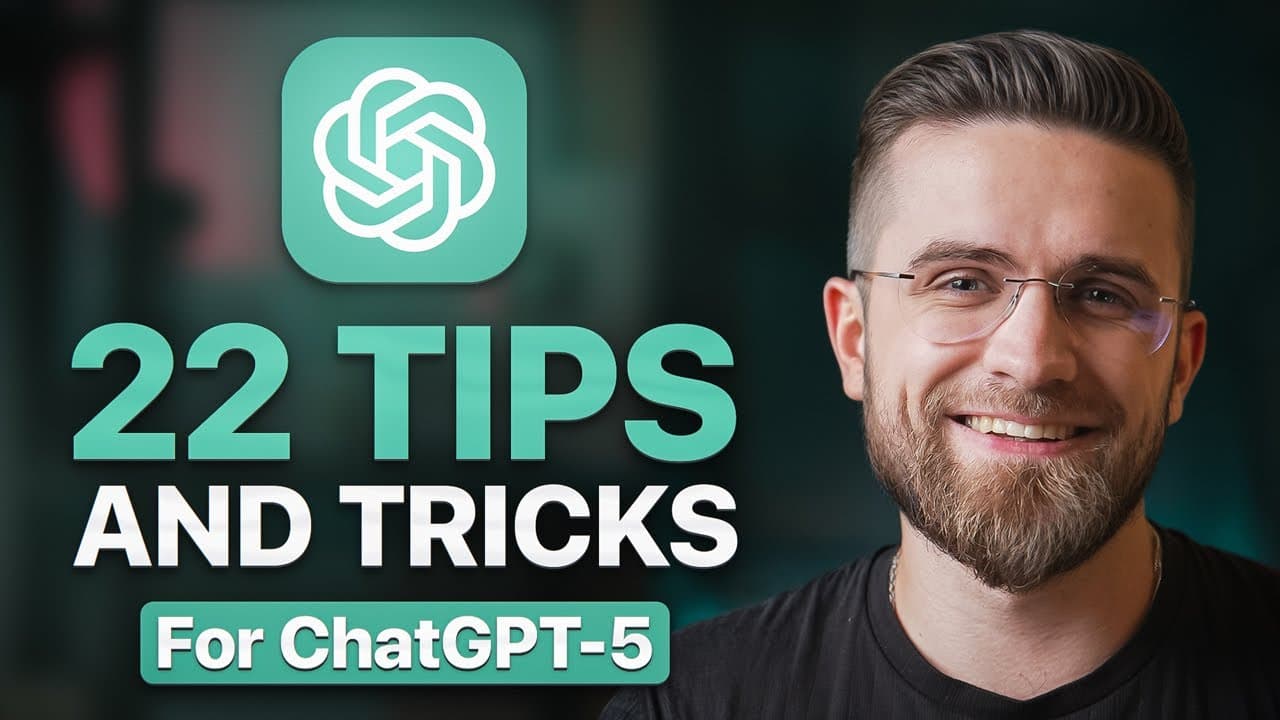
ChatGPT 5 offers powerful features to enhance productivity, from advanced prompting techniques to integrating with various tools for seamless workflows. Users can leverage custom GPTs and project workspaces for personalized experiences, while agent mode automates complex tasks. By mastering these steps, users can transform ChatGPT into a versatile assistant, optimizing both personal and professional tasks.
Transcript
Imagine if you had an AI assistant that could do more than just chat. One that schedules your meetings, writes your code, learns whatever you need, and even turns your ideas into videos while you sleep. Sounds like a dream, right? Well, with Chat GBT5, that dream is here. This isn't the same Chad GBT you played with in 2023. In today's guide, I'll ... Read More
Key Insights
- ChatGPT 5 can be customized with user-specific instructions to enhance its understanding and response quality.
- Privacy settings in ChatGPT 5 allow users to control data retention and model training, ensuring sensitive information remains secure.
- Integration with external tools like Google Calendar and Dropbox allows ChatGPT 5 to perform tasks such as summarizing emails or managing files.
- Effective prompting involves a detailed structure, including role, task, context, constraints, and format, to achieve precise outputs.
- Iterative prompting breaks down large tasks into smaller parts, improving the quality and organization of responses.
- Agent mode in ChatGPT 5 automates multi-step tasks, offering significant productivity gains by handling repetitive or complex workflows.
- Canvas mode facilitates collaborative editing of documents and code, with ChatGPT providing suggestions and tracked changes.
- Custom GPTs and project workspaces enable tailored AI experiences, allowing users to create dedicated assistants for specific tasks or projects.
Install to Summarize YouTube Videos and Get Transcripts
Explore YouTube Video Summarizer or Get YouTube Transcript Extractor
Questions & Answers
Q: How to customize ChatGPT 5 for personal use?
To customize ChatGPT 5, start by filling out custom instructions with key details about yourself and your work. This helps the AI understand your needs and preferences. You can also create custom GPTs tailored to specific tasks or roles, ensuring that ChatGPT provides responses aligned with your personal or professional requirements.
Q: What are the privacy features in ChatGPT 5?
ChatGPT 5 offers privacy features that allow users to manage data retention and model training. Users can turn off model training for sensitive information, ensuring that such data is not used to improve the AI. Additionally, past conversations can be deleted, and incognito mode can be used for temporary sessions where no data is saved.
Q: How does iterative prompting improve task completion?
Iterative prompting involves breaking down large tasks into smaller, manageable parts. This approach allows ChatGPT to provide more organized and detailed responses. By addressing each section individually, users can ensure that important details are not overlooked, resulting in high-quality outputs that require minimal revisions.
Q: What is agent mode in ChatGPT 5?
Agent mode in ChatGPT 5 automates complex, multi-step tasks by allowing the AI to take actions on behalf of the user. It can navigate through various applications, perform web searches, and compile information. Users maintain control as the AI pauses for confirmation at decision points, making it a powerful tool for enhancing productivity.
Q: How can ChatGPT 5 be integrated with external tools?
ChatGPT 5 can be integrated with external tools like Google Calendar, Gmail, and Dropbox through its connectors. This integration allows the AI to perform tasks such as summarizing emails, managing files, and interacting with calendars. By embedding ChatGPT into their workflows, users can automate repetitive tasks and enhance efficiency.
Q: What is the role of Canvas mode in ChatGPT 5?
Canvas mode in ChatGPT 5 is a feature that combines a rich text editor with the AI's chat capabilities. Users can edit documents directly within the canvas, with ChatGPT providing suggestions and tracked changes. This mode is particularly useful for collaborative editing of text and code, allowing for seamless integration of AI suggestions.
Q: How do custom GPTs enhance productivity?
Custom GPTs allow users to create specialized AI assistants tailored to specific tasks or roles. By setting up a custom GPT with relevant instructions and knowledge bases, users can ensure consistent and context-aware responses. This personalization reduces the need to repeatedly provide context, streamlining workflows and enhancing productivity.
Q: What are the benefits of using project workspaces in ChatGPT 5?
Project workspaces in ChatGPT 5 help organize chats and associated files by topic or work stream. Within a workspace, the AI retains specific guidelines and context, reducing the need for repetitive context setting. Workspaces can also have default personas or tones, ensuring that interactions remain consistent and relevant to the project's needs.
Summary & Key Takeaways
-
ChatGPT 5 can be transformed into a powerful productivity tool through customization and integration. Users can set up custom instructions, manage privacy settings, and connect external tools to streamline tasks. By mastering advanced prompting techniques and utilizing agent mode, users can automate complex workflows, significantly boosting efficiency.
-
The iterative prompting method helps in breaking down large tasks, ensuring comprehensive and organized outputs. Canvas mode offers a collaborative environment for editing, while custom GPTs and project workspaces provide personalized AI experiences. These features allow users to optimize their ChatGPT interactions for both personal and professional use.
-
By leveraging ChatGPT 5's advanced capabilities, users can automate routine tasks, enhance learning experiences, and improve content creation. The platform's versatility and adaptability make it an invaluable tool for those looking to enhance their productivity and stay ahead in the AI landscape.
Read in Other Languages (beta)
Share This Summary 📚
Summarize YouTube Videos and Get Video Transcripts with 1-Click
Try YouTube Summary with ChatGPT & Claude or YouTube Transcript Generator
Explore More Summaries from AI Master 📚

Summarize YouTube Videos and Get Video Transcripts with 1-Click
Try YouTube Summary with ChatGPT & Claude or YouTube Transcript Generator