What are the Best Lesser-Known Productivity Apps?
TL;DR
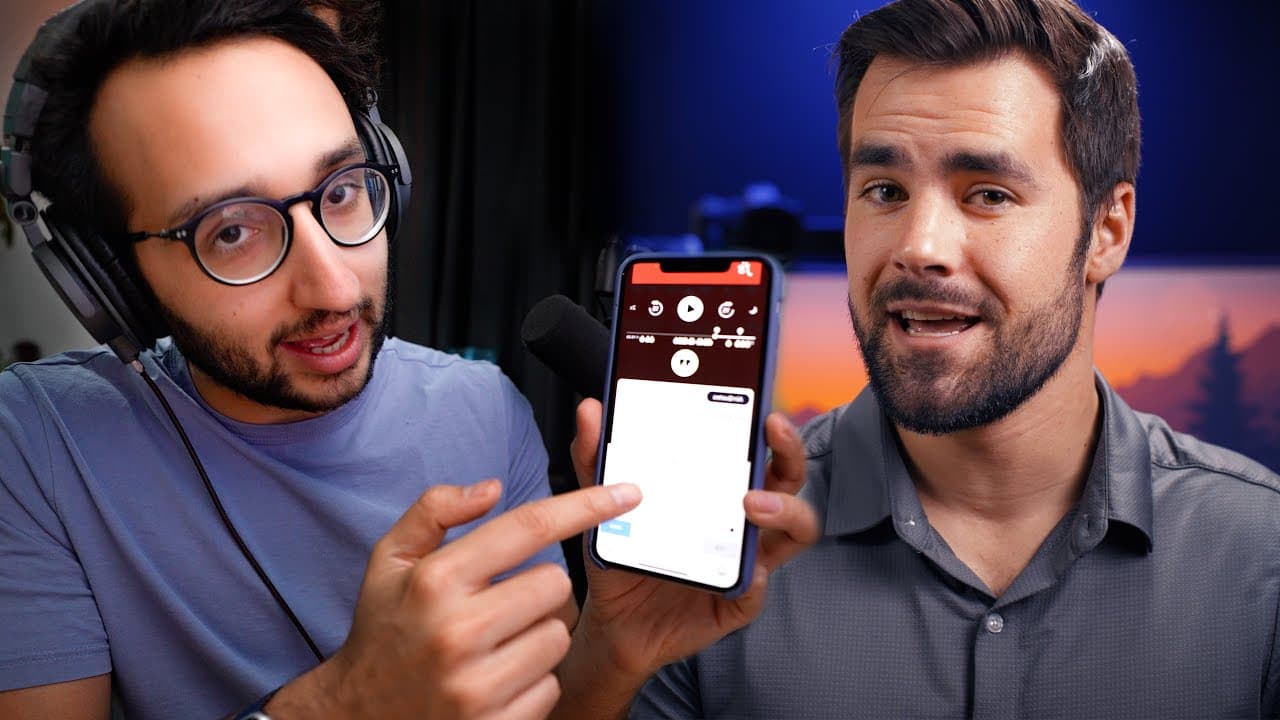
The six lesser-known productivity apps that can boost your workflow include Keyboard Replacement for Apple devices, the Chrome extension Tab Copy for saving URLs, Alfred for efficient app management on Mac, Loom for screen recording, AutoHotkey for Windows scripting, and Airr for saving podcast highlights. Each app optimizes different aspects of productivity, making your tasks easier and more efficient.
Transcript
- Thanks to Hover for sponsoring this video and supporting my channel. I talk a lot about productivity apps in this channel, but for the most part, the apps that I cover tend to be the more well-known ones, Notion, Todoist. So today I want to flip the script a little bit. Today I'm going to be joined by my friend Ali Abdaal, who is a doctor, a YouT... Read More
Key Insights
- ⌛ Utilizing keyboard replacement features can save time and ensure consistent responses across devices.
- 🤗 Tab Copy and Notion integration help manage and preserve important URLs and information from multiple open tabs.
- 😀 The app Alfred provides a powerful and customizable solution for launching apps, searching, and opening files, enhancing productivity on Mac.
- 😤 Loom offers a quick and efficient way to record and share screen recordings, beneficial for documentation and team collaboration.
- 👤 AutoHotkey enables users to automate tasks and create custom shortcuts on Windows, increasing efficiency in daily operations.
Install to Summarize YouTube Videos and Get Transcripts
Explore YouTube Video Summarizer or Get YouTube Transcript Extractor
Questions & Answers
Q: How can keyboard replacement improve productivity?
Keyboard replacement allows you to create shortcuts for frequently typed texts or links, saving time and ensuring consistency in your responses. It syncs across all your devices, making it incredibly convenient.
Q: How does Tab Copy help manage multiple open tabs?
Tab Copy enables you to copy the URLs of all your open tabs, so you can easily access them later. It allows you to choose between expanded or compact formats, preventing the loss of important information.
Q: What makes Alfred a powerful productivity app?
Alfred serves as a launcher, search tool, and file opener, all in one app. Its custom workflows, clipboard saving feature, and integration with other apps make it a versatile and time-saving tool.
Q: How does Loom streamline documentation and collaboration?
With Loom, you can quickly record your screen and share the recording with others. Integrating it with Notion allows for easy documentation and collaboration, enhancing team productivity.
Q: How can AutoHotkey automate tasks on Windows?
AutoHotkey allows you to create custom scripts and keyboard shortcuts, automating repetitive tasks. From filling out forms to opening folders instantly, it can significantly improve productivity.
Q: How can Airr enhance the podcast listening experience?
Airr lets you save and transcribe the best moments from podcasts, making it easier to revisit valuable insights. Its integration with Readwise and Notion helps organize and access these quotes efficiently.
Summary & Key Takeaways
-
Keyboard Replacement: Learn how to use the built-in keyboard replacement feature on Apple devices to save time typing out frequently used texts or links.
-
Tab Copy: Use the Chrome extension Tab Copy to easily save the URLs of all your open tabs and access them later, preventing loss of important information.
-
Alfred: Utilize the powerful Mac app Alfred to quickly open apps, perform Google searches, and access files, saving valuable time in your daily tasks.
-
Loom: Record and share your screen with Loom, integrating it with Notion for easy documentation and team collaboration.
-
AutoHotkey: Create scripts with AutoHotkey to define keyboard shortcuts and automate repetitive tasks, enhancing your productivity.
-
Airr: Discover Airr, a podcast app that allows you to save and transcribe the best moments of podcasts, making it easier to revisit valuable insights.
Read in Other Languages (beta)
Share This Summary 📚
Summarize YouTube Videos and Get Video Transcripts with 1-Click
Try YouTube Summary with ChatGPT & Claude or YouTube Transcript Generator
Explore More Summaries from Thomas Frank 📚



Summarize YouTube Videos and Get Video Transcripts with 1-Click
Try YouTube Summary with ChatGPT & Claude or YouTube Transcript Generator