How to Use Free n8n Templates Without Breaking Them
TL;DR
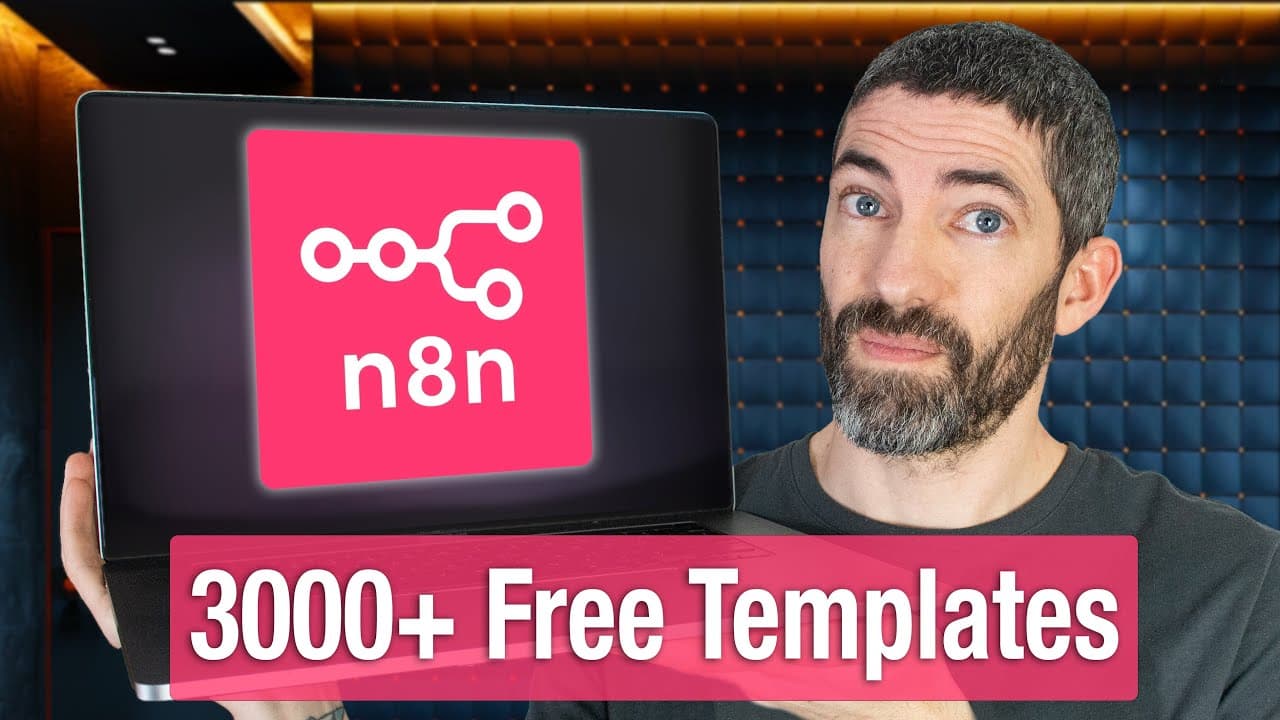
Pre-made n8n templates work best when you audit three things before running them: overly aggressive triggers that can loop endlessly, API keys exposed inside HTTP request nodes, and suspicious HTTP nodes sending data to unknown URLs. The official n8n library holds 2,990 community-created workflow templates, mostly free, searchable by keyword, category, or app. Most templates also need a few nodes configured manually.
Transcript
There are thousands of pre-made NADN workflows out there from the official library to GitHub and other sites. And on the surface, that sounds like a dream. But if you've tried using them, especially if you're new to NAND, you've probably hit a wall. A lot of these templates are confusing, half-broken, or missing key pieces, and it's easy to get stu... Read More
Key Insights
- The official n8n template library contains 2,990 workflow automation templates that are continually added to. All are community created and most are free, with paid templates clearly labeled, and they can be searched by keyword, category, or by the specific app you want to use.
- Searching the n8n template library for a single app narrows results sharply: a YouTube search returns 49 different workflows related to YouTube automation, covering everything from content generation to publishing.
- The three main risks in community n8n templates are trigger loops that can run endlessly, exposed API keys especially inside HTTP requests, and suspicious HTTP nodes that send data to unknown URLs. Most users will never hit these, but each is worth checking before running.
- A trigger loop happens when a workflow re-triggers itself. A Google Sheets trigger that fires on sheet updates, combined with a later step that updates the same sheet, will loop endlessly if misconfigured, for example writing to a new row instead of updating the existing one.
- The ASMR Shorts template ships with its schedule trigger set to run every 30 minutes, which is far too often for a workflow that creates and posts videos. Once per day is a safer starting point when each run calls paid APIs like OpenAI or FAL.
- Templates are not ready to run straight after credential setup. Several parts still need to be filled out manually, and the template page lists which nodes require manual configuration alongside guidance on customizing the workflow beyond its original niche.
- An API key functions as a password that tells a service the request is coming from you. Inside n8n, using an API usually just means pasting a key, picking a few settings, and letting the workflow start automating, since every integration follows the same basic pattern.
- Beyond the official library, workflows can be sourced from GitHub repositories, and ChatGPT can be used to debug existing nodes or generate new nodes and entire workflows from scratch when no suitable template exists.
Install to Summarize YouTube Videos and Get Transcripts
Explore YouTube Video Summarizer or Get YouTube Transcript Extractor
Questions & Answers
Q: Where do you find free n8n workflow templates?
Go to the main n8n site, hover over Product, then click Templates. The library holds 2,990 workflow automation templates that are continually added to. They are all community created, and most are free, with any paid template clearly labeled. You can search by keyword or category, and there are workflows for just about any use case or industry. You can also search by the app you want to use: searching YouTube returns 49 different workflows related to YouTube automation. Beyond the official library, GitHub repositories also host collections of n8n workflows.
Q: What are the main risks of using community n8n templates?
There are three main things to watch out for. First, trigger loops that can run endlessly. Second, exposed API keys, especially inside HTTP requests. Third, suspicious HTTP nodes that send data to unknown URLs. Most users will probably never run into these, but they can happen. Avoiding them is straightforward: make sure triggers are set to run at reasonable intervals and do not get re-triggered, double check any URLs that data is being sent to, and keep your API keys from getting exposed inside requests. Reviewing each node before running the workflow catches these quickly.
Q: How does an n8n trigger loop happen and how do you prevent it?
A loop usually occurs when a trigger is accidentally re-triggered by the workflow itself. For example, a Google Sheets trigger that runs every time the sheet is updated, combined with a later step in the same workflow that updates that same sheet, for instance marking a status from in progress to finished. If that update is misconfigured, such as writing to a new row instead of updating the existing one, it can trigger the workflow again and again, producing an infinite loop. This kind of problem usually shows up obviously during testing and is easy to fix, but it is worth watching for whenever you build or modify templates.
Q: How often should a scheduled n8n workflow run?
It depends on the workflow, but be intentional about the interval. The ASMR Shorts template arrives with its schedule trigger set to run every 30 minutes, which is far too often for a workflow that creates and posts videos: you would not want it producing and publishing a video every half hour. Once per day is a better starting point, especially when the workflow triggers APIs that cost money such as OpenAI or FAL. Running more often than needed simply burns through credits for no reason, so adjust the trigger interval before the first run.
Q: What does the AI generated ASMR YouTube Shorts template actually do?
It starts with a schedule trigger, then two OpenAI steps: one to come up with an idea, another to expand that into a structured plan. The plan is saved to a Google Sheet and turned into prompts for video generation, covering multiple video clips and sound effects. A wait step pauses long enough for generation to finish, then sound effects are added and everything is sequenced into one edited video. The sheet is updated, the final file downloaded and uploaded to YouTube, the sheet marked completed, and notifications sent by Telegram and email. The whole thing runs automatically on a schedule.
Q: How do you set up an OpenAI API key for n8n?
OpenAI is one of the easiest services to connect. Go to platform.openai.com, then the settings area, click API keys, then Create new secret key. Give the key a name, choose your default project or create a new one if needed, then click Create secret key. Copy it right away, because you will not be able to view it again later. Back in n8n, paste it into the credential field and hit save. Every service handles authentication a little differently, but almost all of them document it in their API docs or directly inside n8n.
Q: What is an API key and why do n8n templates need them?
APIs are how apps talk to each other. Most of the time they require something called an API key, which is basically a password that tells the app the request is coming from you. In n8n, using APIs usually just means plugging in a key, picking a few settings, and letting the workflow start automating. When you click Use for free on a template, n8n takes you straight into credential setup, where you connect your accounts and input the keys each platform needs. Services vary in their authentication method, but n8n often offers an 'Ask the assistant for setup instructions' button that gives a step-by-step guide.
Q: How much does it cost to run the ASMR Shorts n8n template?
The template uses three paid services: OpenAI, Wave Speed, and FAL. OpenAI costs a couple of cents per call. Wave Speed is roughly 20 to 50 cents per video depending on the model. FAL's cost varies depending on what you are using it for, but is generally cheap. The rest of the services used in the workflow are free. Separately, the n8n cloud version used in the walkthrough costs $25 a month, though you can self-host it for less, or run it for free on your own machine if you have a decent GPU and do not mind setting it up locally.
Summary & Key Takeaways
-
The n8n template library is reached by going to the main n8n site, hovering over Product, then clicking Templates. It holds 2,990 workflow automation templates that are continually added to, all community created and mostly free, with paid ones clearly labeled. Templates can be searched by keyword, category, or app name.
-
Each template page shows a full workflow layout plus a breakdown of who it is for, what problem it solves, and a step-by-step of what it does. A setup section lists the required credentials and APIs, which nodes need manual configuration, and how to customize the workflow for a different niche.
-
The demo template creates and uploads AI generated ASMR YouTube Shorts using Seedance, FAL AI, and GPT-4. It runs two-stage AI ideation, saves plans to Google Sheets, generates videos and sound effects, waits for rendering, sequences clips, uploads to YouTube, updates the sheet, then sends notifications by Telegram and email.
-
Three risks come with community templates: trigger loops that run endlessly, exposed API keys inside HTTP requests, and suspicious HTTP nodes sending data to unknown URLs. Fixes are straightforward: set triggers to reasonable intervals that cannot re-trigger themselves, check every URL data is sent to, and keep keys out of requests.
-
Credential setup opens right after clicking Use for free. Most services need an API key, which acts as a password identifying the request as yours. n8n usually offers an 'Ask the assistant for setup instructions' button that pulls up a step-by-step guide, and services also document authentication in their own API docs.
Read in Other Languages (beta)
Share This Summary 📚
Summarize YouTube Videos and Get Video Transcripts with 1-Click
Try YouTube Summary with ChatGPT & Claude or YouTube Transcript Generator
Explore More Summaries from Futurepedia 📚





Summarize YouTube Videos and Get Video Transcripts with 1-Click
Try YouTube Summary with ChatGPT & Claude or YouTube Transcript Generator