How to Use the Fetch API to Get Data in JavaScript
TL;DR
To use the Fetch API in JavaScript, call fetch with the resource URL, handle the response with promises or async/await, and convert the response into the desired format (like a blob for images). Ensure to include error handling to manage any issues during data retrieval.
Transcript
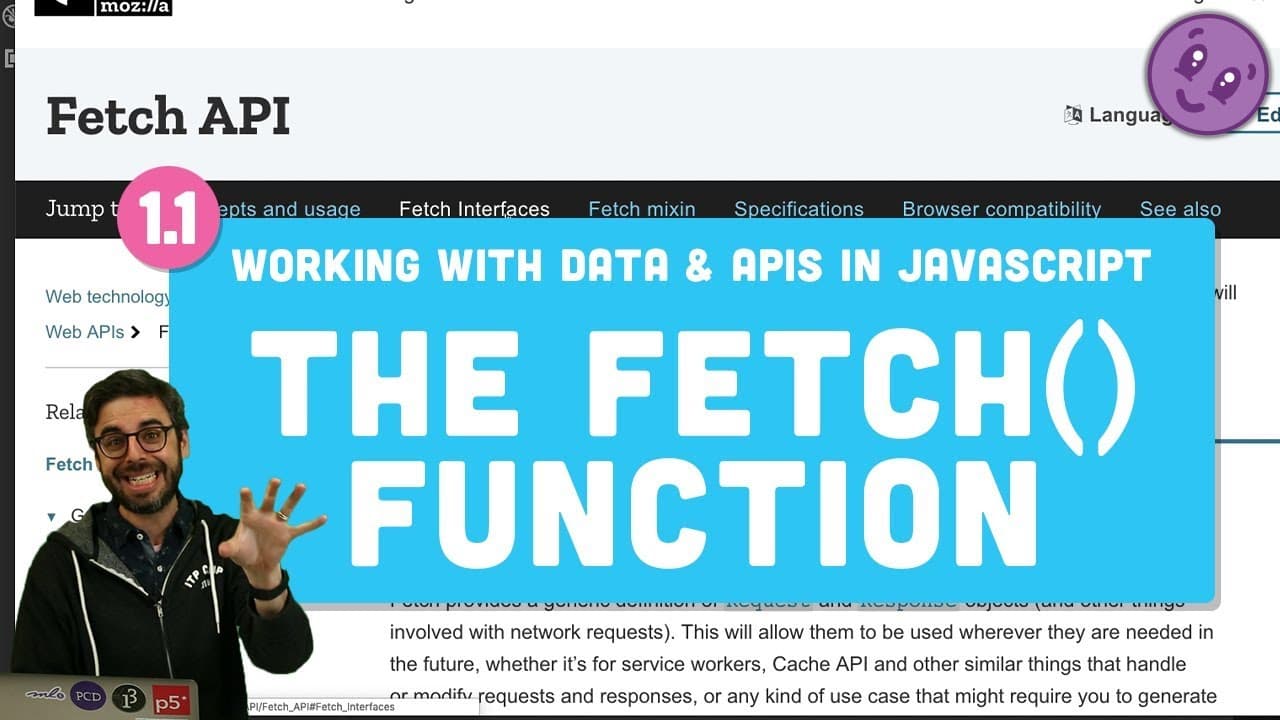
Hello, and welcome to the first tutorial video in this new series, working with data and APIs in JavaScript. So in this first video, I just want to look at one thing, the web fetch API. Fetch is a function. It's a wonderful function. It allows you to fetch stuff-- data, images, from all sorts of different kinds of places and do stuff with it. So we... Read More
Key Insights
- 🔠 The Fetch API in JavaScript is used to make network requests to retrieve data or resources from different sources.
- ❓ Asynchronous operations in JavaScript can be managed effectively using promises and the async/await keywords.
- 💦 Error handling is an important aspect of working with the Fetch API to handle potential issues during data retrieval.
- 🕸️ Utilizing the Fetch API can enhance web development projects by enabling dynamic data fetching and display on web pages.
Install to Summarize YouTube Videos and Get Transcripts
Explore YouTube Video Summarizer or Get YouTube Transcript Extractor
Questions & Answers
Q: What is the Fetch API in JavaScript?
The Fetch API in JavaScript is a powerful function that allows you to make network requests to fetch data, images, or other resources from different sources.
Q: How does the Fetch API handle asynchronous operations?
The Fetch API works asynchronously, meaning it doesn't block the main thread, allowing other operations to continue while waiting for the response. Promises are used to handle the asynchronous nature of fetch calls.
Q: What is the purpose of using async and await with the Fetch API?
Async/await is a more readable and elegant way to handle asynchronous operations in JavaScript. By using async functions with await keyword, you can simplify the code and make it easier to understand.
Q: How can error handling be implemented with the Fetch API?
Error handling in the Fetch API can be done using the catch method, which allows you to handle any errors that occur during the fetch request and response processing.
Summary & Key Takeaways
-
Introduction to the Fetch API in JavaScript for fetching data and images.
-
Demonstrates how to use Fetch to retrieve and display an image on a webpage.
-
Explains step-by-step process including handling responses and using async/await.
Read in Other Languages (beta)
Share This Summary 📚
Summarize YouTube Videos and Get Video Transcripts with 1-Click
Try YouTube Summary with ChatGPT & Claude or YouTube Transcript Generator
Explore More Summaries from The Coding Train 📚





Summarize YouTube Videos and Get Video Transcripts with 1-Click
Try YouTube Summary with ChatGPT & Claude or YouTube Transcript Generator