How to Set Up Instantly.ai for Cold Email
TL;DR
Protect your main company domain by sending outreach through separate domains and email accounts, then warm and monitor those accounts before launching campaigns. Instantly can connect existing accounts, create managed accounts, or supply pre-warmed accounts, while Copilot uses detailed business, customer, and writing guidance to produce more relevant cold email campaigns.
Transcript
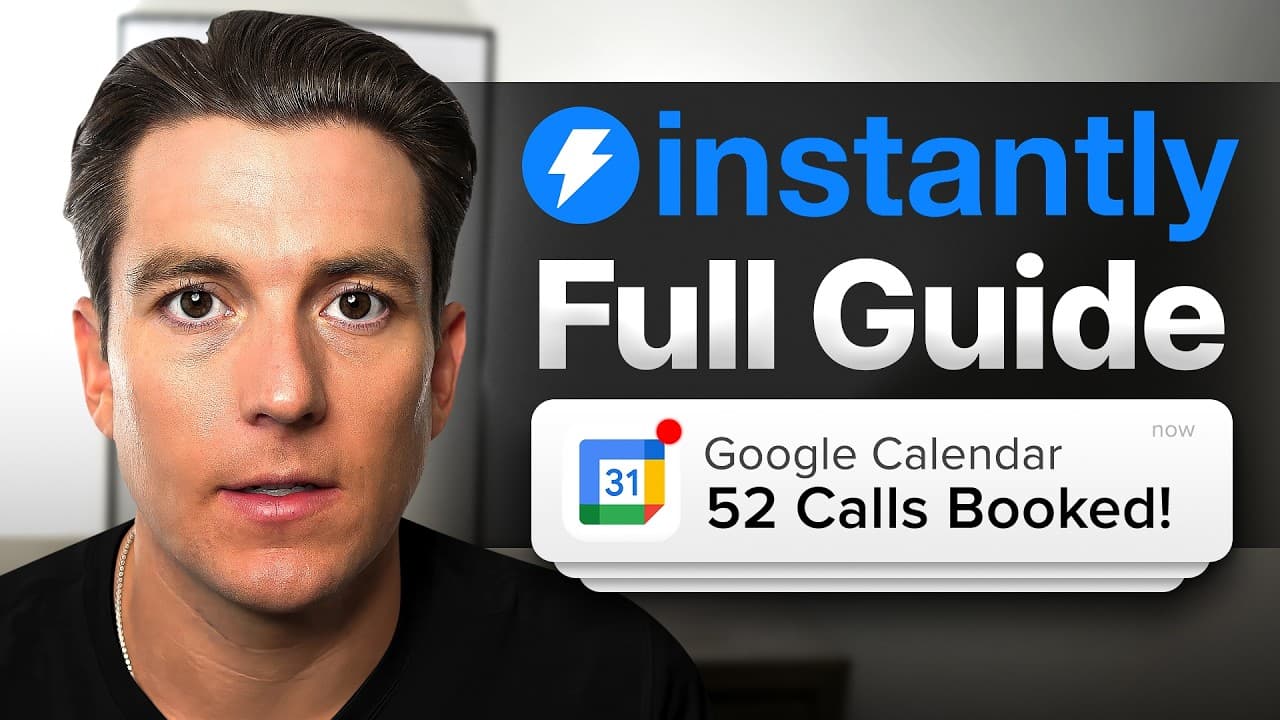
In this video, I'm going to give you the ultimate guide to using Instantly.AI to book more meetings and grow your business. Even if you're a complete beginner, this step-by-step guide will walk you through exactly how to get set up effectively from setting up your emails to building your list to using our AI tools to launching your full campaign. T... Read More
Key Insights
- Dedicated sending domains are safer for scaled outreach than relying on a main company domain. Repeatedly sending large volumes of similar cold emails from the primary domain can exhaust its capacity and cause messages to be flagged as spam.
- Instantly provides three account setup paths: connecting existing accounts, ordering a managed email setup, or purchasing pre-warmed accounts. Existing Google and Microsoft accounts can be connected through guided setup, while other providers are also supported.
- The managed email setup is designed to reduce technical work and human configuration errors. Instantly can choose domains, create accounts, reconnect them automatically, optimize them for delivery, and configure a forwarding domain that redirects visitors to an established website.
- The tutorial's capacity rule is five email accounts for every sending domain. With a recommended daily campaign limit of around 30 emails per account, one domain with five accounts can send approximately 150 campaign emails per day.
- Warm-up is a necessary step before using newly created accounts for campaigns. Instantly shows warm-up messages sent and received, account health scores, pauses, errors, and other indicators that help determine whether an address is ready for outreach.
- Pre-warmed accounts are the fastest setup option described in the tutorial. These existing domains and accounts have already completed warm-up, allowing users to select contextual domains, configure forwarding, place an order, and potentially begin sending on the same day.
- Instantly Copilot works best when its memory contains accurate business and customer information. Users can import details from a website or enter them manually, then review the generated foundation to ensure the company description, offer, audience, and outreach goal are consistent.
- Effective Copilot guidance should impose specific writing boundaries. The tutorial recommends emails of no more than 40 words, sentences of 8–10 words, clear language without jargon, value-first offers, useful assets instead of a bare call request, and pain points with financial implications.
Install to Summarize YouTube Videos and Get Transcripts
Explore YouTube Video Summarizer or Get YouTube Transcript Extractor
Questions & Answers
Q: How do you set up Instantly.ai for cold email?
Start by opening the email accounts section and choosing one of three setup methods: connect existing accounts, order a managed setup, or select pre-warmed accounts. After adding the accounts, enable and monitor warm-up before launching outreach. While warming them, configure Copilot memory with your business, customer profiles, outreach goal, and campaign-writing guidance.
Q: Why should cold emails use separate sending domains?
Separate sending domains protect the main company domain from the risks created by repetitive, high-volume outreach. The tutorial warns that a primary domain has limited sending capacity and may eventually have its messages flagged as spam when used for blasting cold emails. Dedicated domains distribute sending across multiple accounts while preserving the main business domain.
Q: How many cold emails can each Instantly account send daily?
The tutorial recommends a daily campaign limit of approximately 30 emails for each email account. It also recommends creating five email accounts for every domain. Using that rule, a single domain provides about 150 daily campaign emails. Five domains provide 25 accounts, which produces an estimated capacity of 750 campaign emails per day.
Q: What are the Instantly.ai email account setup options?
Instantly offers three setup paths in the tutorial. Users can connect existing Google, Microsoft, or other provider accounts through guided instructions. They can order a managed setup that creates domains and email accounts while reducing technical work. They can also purchase pre-warmed accounts that are already prepared for sending and may be used immediately.
Q: Why is email warm-up important in Instantly.ai?
Warm-up helps prevent newly configured email accounts from being flagged quickly when outreach begins. Instantly provides visibility into how many warm-up emails were sent and received, along with an email health score. It also monitors errors and paused warm-up activity, helping users judge account condition and gain confidence before starting campaign sending.
Q: What should be added to Instantly Copilot memory?
Copilot memory should include the company website, company name, business description, relevant awards, and the outreach objective. The objective might involve booking meetings, sharing a lead magnet, inviting prospects to a workshop, or requesting podcast participation. The imported or manually entered information should be reviewed carefully so later campaign outputs remain accurate and consistent.
Q: How do customer profiles improve Instantly Copilot campaigns?
Customer profiles teach Copilot who the outreach should address and which pain points the copy should emphasize. A profile can include problems solved, benefits, offers, unique selling points, customer goals, success stories, desired email action, communication style, company size, industry, and job titles. Multiple ideal customer profiles can be created for different audiences.
Q: What writing rules should guide Instantly Copilot?
The tutorial recommends keeping each email at a maximum of 40 words and limiting individual sentences to 8–10 words. Ideas should be separated into short, clear, high-impact lines without jargon. Messages should lead with value, address a pain point with financial implications, and offer something useful, such as an audit, competitive breakdown, or sales asset.
Summary & Key Takeaways
-
Cold email setup begins with adding dedicated sending accounts instead of using the main company domain, which has limited capacity and may become associated with spam after repetitive, high-volume outreach. Instantly supports existing Google, Microsoft, and other provider accounts, plus managed account creation and pre-warmed accounts for faster campaign deployment.
-
The managed setup can select domains, create email accounts, configure forwarding, and optimize accounts for delivery. The recommended rule in the tutorial is five email accounts per domain and about 30 campaign emails daily from each account. Under that model, one domain supports approximately 150 daily emails, while five domains support approximately 750.
-
Instantly Copilot should be configured while email accounts warm up. Its memory stores business details, outreach goals, customer profiles, problems, benefits, offers, selling points, success stories, target industries, company sizes, and job titles. Guidance can then enforce concise writing, short sentences, clear language, value-first offers, and financially relevant pain points.
Read in Other Languages (beta)
Share This Summary 📚
Summarize YouTube Videos and Get Video Transcripts with 1-Click
Try YouTube Summary with ChatGPT & Claude or YouTube Transcript Generator
Explore More Summaries from Instantly 📚





Summarize YouTube Videos and Get Video Transcripts with 1-Click
Try YouTube Summary with ChatGPT & Claude or YouTube Transcript Generator