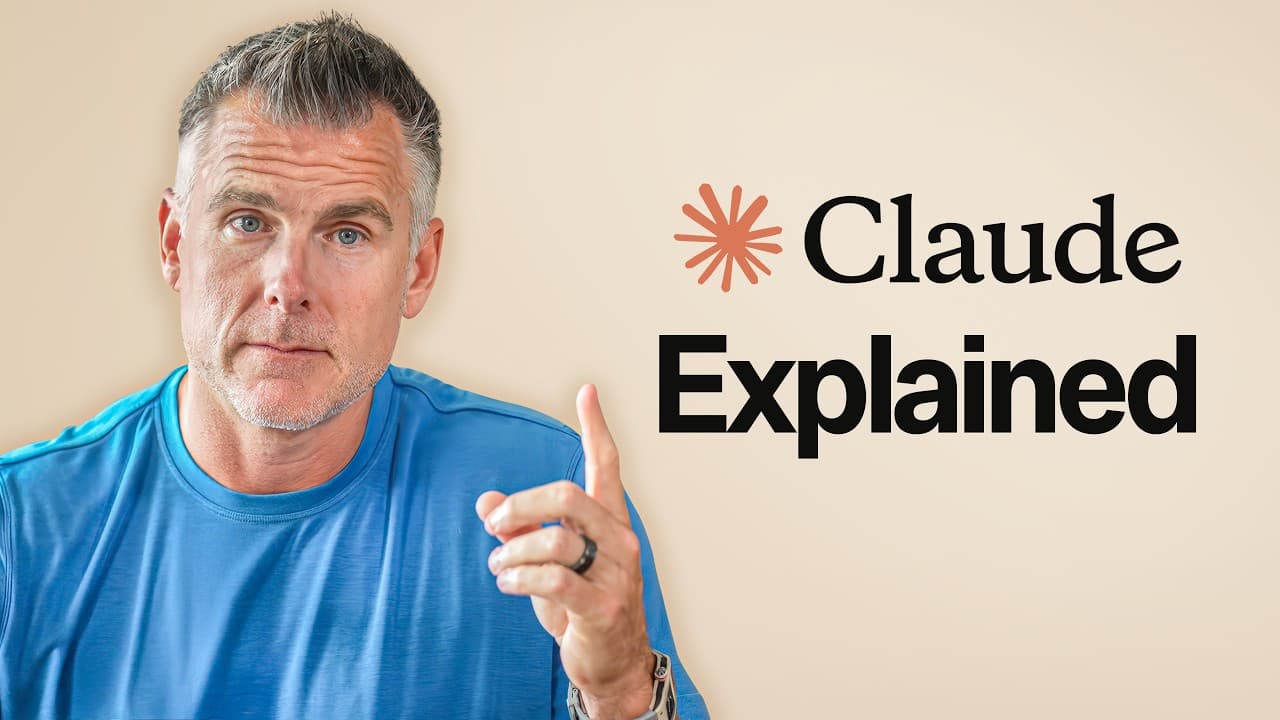
How to Master Claude: Beginner to Pro Guide
TL;DR
To maximize Claude's potential, users should progress from basic interactions to building autonomous systems. Beginners often use Claude for simple queries, missing out on advanced features like persistent memory and integration with other tools. By developing skills and creating system prompts, users can automate tasks and even build custom apps, transforming Claude from a tool into a powerful infrastructure.
Transcript
I've spent over 1,000 hours inside Claude and I use it every single day to build tools, run workflows, and even launch million-dollar companies. And look, you might feel super productive using Cloud right now. But what if I told you you're barely scratching the surface? In this video, I'm going to walk you through every level of Claude user from th... Read More
Key Insights
- Claude's potential is often underutilized by beginners who treat it like a simple search engine.
- Creating persistent memory in Claude enhances its ability to remember user-specific workflows and contexts.
- Integrating Claude with tools like Gmail, Slack, and Notion streamlines workflows and reduces tool-switching.
- System prompts and skills can automate repetitive tasks, enhancing productivity.
- Advanced users can build custom apps and tools within Claude using Claude Code.
- The operator level involves setting up autonomous tasks, reducing the need for manual intervention.
- Building agents and orchestrators allows users to manage complex workflows without direct involvement.
- English can be used as a programming language in the AI world, making coding more accessible.
Install to Summarize YouTube Videos and Get Transcripts
Explore YouTube Video Summarizer or Get YouTube Transcript Extractor
Questions & Answers
Q: How to use Claude beyond basic queries?
To use Claude beyond basic queries, start by creating projects that allow it to remember your workflows. Use persistent memory features to enhance its context awareness. Integrate Claude with other tools like Gmail and Slack to streamline your processes. Develop system prompts and skills to automate repetitive tasks, and explore building custom apps using Claude Code for tailored solutions.
Q: What is the role of system prompts in Claude?
System prompts in Claude serve as predefined instructions that guide its responses based on specific workflows or outputs. They enable users to automate repetitive tasks by providing consistent and structured guidance. By using system prompts, users can ensure that Claude delivers high-quality, repeatable results, enhancing efficiency and productivity in various applications.
Q: How can Claude be integrated with other tools?
Claude can be integrated with tools like Gmail, Calendar, Drive, Slack, and Notion through connectors. This integration allows Claude to access and utilize data from these tools, reducing the need to switch between applications. Users can automate tasks such as retrieving emails, checking calendars, and updating documents, streamlining workflows and improving productivity.
Q: What are the benefits of building custom apps with Claude Code?
Building custom apps with Claude Code allows users to create tailored solutions that meet specific needs. These apps can automate complex tasks, manage data, and streamline workflows. By using Claude Code, users can develop recurring jobs, disposable tools, and full-fledged applications, enhancing their ability to leverage Claude's capabilities for business and personal use.
Q: How do agents and orchestrators work in Claude?
Agents and orchestrators in Claude are designed to manage and execute workflows autonomously. An orchestrator agent oversees specialized sub-agents, each responsible for specific tasks. This setup allows users to automate processes without direct involvement, as the main agent directs sub-agents to perform tasks and report back, effectively creating a machine that runs the machine.
Q: How can users automate tasks with Claude?
Users can automate tasks with Claude by developing system prompts and skills that execute repetitive actions. These prompts provide structured instructions for Claude, ensuring consistent output. Additionally, users can integrate Claude with other tools to automate data retrieval and processing, and create custom apps using Claude Code to handle specific tasks, further enhancing automation capabilities.
Q: What is the significance of persistent memory in Claude?
Persistent memory in Claude allows it to retain information about user-specific workflows and contexts. This feature enhances Claude's ability to provide relevant and personalized responses, as it remembers previous interactions and project details. By using persistent memory, users can create a more efficient and effective workspace, enabling Claude to deliver tailored solutions and insights.
Q: How can Claude be used to enhance productivity?
Claude enhances productivity by automating repetitive tasks, integrating with other tools, and providing personalized responses through persistent memory. Users can develop system prompts and skills to streamline workflows and build custom apps with Claude Code for specific needs. By leveraging these features, Claude transforms from a simple tool into a comprehensive infrastructure that supports efficient work processes.
Summary & Key Takeaways
-
Beginners often use Claude for basic queries, missing out on its advanced capabilities. By creating projects and using persistent memory, users can enhance Claude's effectiveness. Integrating Claude with other tools further streamlines workflows.
-
Advanced users can automate tasks through system prompts and skills, transforming Claude from a simple tool to a robust infrastructure. Building custom apps and tools with Claude Code allows users to create tailored solutions for their needs.
-
At the highest levels, users can develop agents and orchestrators to manage workflows autonomously. This reduces the need for direct involvement, allowing users to focus on strategic tasks while Claude handles operational processes.
Read in Other Languages (beta)
Share This Summary 📚
Summarize YouTube Videos and Get Video Transcripts with 1-Click
Try YouTube Summary with ChatGPT & Claude or YouTube Transcript Generator
Explore More Summaries from Dan Martell 📚

Summarize YouTube Videos and Get Video Transcripts with 1-Click
Try YouTube Summary with ChatGPT & Claude or YouTube Transcript Generator