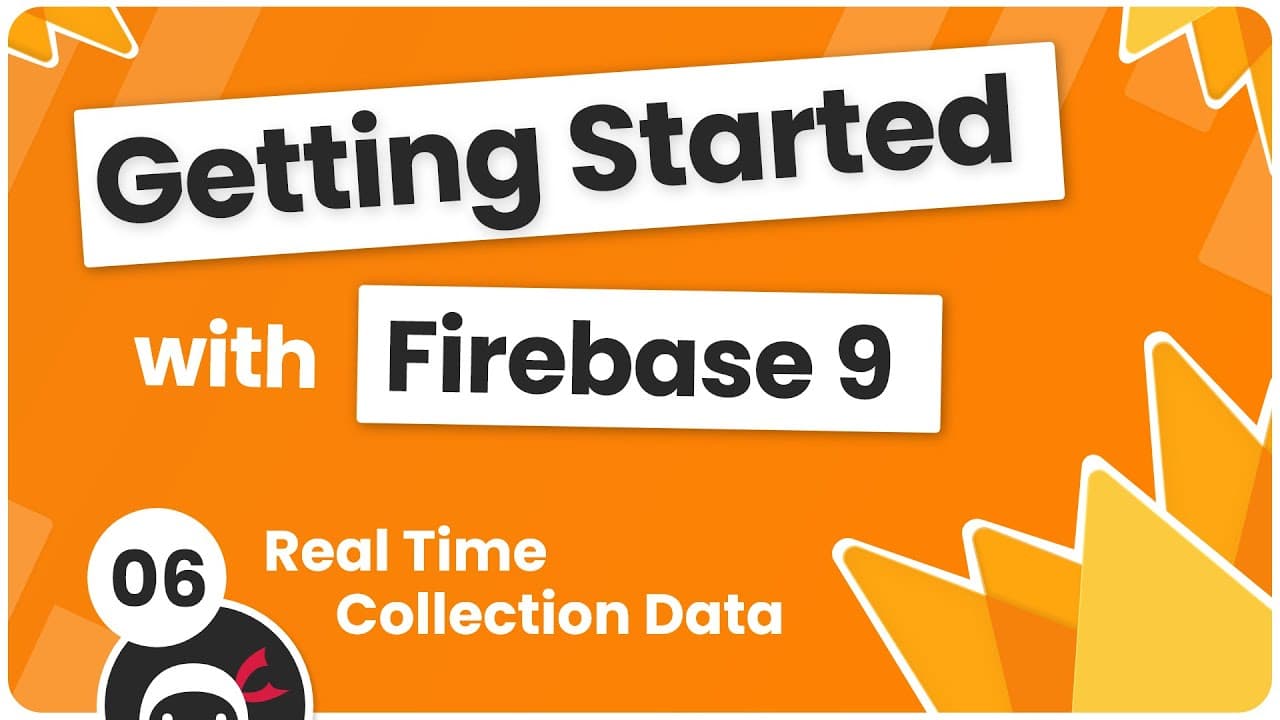
How to listen to Firestore changes with onSnapshot for real-time data
TL;DR
The video shows replacing a one-time getDocs call with onSnapshot to subscribe to a Firestore collection. It explains how the listener fires initially and then re-runs automatically whenever the collection data changes, allowing real-time updates without refreshing the page. The code collects documents into a books array and logs updates to the console.
Transcript
all right then gang so we've seen now how we can get data and we're logging that data to the console and also add new data and delete data as well from a collection but at the minute if we were to add new data or delete data then in order to see the updated collection data in the console we'd have to refresh the page right let me demo that if i add... Read More
Key Insights
- onSnapshot provides a real-time subscription to a collection
- the callback receives a snapshot that reflects current data
- changes in the collection automatically trigger the callback
- initial data retrieval happens once when the listener is set up
- the code reconstructs a books array from the snapshot
- each document includes its data and id for unique identification
- ship a real-time update by re-rendering or logging the new snapshot
- this approach eliminates the need for manual page refreshes to see updates
Install to Summarize YouTube Videos and Get Transcripts
Explore YouTube Video Summarizer or Get YouTube Transcript Extractor
Questions & Answers
Q: How do you start listening for real-time updates in Firestore
To start listening for real-time updates you replace a one-time fetch with onSnapshot, pass a collection reference, and provide a callback that processes the incoming snapshot. The first invocation provides the initial data, and subsequent invocations occur automatically when the data changes. This pattern keeps your UI or console in sync without manual refreshes.
Q: What happens when data changes in the collection
When the collection data changes Firestore triggers the onSnapshot callback again with a new snapshot. The code can parse this snapshot to rebuild an array of documents, including the id of each document, and then update the UI or log the updated data. This ensures the latest data is always displayed.
Q: Why use onSnapshot instead of getDocs in this context
getDocs runs a query only once and does not listen for future changes, so you would need to refresh to see updates. onSnapshot sets up a persistent listener that fires every time there is a change, providing real-time updates automatically and reducing manual refresh requirements.
Q: What data is included for each document in the list
For each document, the code includes the document data and the document id. This combination allows the app to display meaningful content while preserving a unique identifier that can be used for updates, deletions, or navigation to a detailed view.
Q: What is required to begin using the real-time listener
You need a reference to the Firestore collection you want to monitor and a callback function to handle snapshots. Include the initial snapshot to populate data, then handle replays whenever the collection changes to keep the UI current.
Q: How does the initial load differ from subsequent updates
The initial load runs once when you set up onSnapshot and fetches the initial data. After that, every change to the collection triggers the callback again with a fresh snapshot, enabling continuous synchronization between the database and the application.
Q: Can the real-time listener trigger UI re-renders
Yes, the listener can trigger UI re-renders by re-processing the new snapshot and updating the visible data structures, such as an array of books, which can then be bound to the UI components to reflect the current state in real time.
Q: What would happen if you delete a book in the example
Deleting a book sends a request to remove the document from the collection. Firestore then sends back a new snapshot reflecting the updated data, which the onSnapshot callback processes to produce a new books array and an updated console log or UI render.
Summary & Key Takeaways
-
Setting up a real-time listener replaces a one-time fetch, enabling automatic updates when data changes.
-
The onSnapshot function takes a collection reference and a callback that handles the incoming snapshot.
-
Initial data is fetched and logged, then subsequent changes trigger the same processing logic.
-
Deleting or adding items to the collection triggers a new snapshot and updated console output.
-
The code builds an array of book objects that includes document data and ids to keep items identifiable.
-
The listener can render to the browser in a real app, not just log to the console.
-
This pattern ensures the UI stays in sync with the database without manual refreshes.
Read in Other Languages (beta)
Share This Summary 📚
Summarize YouTube Videos and Get Video Transcripts with 1-Click
Try YouTube Summary with ChatGPT & Claude or YouTube Transcript Generator
Explore More Summaries from Net Ninja 📚

Summarize YouTube Videos and Get Video Transcripts with 1-Click
Try YouTube Summary with ChatGPT & Claude or YouTube Transcript Generator