Products
Features
YouTube Video Summarizer
Summarize YouTube videos
Web & PDF Highlighter
Highlight web pages & PDFs
Chat with PDF
Ask any PDF questions with AI
Ask AI Clone
Chat with your highlights & memories
Audio Transcriber
Transcribe audio files to text
Glasp Reader
Read and highlight articles
Kindle Highlight Export
Export your Kindle highlights
Idea Hatch
Hatch ideas from your highlights
Integrations
Obsidian Plugin
Notion Integration
Pocket Integration
Instapaper Integration
Medium Integration
Readwise Integration
Snipd Integration
Hypothesis Integration
Apps & Extensions
Chrome Extension
Safari Extension
Edge Add-ons
Firefox Add-ons
iOS App
Android App
Discover
Discover
Ideas
Discover new ideas and insights
Articles
Curated articles and insights
Books
Book recommendations by great minds
Posts
Essays and notes from readers
Quotes
Inspiring quotes collection
Videos
Curated videos and summaries
Explore Glasp
Glasp Story
How we grew from 0 to 3 million users
Glasp Newsletter
Weekly insights and updates
Glasp Talk
Interview series with great minds
Glasp Blog
Latest news and articles
Glasp Use Cases
Learn how others use Glasp
Build & Support
Glasp API
Access Glasp's API for developers
MCP Connector
Connect Glasp to Claude & ChatGPT
Community
Glasp Reddit Community
Students
Student discount and benefits
FAQs
Frequently Asked Questions
AboutPricing
DashboardLog inSign up

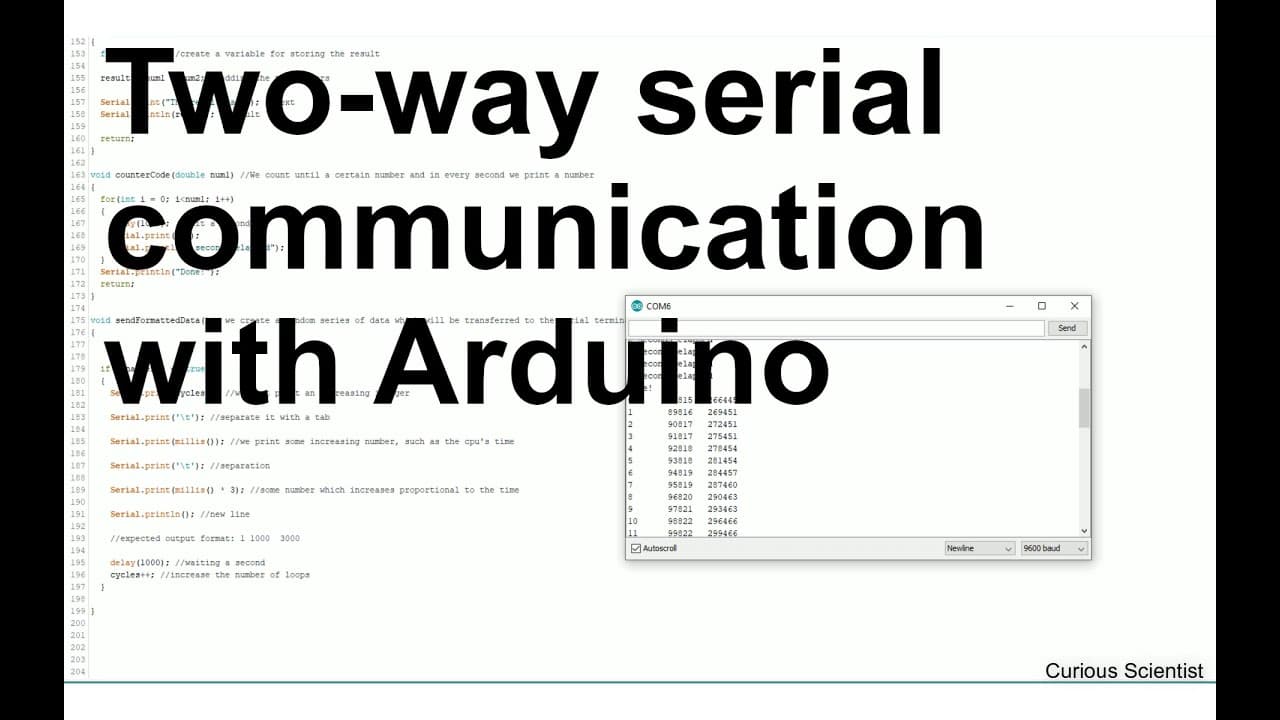
How to Send and Receive Data Using Arduino Serial
8.1K views
•
October 16, 2019
by
Curious Scientist
YouTube video player
How to Send and Receive Data Using Arduino Serial

TL;DR

To communicate with Arduino via serial, start by initializing serial communication and use functions to send and receive data. Simple commands can echo received input or perform arithmetic operations, while future tutorials will expand into creating custom software and visualizing data from Arduino for practical applications like data logging.

Transcript

welcome everyone in this video I'm trying to explain you how to communicate with an Arduino so how to send some data for example different comments and how to receive some data from the Arduino and I'm planning to do a series of videos about this so in this video in the first video I will show you the basics and then I will build on this video and ... Read More

Key Insights

  • ⌛ Understanding serial communication is fundamental for Arduino projects, enabling real-time data transfer.
  • 🏛️ The series aims to progressively build technical skills, covering both hardware and software aspects.
  • 🤩 Key functions demonstrated include data echoing, mathematical operations, and custom command handling.
  • ❓ Future advancements will involve data visualization, crucial for interpreting sensor readings and generated outputs.
  • 👤 The series will also focus on real-time applications, helping users create practical setups like weather stations.
  • ⚖️ The educational approach balances technical instruction with practical applications, enhancing learning experiences.
  • 😒 Potential use cases for Arduino include data logging and monitoring systems, highlighting the versatility of the platform.

Install to Summarize YouTube Videos and Get Transcripts

Explore YouTube Video Summarizer or Get YouTube Transcript Extractor

Summary & Key Takeaways

  • The video serves as an introductory guide to communicate with Arduino using its serial terminal, detailing how to send and receive data.

  • Future videos will build on these basics, where more advanced projects will involve creating custom software using Visual Studio and C# to visualize data from the Arduino.

  • The importance of data formatting is emphasized, especially for applications like data logging and visual representation of variables over time.


Read in Other Languages (beta)

English

Share This Summary 📚

Summarize YouTube Videos and Get Video Transcripts with 1-Click

Download browser extensions on:

Try YouTube Summary with ChatGPT & Claude or YouTube Transcript Generator

Explore More Summaries from Curious Scientist 📚
Testing and comparing different Peltier coolers - Part 3 - TEC12706 thumbnail
Testing and comparing different Peltier coolers - Part 3 - TEC12706
Curious Scientist
How to Implement Homing for a Stepper Motor with Arduino thumbnail
How to Implement Homing for a Stepper Motor with Arduino
Curious Scientist
Building a Peltier cooler-based cooling box - First iteration, improvements [Part 2/6] thumbnail
Building a Peltier cooler-based cooling box - First iteration, improvements [Part 2/6]
Curious Scientist
TB6600 and Arduino - Wiring and demonstration thumbnail
TB6600 and Arduino - Wiring and demonstration
Curious Scientist
Recent updates for the tensile testing machine thumbnail
Recent updates for the tensile testing machine
Curious Scientist
Testing and demonstrating the best ADS1256 board thumbnail
Testing and demonstrating the best ADS1256 board
Curious Scientist

Summarize YouTube Videos and Get Video Transcripts with 1-Click

Download browser extensions on:

Try YouTube Summary with ChatGPT & Claude or YouTube Transcript Generator

Apps & Extensions

  • Chrome Extension
  • Safari Extension
  • Edge Add-ons
  • Firefox Add-ons
  • iOS App
  • Android App

Key Features

  • YouTube Video Summarizer
  • Web & PDF Summarizer
  • Web & PDF Highlighter
  • Chat with PDF
  • Ask AI Clone
  • Audio Transcriber
  • Glasp Reader
  • Kindle Highlight Export
  • Idea Hatch

Integrations

  • Obsidian Plugin
  • Notion Integration
  • Pocket Integration
  • Instapaper Integration
  • Medium Integration
  • Readwise Integration
  • Snipd Integration
  • Hypothesis Integration

More Features

  • APIs
  • MCP Connector
  • Blog & Post
  • Embed Links
  • Image Highlight
  • Personality Test
  • Quote Shots
  • Open Graph Checker

Company

  • About us
  • Our Story
  • Blog
  • Community
  • FAQs
  • Job Board
  • Newsletter
  • Pricing
Terms

•

Privacy

•

Guidelines

© 2026 Glasp Inc. All rights reserved.