What Are the Best Apps to Boost Your Productivity?
TL;DR
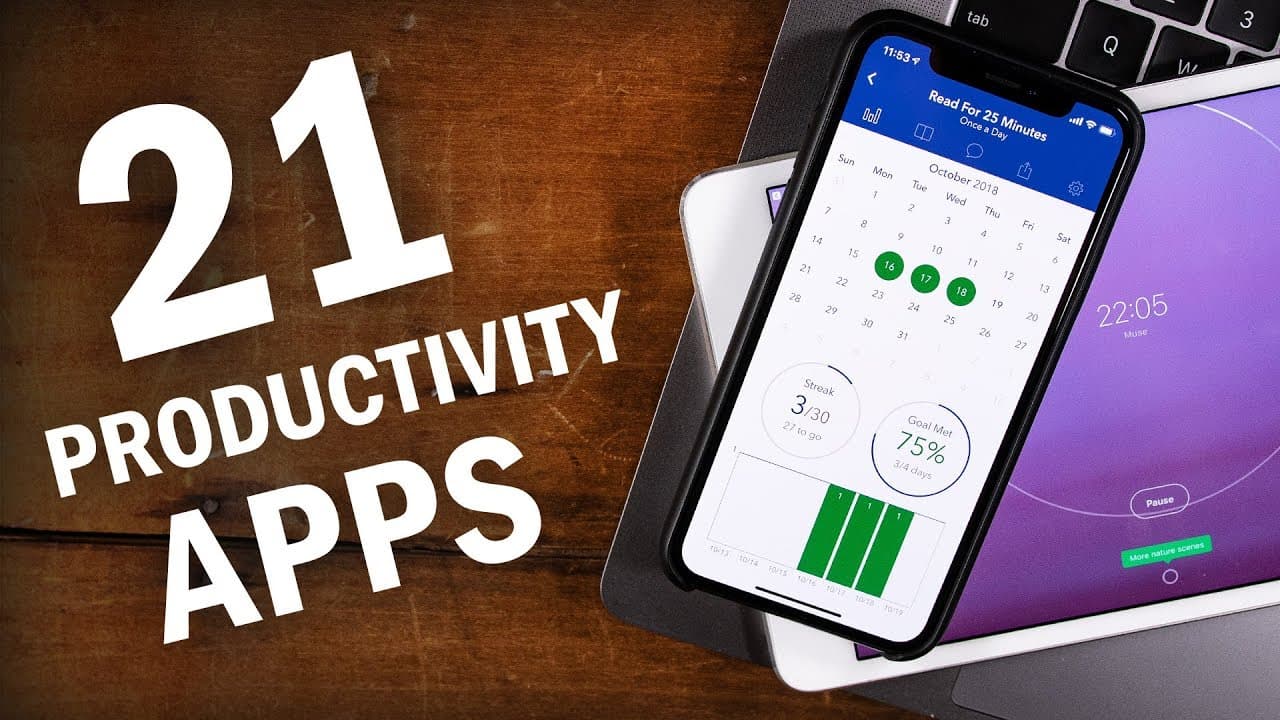
The best productivity apps include Beeminder and StickK, which use commitment devices to foster discipline by creating consequences for non-completion. Helpful limitations from apps like Freedom block distractions, while feedback tools like Toggl and RescueTime track time spent on tasks and offer insights into productivity. Combining these tools effectively can enhance your work efficiency.
Transcript
- Hey, what up guys? So it is round up time. Today I'm gonna be sharing 21 different apps and tools that, more or less, force you to get your work done. Now to be honest right up front none of these apps work quite like that creepy piano in the movie Coraline. None of them are gonna make your computer sprout robotic arms that grab your hands and li... Read More
Key Insights
- 🥹 Commitment devices create consequences and hold individuals accountable for meeting set goals, building self-discipline and motivation.
- 💦 Limitations, in the form of website and application blockers, help eliminate distractions and create a focused work environment.
- 👣 Feedback and reporting tools provide insights into time spent and productivity levels, enabling individuals to track progress and make improvements.
- 🔨 Combining different productivity tools can enhance efficiency and effectiveness.
- 😀 Notion, while not directly discussed, is a powerful and flexible productivity app recommended for those looking to improve their workflows.
- 👶 Skillshare offers courses, such as Francesco D'Alessio's Notion course and Mike Vardy's time theming course, for individuals seeking to enhance productivity and learn new skills.
- 🧡 Skillshare provides an extensive range of courses across various disciplines, making it a valuable resource for continuous learning.
Install to Summarize YouTube Videos and Get Transcripts
Explore YouTube Video Summarizer or Get YouTube Transcript Extractor
Questions & Answers
Q: What are commitment devices, and why are they helpful?
Commitment devices create consequences for not completing tasks, fostering self-discipline, such as Beeminder, StickK, and The Most Dangerous Writing App. They are useful as they hold individuals accountable and help in meeting set goals by putting money or stakes on the line.
Q: How can app limitations be helpful in increasing productivity?
Apps like Freedom, SelfControl, and Block Distracting Websites help limit access to distracting websites and applications, promoting focus and preventing time wastage. These limitations can enhance productivity by eliminating temptations and providing a distraction-free work environment.
Q: How do feedback and reporting tools aid productivity?
Tools like Toggl, RescueTime, and Screen Time track time spent on specific tasks, categorize productivity levels, and generate reports. These insights help individuals understand their time allocation, identify areas for improvement, and make informed decisions about time management.
Q: Are there any apps that combine productivity features?
Yes, Y-Productive combines automatic time tracking with project and task lists, helping individuals manage their work more effectively. This app allows for tracking time spent on specific projects while providing the benefits of an automatic time tracker.
Summary & Key Takeaways
-
The video highlights commitment devices like Beeminder, StickK, and The Most Dangerous Writing App that create consequences for not completing tasks, fostering discipline.
-
Helpful limitations are discussed, including website and application blockers like Freedom, SelfControl, and Block Distracting Websites, which prevent distractions.
-
Feedback and reporting tools like Toggl, RescueTime, and Screen Time are explained, which track time spent on activities and provide insights on productivity.
Read in Other Languages (beta)
Share This Summary 📚
Summarize YouTube Videos and Get Video Transcripts with 1-Click
Try YouTube Summary with ChatGPT & Claude or YouTube Transcript Generator
Explore More Summaries from Thomas Frank 📚

Summarize YouTube Videos and Get Video Transcripts with 1-Click
Try YouTube Summary with ChatGPT & Claude or YouTube Transcript Generator