What Are the Best Tips for Using MidJourney V5?
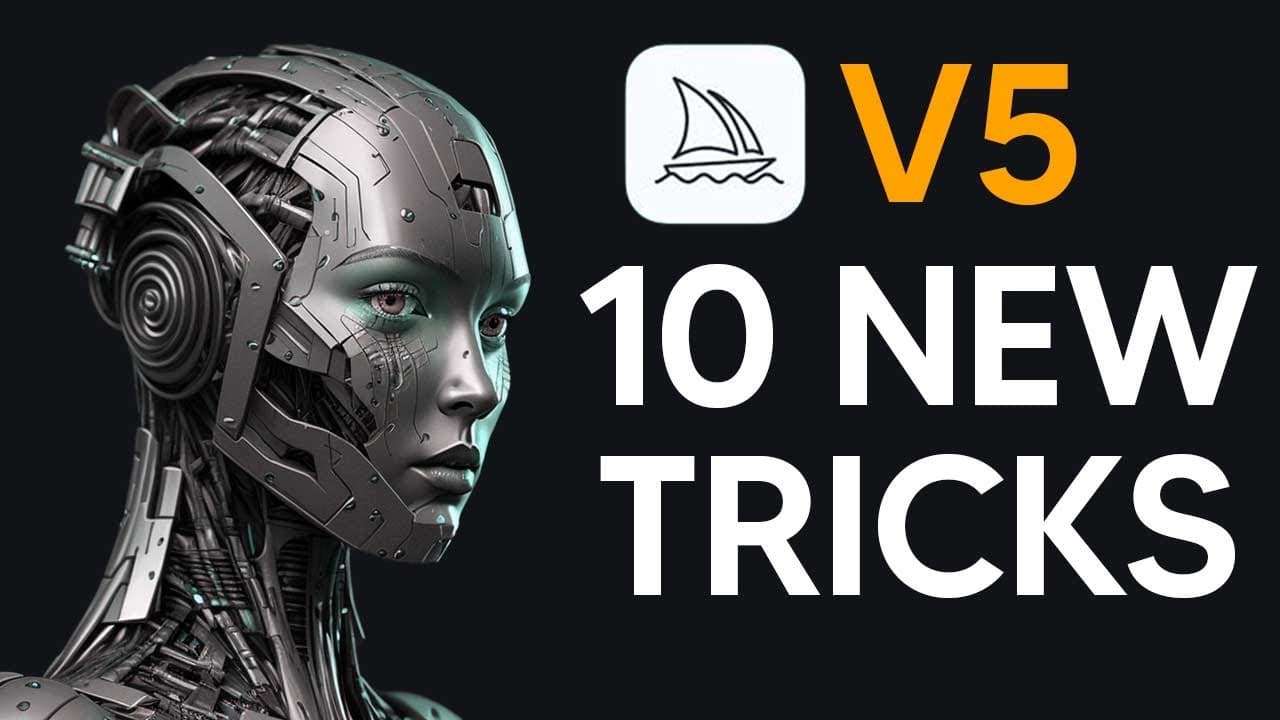
TL;DR
To effectively use MidJourney V5, leverage its faster processing and higher image quality without excessive detail in prompts. Use version 5 for photorealistic outputs while reserving version 4 for artistic styles. Explore infinite aspect ratios and instant image upscaling to enhance your creative workflow.
Transcript
the mid-journey V5 has just been announced well just been released and I'm going to be getting into every single new feature that there is and some tips and tricks that you should be doing especially since mid-journey is evolving pretty quickly and you don't want to be left behind so a couple of hours ago on the mid Journey Discord they actually po... Read More
Key Insights
- ❓ Mid Journey V5 introduces advancements in image generation with a focus on enhanced realism and detailed textures.
- ❓ The shift from V4 to V5 highlights the evolution towards photorealistic outputs and improved processing efficiency.
- 🥳 Version 5 offers support for infinite prompts, diverse aspect ratios, and seamless tile textures for versatile image creation.
- 💨 Users can experience faster access to high-quality images with V5, indicating a significant enhancement in workflow efficiency and quality output.
- ❓ The comparison between V4 and V5 showcases the contrast between artistic interpretation and realistic rendering capabilities.
- 🚄 The ability to instantly upscale images in V5 underscores the convenience and speed of obtaining high-resolution visuals.
- 🥳 The flexibility in prompts and aspect ratios in V5 expands creative possibilities and allows for experimentation with diverse visual styles.
Install to Summarize YouTube Videos and Get Transcripts
Explore YouTube Video Summarizer or Get YouTube Transcript Extractor
Questions & Answers
Q: What are the key new features introduced in Mid Journey V5?
Mid Journey V5 brings a wider stylistic range, increased image resolution, support for tiles, exporting aspect ratios over two to one, and waiting image prompts for precise customization.
Q: How does Version 5 differ from Version 4 in terms of image quality?
Version 5 of Mid Journey emphasizes photorealism with intricate details, improved clarity, and enhanced realism, whereas Version 4 leans towards artistic renderings with a more stylized look.
Q: What are the advantages of using Mid Journey V5 for realistic image generation?
Version 5 excels in producing highly realistic images with detailed textures, accurate lighting, and a focus on photorealism, making it ideal for applications requiring lifelike visual content.
Q: How does the processing speed of image generation compare between V4 and V5?
While V4 images are quicker to generate, V5 images take longer due to their higher quality and finer details, but the speed improvement in V5 for high-quality output is notable.
Summary & Key Takeaways
-
Mid Journey V5 offers a much wider stylistic range with improved responsiveness to prompts, resulting in higher image quality and resolution.
-
Version 5 supports tiles for seamless textures, exports aspect ratios greater than two to one, and allows waiting image prompts for precise output.
-
The shift from V4 to V5 showcases a significant leap in photo-realism with more intricate details and faster image processing times.
Read in Other Languages (beta)
Share This Summary 📚
Summarize YouTube Videos and Get Video Transcripts with 1-Click
Try YouTube Summary with ChatGPT & Claude or YouTube Transcript Generator
Explore More Summaries from TheAIGRID 📚


Summarize YouTube Videos and Get Video Transcripts with 1-Click
Try YouTube Summary with ChatGPT & Claude or YouTube Transcript Generator