How to Crop Photos and Videos into Creative Shapes in Canva
TL;DR
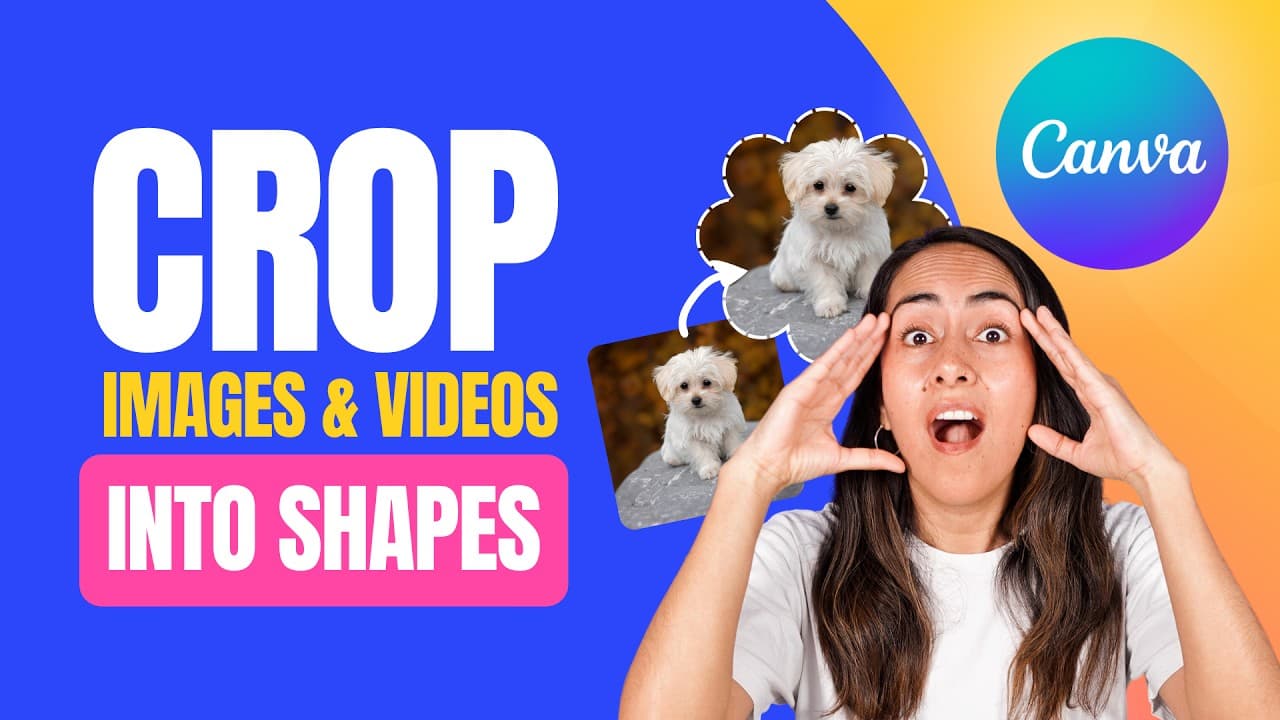
To crop photos and videos into creative shapes in Canva, use the 'Frames' feature found under the elements tab. Simply drag and drop your media into the desired frame shape, and adjust as needed. Explore various frame categories like textures and glows to enhance your designs, and download your final creations in formats like JPEG, PNG, or MP4.
Transcript
this is a simple tutorial in which you learn how to Circle crop a photo like this and with the same steps you can also crop a video like this and I'll also show you how to creatively crop your photos and videos like this we're going to do everything inside canva and the whole process is very very easy to follow but if you miss one of the steps you ... Read More
Key Insights
- 💨 Canva offers a user-friendly way to crop photos and videos with its frame feature.
- 👻 Changing frame shapes and adjusting image positioning allows for creative designs.
- 🌟 There are various frame categories in Canva, such as textures, glows, papers, and more, to enhance visuals.
- 💁 Canva provides options to download cropped images and videos in different formats.
Install to Summarize YouTube Videos and Get Transcripts
Explore YouTube Video Summarizer or Get YouTube Transcript Extractor
Questions & Answers
Q: How can you crop a photo in Canva using frames?
To crop a photo in Canva, upload the image, select a frame shape, position the image inside the frame, and adjust as needed before saving the cropped photo.
Q: What are some features of frames in Canva for cropping?
Frames in Canva offer various shapes like circles, triangles, and more, with the ability to resize, change aspect ratio, and even add texture or glowing effects to images and videos.
Q: How can you replace a photo or video inside a frame in Canva?
To replace a photo or video in a frame, simply drag and drop a new image onto the frame, or delete the existing content with the trash icon to add different visuals to your design.
Q: What options are available for downloading cropped images and videos in Canva?
Canva allows users to download cropped images or videos in formats like JPEG or PNG for photos and MP4 for videos, with options for transparent backgrounds or quality adjustments for premium accounts.
Summary & Key Takeaways
-
Tutorial on cropping photos and videos in Canva using frames.
-
Demonstrates how to change frame shapes and adjust image position.
-
Explains how to find and use diverse frames to enhance designs.
Read in Other Languages (beta)
Share This Summary 📚
Summarize YouTube Videos and Get Video Transcripts with 1-Click
Try YouTube Summary with ChatGPT & Claude or YouTube Transcript Generator
Explore More Summaries from Design with Canva 📚






Summarize YouTube Videos and Get Video Transcripts with 1-Click
Try YouTube Summary with ChatGPT & Claude or YouTube Transcript Generator