How to Use Claude Code for Task Management and Research
TL;DR
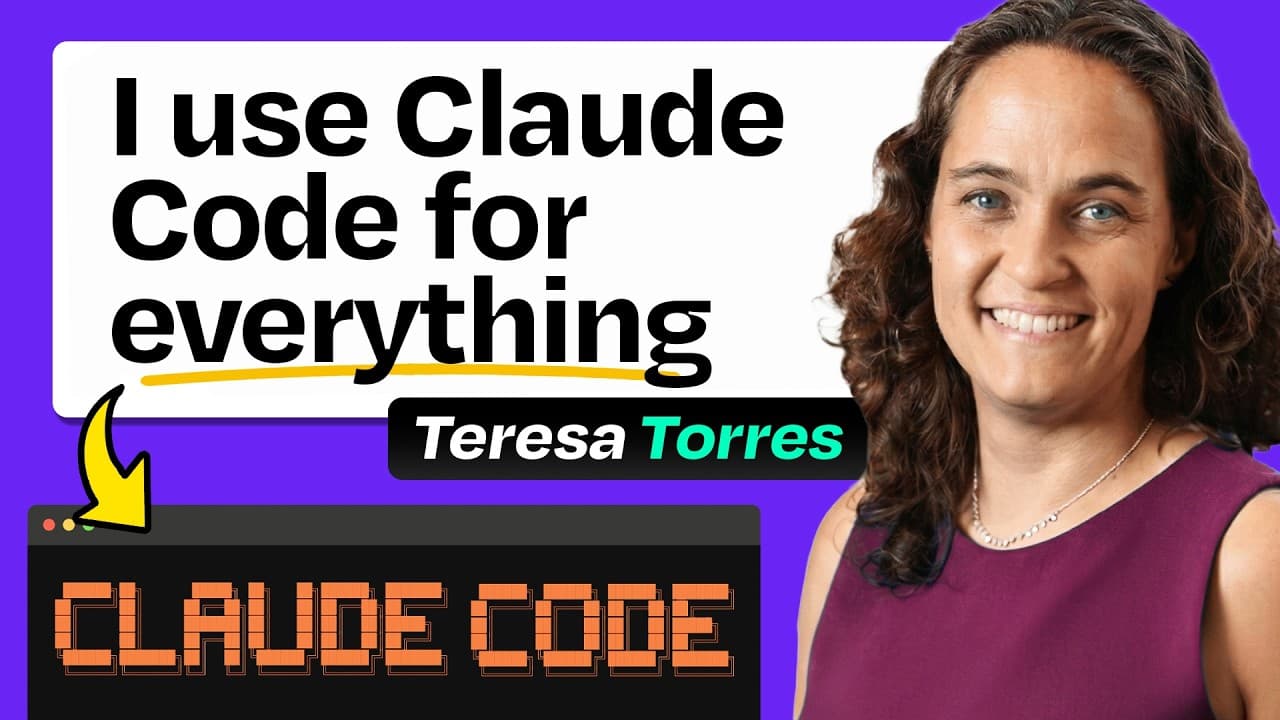
Claude Code can transform productivity by integrating task management, research automation, and writing enhancement into a single system. By moving from Trello to a markdown-based setup, users gain complete control and searchability. Pair programming with Claude allows for efficient task handling and content creation, making it a versatile tool for personalized workflows.
Transcript
Why has Claude code become your [music] buddy? >> I was writing my notes in my task management tool and that was Trello. As time went on, I just started to get really worried about how am I ever going to get my data out of Trello. And so I was like, I wonder if Claude can help. And that was like one thing. Maybe I could just do this better with Cla... Read More
Key Insights
- Claude Code is a versatile tool that integrates task management, research automation, and writing enhancement.
- Moving from Trello to a markdown-based system allows for complete control and searchability of tasks.
- Automated daily research digests can keep users updated on relevant academic papers.
- Organizing context files into small, focused documents makes Claude more effective without overwhelming it.
- Pair programming with Claude can enhance productivity in non-coding tasks like writing and task management.
- Using slash commands and automation reduces friction in daily workflows.
- Claude can act as a writing partner, providing feedback and ensuring consistency with a personal style guide.
- The integration of tools like Obsidian and VS Code with Claude Code enhances the overall productivity system.
Install to Summarize YouTube Videos and Get Transcripts
Explore YouTube Video Summarizer or Get YouTube Transcript Extractor
Questions & Answers
Q: How does Teresa Torres use Claude Code for task management?
Teresa Torres uses Claude Code to create a personalized task management system that integrates with markdown files and Obsidian. By utilizing slash commands and automation, she can efficiently manage her tasks without relying on traditional tools like Trello. This system allows her to have complete control over her tasks and enhances searchability, making it easier to manage her workload.
Q: What is the benefit of moving from Trello to a markdown-based system?
Moving from Trello to a markdown-based system provides complete control and searchability over tasks. This approach allows users to organize their tasks in a way that suits their personal workflow, without being constrained by the limitations of traditional task management tools. It also enables integration with tools like Obsidian, enhancing the overall productivity system.
Q: How does Teresa automate academic research collection?
Teresa automates academic research collection by using a plugin that searches archive and Google Scholar for relevant papers. These papers are summarized and presented in daily digests, allowing her to stay updated on the latest research without spending excessive time manually searching for information. This automation enhances her ability to engage in broader market conversations and stay informed.
Q: Why is organizing context files important for using Claude effectively?
Organizing context files into small, focused documents is crucial for using Claude effectively because it prevents the AI from being overwhelmed with irrelevant information. By providing only the necessary context for a specific task, Claude can perform more accurately and efficiently. This approach allows users to be lazy in their prompts while ensuring that Claude has access to the right information when needed.
Q: How does Teresa use Claude as a writing partner?
Teresa uses Claude as a writing partner by having it provide feedback and ensure consistency with her personal style guide. Claude critiques her writing, suggests improvements, and helps with research, allowing her to maintain her authentic voice while enhancing the quality of her content. This collaboration demonstrates the potential of AI tools in augmenting creative tasks like writing.
Q: What are the benefits of using slash commands and automation in Claude Code?
Using slash commands and automation in Claude Code reduces friction in daily workflows by streamlining task management and research processes. These features allow users to execute complex commands with simple inputs, enhancing efficiency and productivity. Automation also enables users to focus on higher-level tasks by delegating routine operations to Claude.
Q: What tools does Teresa integrate with Claude Code to enhance her productivity?
Teresa integrates tools like Obsidian and VS Code with Claude Code to enhance her productivity. Obsidian serves as a file browser for her markdown files, while VS Code provides an IDE for coding tasks. These integrations allow her to manage her tasks, research, and writing in a cohesive system, leveraging the strengths of each tool to optimize her workflow.
Q: How does pair programming with Claude enhance productivity?
Pair programming with Claude enhances productivity by allowing users to collaborate with the AI on tasks beyond coding. Teresa uses this approach for writing, task management, and research, treating Claude as a partner that can assist with complex operations. This collaboration enables her to tackle tasks more efficiently and effectively, demonstrating the versatility of AI tools in personal workflows.
Summary & Key Takeaways
-
Teresa Torres demonstrates how Claude Code can be used to create a personalized productivity system. By moving from Trello to a markdown-based system, she gains complete control and searchability over her tasks. The integration of automated research collection and writing enhancements showcases the versatility of Claude Code in managing complex workflows.
-
The video highlights the importance of organizing context files into small, focused documents to make Claude more effective. Teresa uses pair programming with Claude to enhance productivity in non-coding tasks like writing and task management, showing the potential of AI tools in personal workflow optimization.
-
The use of slash commands and automation in Claude Code reduces friction in daily workflows. Teresa's system integrates tools like Obsidian and VS Code, demonstrating how non-developers can leverage AI to create personalized workflows that match their unique needs and thinking style.
Read in Other Languages (beta)
Share This Summary 📚
Summarize YouTube Videos and Get Video Transcripts with 1-Click
Try YouTube Summary with ChatGPT & Claude or YouTube Transcript Generator
Explore More Summaries from How I AI 📚





Summarize YouTube Videos and Get Video Transcripts with 1-Click
Try YouTube Summary with ChatGPT & Claude or YouTube Transcript Generator