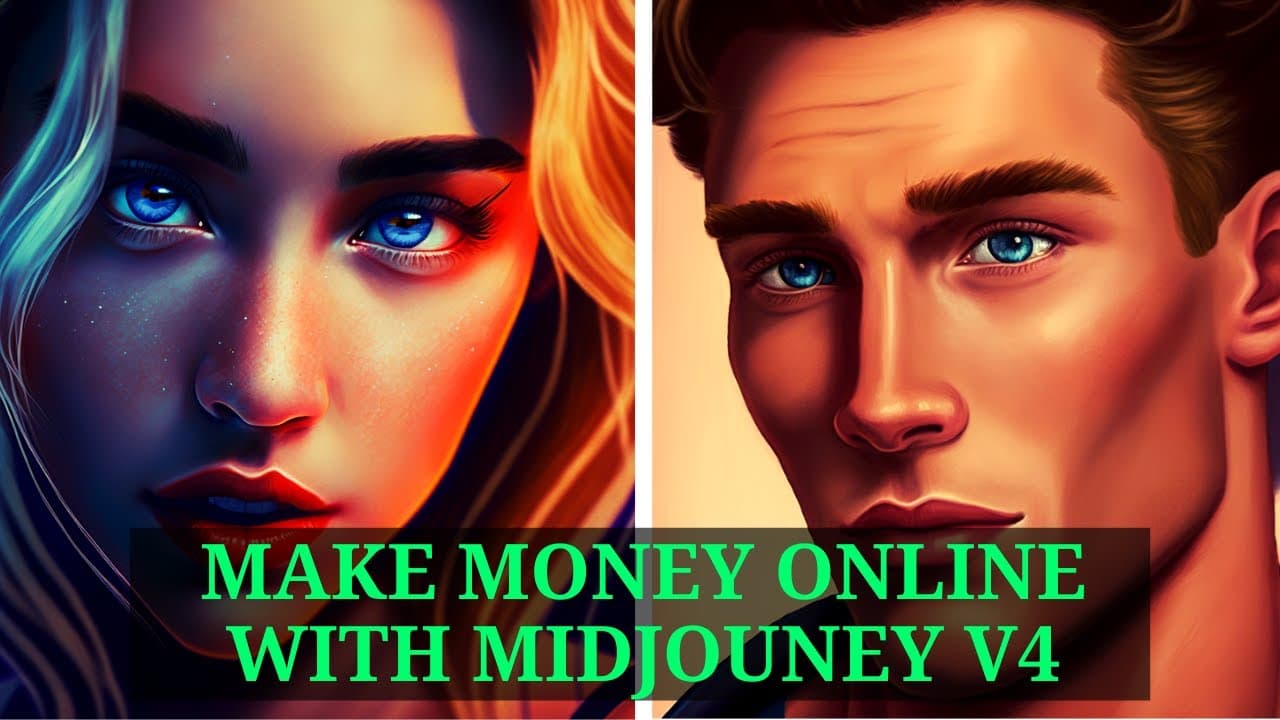
How to Make Money Creating YouTube Thumbnails with Midjourney V4
TL;DR
You can make money online by creating YouTube thumbnails using Midjourney V4. Start by setting up a paid Midjourney account and a verified Upwork profile, then search for thumbnail design jobs. Use your creativity and tools like Canva to enhance your proposals and increase your chances of landing gigs.
Transcript
today I wanted to show you how you can make money online with mid-journey V4 so there is a lot of demand for YouTube thumbnails on upwork and Fiverr and using mid-journey for this can be really productive so let me just show you how I've been making some good money with this strategy so let's just start by looking at what kind of tools you need for... Read More
Key Insights
- ❓ Mid-Journey V4 can be utilized to create YouTube thumbnails for online income.
- 🎨 Upwork and Fiverr are platforms where individuals can find thumbnail design jobs.
- 🍧 Having a paid Mid-Journey account and verified Upwork account is recommended for this strategy.
- 🎨 Creativity and originality in thumbnail design proposals can increase chances of landing jobs.
- 👀 Using tools like Canva can enhance the final look of YouTube thumbnails.
- 🎨 Thumbnail designs should match the clients' desired styles and preferences.
- 🥺 Efforts in creating appealing thumbnails can lead to a productive income stream.
Install to Summarize YouTube Videos and Get Transcripts
Explore YouTube Video Summarizer or Get YouTube Transcript Extractor
Questions & Answers
Q: How can Mid-Journey V4 be used to make money online?
Mid-Journey V4 can be used to create eye-catching YouTube thumbnails, which are in high demand on platforms like Upwork and Fiverr. By creating appealing thumbnails, individuals can earn money through freelancing.
Q: What tools are recommended for following this strategy?
To effectively use Mid-Journey V4 for making money online, having a paid account is recommended. Additionally, an account on platforms like Upwork is essential to apply for thumbnail design jobs. Other tools like Photoshop can also be utilized in this process.
Q: What is the process of finding thumbnail design jobs on Upwork?
To find thumbnail design jobs on Upwork, users can search for "YouTube thumbnails," sort by newest, and look for job postings that match their skills and style preferences. Creating appealing proposals can help in securing these jobs.
Q: How can Mid-Journey V4 and Canva be used to create YouTube thumbnails?
After finding a job on platforms like Upwork, individuals can use Mid-Journey V4 to generate AI-created images. These images can then be further edited in Canva to create final YouTube thumbnails before submission.
Summary & Key Takeaways
-
Use Mid-Journey V4 to create YouTube thumbnails for money.
-
Find jobs on platforms like Upwork.
-
Create proposals and submit them for thumbnail design jobs.
Read in Other Languages (beta)
Share This Summary 📚
Summarize YouTube Videos and Get Video Transcripts with 1-Click
Try YouTube Summary with ChatGPT & Claude or YouTube Transcript Generator
Explore More Summaries from All About AI 📚




Summarize YouTube Videos and Get Video Transcripts with 1-Click
Try YouTube Summary with ChatGPT & Claude or YouTube Transcript Generator