How to Set Up Kali Linux in VMware for Ethical Hacking
TL;DR
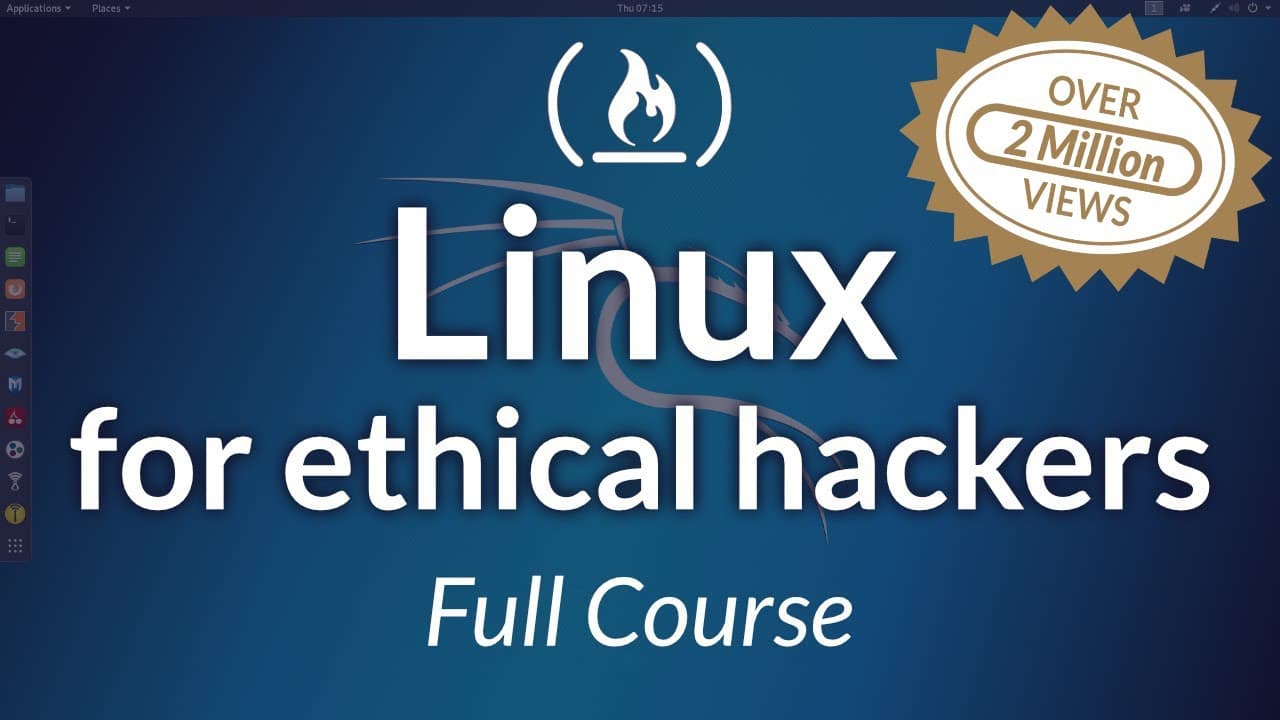
Kali Linux is Debian based and preloaded with penetration testing tools, designed for ethical hacking. The course centers on hands on learning, focusing on the terminal, file system navigation, and scripting, using VMware Workstation player to run Kali in a VM. Alternatives like Oracle VirtualBox are mentioned but not the main path.
Transcript
What is up everybody, my name is Heath Adams and I welcome you to this course called Linux for ethical hackers. So in this course, we're going to be covering a lot of things, we're really going to be going in hammering down on the terminal and the command line. And if you've never learned Linux before, this is a really great start for you, es... Read More
Key Insights
- Kali Linux is a Debian based OS built for penetration testing and comes with a toolkit of security tools.
- The course is designed to be 95 percent hands on, minimizing PowerPoint slides in favor of practical lab work.
- VMware Workstation Player is used to run Kali in a virtual machine, with options to compare or switch to Oracle VirtualBox if desired.
- Alternatives exist to Kali like Parrot OS, but Kali remains the dominant choice for pen testing enthusiasts.
- The workflow includes installing VMware, then installing Kali Linux inside the VM, emphasizing a lab oriented setup.
- Users will learn about file system navigation, file viewing and editing, and user privilege management as core skills.
- The course covers starting and stopping services such as web servers and SSH to simulate real world operations.
- Scripting in Bash is introduced as a culminating skill to automate common tasks and tests.
- The content also stresses updating tools and managing software within Kali to maintain current security capabilities.
Install to Summarize YouTube Videos and Get Transcripts
Explore YouTube Video Summarizer or Get YouTube Transcript Extractor
Questions & Answers
Q: How to set up Kali Linux in VMware for ethical hacking
To set up Kali Linux in VMware for ethical hacking, start by installing VMware Workstation Player, then download Kali Linux and create a new virtual machine. Follow prompts to allocate resources, attach the Kali ISO, and boot into the installer. After installation, install VMware Tools, configure networking, and start practicing with basic terminal commands to navigate the file system and manage permissions.
Q: What is Kali Linux and why is it used for pen testing
Kali Linux is a Debian based operating system designed for penetration testing and security assessment. It ships with a toolkit of pre installed security tools for tasks such as network analysis, vulnerability assessment, and exploitation. It is used by ethical hackers to practice real world testing in controlled environments, allowing efficient access to commonly used security utilities.
Q: What are the alternatives to Kali Linux mentioned in the video
The video mentions alternatives including Parrot OS as another penetration testing distribution, and the option to build a custom OS by installing tools on a preferred base system. Parrot OS is described as newer and less dominant than Kali but still a viable option for security professionals who want different tooling or a different user experience.
Q: What hardware or software is needed to run Kali Linux in a lab
A lab capable setup requires virtualization software such as VMware Workstation Player, a host operating system, and enough resources to run a virtual machine. You will also need network access and the Kali Linux ISO image. Optional tools include VMware Tools for enhanced VM performance and, if desired, an alternative virtualization platform like Oracle VirtualBox.
Q: What topics does the course cover beyond basics
Beyond basics, the course covers navigating the Linux file system, creating and editing files, managing users and privileges, starting and stopping services like web servers and SSH, installing and updating tools, and scripting with Bash. These topics are introduced to build practical security testing and automation skills.
Q: How is learning structured in the course (hands on vs PowerPoint)
The course is described as 95 percent hands on with minimal PowerPoint content. The instructor emphasizes practical lab exercises and real world tasks over theoretical slides to help learners develop practical competencies such as terminal proficiency, scripting, and tool usage in Kali Linux.
Q: Why is VMware recommended for the Kali Linux course
VMware is recommended because it provides a stable, tabbed interface with support for running multiple VMs, enabling a lab style environment for ethical hacking practice. The video notes that while VMware Workstation Pro offers more features like snapshots and multi VM tabs, the Player version is sufficient for the course, maintaining a balance between accessibility and functionality.
Q: What topics are planned for future lessons in the course
Future lessons plan to expand on Kali Linux overview, more advanced terminal commands, deeper exploration of networking commands, and practical scripting projects in Bash. The course also intends to reinforce tool installation, updates, and how to use these tools within Kali for more complex penetration testing scenarios.
Summary & Key Takeaways
-
The course emphasizes a hands on approach with 95 percent of content focused on practical exercises rather than slide shows, preparing learners for real world ethical hacking tasks. It covers installing VMware Workstation Player, choosing between VMware and VirtualBox, and preparing a Kali Linux environment for testing purposes.
-
A Kali Linux environment is introduced as Debian based, built for pen testers, and together with Parrot OS listed as a modern alternative, offering a toolkit of pre loaded security tools for penetration testing.
-
The curriculum includes navigating the Linux file system, managing users and privileges, learning common network commands, editing files, and starting and stopping services, all geared toward practical security testing and scripting in Bash.
Read in Other Languages (beta)
Share This Summary 📚
Summarize YouTube Videos and Get Video Transcripts with 1-Click
Try YouTube Summary with ChatGPT & Claude or YouTube Transcript Generator
Explore More Summaries from freeCodeCamp.org 📚




Summarize YouTube Videos and Get Video Transcripts with 1-Click
Try YouTube Summary with ChatGPT & Claude or YouTube Transcript Generator