Android 15 Hands-On: Top 5 Features!
TL;DR
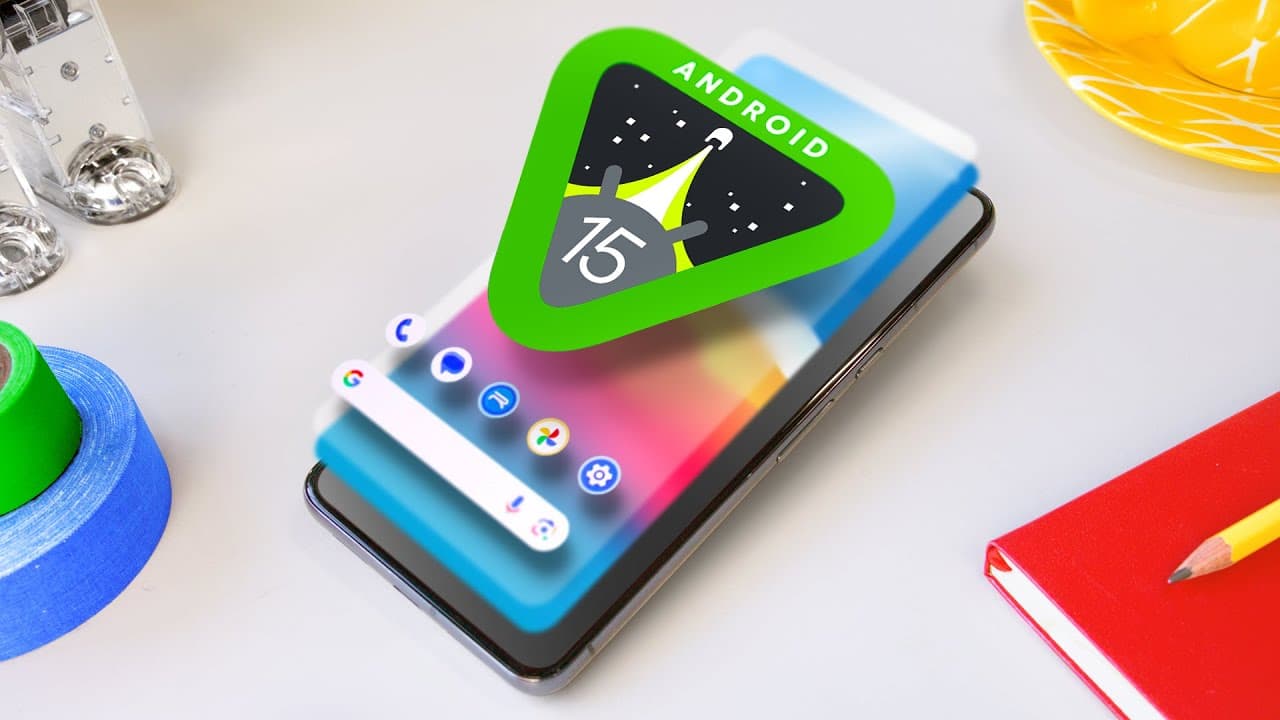
Android 15 introduces smaller, more refined features that focus on usefulness, including Private Space, rich widget previews, new volume sliders, partial screen recordings, and improved notifications.
Transcript
(light music) - Hey, what's up, MKBHD here and I've got the latest beta of Android 15 on my Pixel 8 Pro right here. So a lot of you know, I've done these videos for a long time. Like I've made a video on the best features of the latest version of Android for I don't know how many years in a row now, since they were naming 'em after desserts. And if... Read More
Key Insights
- 👤 Android 15 focuses on smaller, more refined features that improve usability and user experience.
- 🔒 The Private Space feature allows users to create a separate section for storing private files and apps with an extra layer of security.
- 🤑 Rich widget previews show real-time content from widgets before adding them to the home screen, enhancing customization options.
- 🔇 The new volume sliders provide a comprehensive overview of volume levels for different audio sources on the device.
- 😀 Partial screen recordings allow users to selectively record specific apps, eliminating the need to capture unrelated content or notifications.
- 🔔 Android 15 introduces various improvements to notifications, including adaptive vibrations, notification cool down, and custom vibration patterns.
- 🛩️ The overall trend in Android updates has shifted towards smaller, more nuanced features rather than major visual overhauls.
Install to Summarize YouTube Videos and Get Transcripts
Explore YouTube Video Summarizer or Get YouTube Transcript Extractor
Questions & Answers
Q: What is Private Space in Android 15?
Private Space is a feature that allows users to create a separate section on their Android phone for storing private files, photos, and apps. It is accessed through Settings and offers an extra layer of security with a separate lock.
Q: How do rich widget previews work in Android 15?
Rich widget previews show actual content from widgets before adding them to the home screen. Currently, this feature is limited to a few Google apps, but it is expected to be expanded to more apps in the future. This allows users to see real-time information on widgets before adding them.
Q: What are the new volume sliders in Android 15?
Android 15 introduces expanded volume sliders that provide a detailed overview of all audio sources and their respective volume levels on the device. This full-screen overlay makes it easier to see and adjust the volume of individual apps and audio outputs.
Q: How does partial screen recording work in Android 15?
Android 15 offers the option to record either the entire screen or a single app during screen recording. This feature allows users to choose specific apps to record, eliminating the need to show unrelated content or notifications that may be visible while recording the entire screen.
Q: What improvements are made to notifications in Android 15?
Android 15 enhances notification management by introducing features like adaptive vibrations, notification cool down, and custom vibrations. Adaptive vibrations adjust the strength of vibration based on the surface the phone is placed on, while notification cool down controls the frequency of notifications from the same app. Developers also have the ability to create custom vibration patterns for their apps.
Summary & Key Takeaways
-
Android 15 brings smaller changes and more nuanced features compared to previous versions.
-
The top five features of Android 15 include Private Space for storing private files, rich widget previews for better widget customization, new volume sliders for clearer audio control, partial screen recordings for more focused screen sharing, and improved notifications with features like adaptive vibrations and notification cool down.
Read in Other Languages (beta)
Share This Summary 📚
Summarize YouTube Videos and Get Video Transcripts with 1-Click
Try YouTube Summary with ChatGPT & Claude or YouTube Transcript Generator
Explore More Summaries from Marques Brownlee 📚

Summarize YouTube Videos and Get Video Transcripts with 1-Click
Try YouTube Summary with ChatGPT & Claude or YouTube Transcript Generator