Which Coding Apps Are Best for iPhone in 2024?
TL;DR
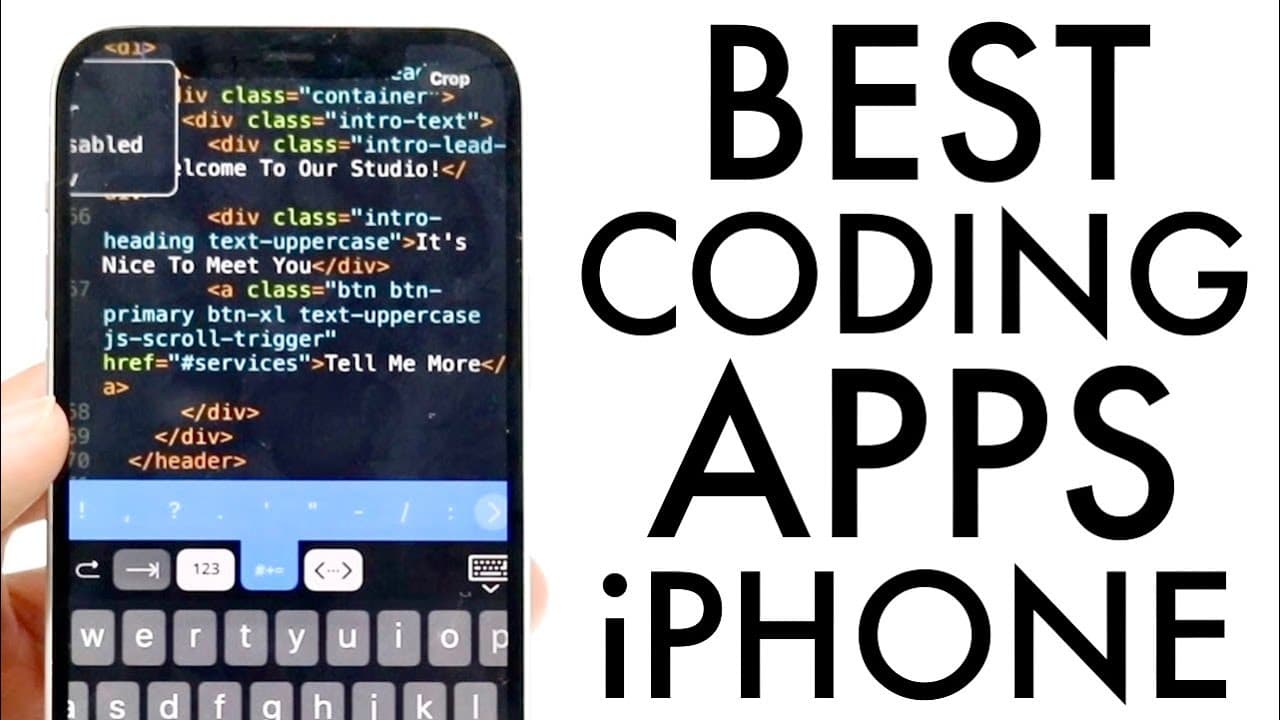
The best coding apps for iPhone in 2024 are Code Snack IDE, Coder, and Replit. Code Snack IDE features built-in templates and AI support, while Coder allows remote file access and facilitates coding in various languages. Replit, despite being less popular, offers quick setup and usability, making it a solid choice for mobile coding.
Transcript
so coding is one of the best skill sets you could probably ever have inside of any device out there or any person out there and I'll go and explain some of my favorite or some of the best coding on thee-o applications that you can basically download on your particular iPhone now luckily for you these are very basic these are very easy to download t... Read More
Key Insights
- 👨💻 Coding is a valuable skill applicable across various devices and applications, especially mobile.
- ☠️ Code Snack IDE is highly rated for its comprehensive features that cater to different programming languages and project formats.
- 👨💻 Coder serves as an effective mobile coding solution, allowing users to edit and manage projects remotely.
- 😄 Replit, though less popular, still holds potential for quick project setup and ease of use.
- 😀 All three apps mentioned offer tools and resources that facilitate learning and coding while on the go.
- 👨💻 AI integration in coding apps can significantly enhance the coding experience by providing smart suggestions.
- 📌 These tools empower programmers to stay productive regardless of their location.
Install to Summarize YouTube Videos and Get Transcripts
Explore YouTube Video Summarizer or Get YouTube Transcript Extractor
Questions & Answers
Q: What features make Code Snack IDE stand out among coding apps?
Code Snack IDE is distinguished by its user-friendly interface and built-in features, including support for multiple programming languages. Users can create projects from scratch using templates or AI tools. The app's high rating of 4.5 stars showcases its effectiveness in meeting user needs for mobile coding.
Q: How does the Coder app enhance coding on the go?
Coder enhances coding on the go by allowing remote access to files and supporting various programming languages. This means users can manage projects from anywhere, whether they're online or offline. Its ability to connect to repositories like Git streamlines collaboration and version control, making coding more convenient.
Q: What unique functionalities does Replit offer compared to other coding IDEs?
Replit, while not as highly rated as others, offers unique functionalities like a quick setup process, making it easy for users to start coding on their iPhones. It supports numerous languages and integrates features that simplify project editing, appealing to those who prefer a straightforward coding experience.
Q: Are these coding apps suitable for beginners?
Yes, the coding apps highlighted—Code Snack IDE, Coder, and Replit—are designed with user-friendliness in mind, making them suitable for beginners. They provide intuitive interfaces, built-in examples, and various tutorials that guide new users through the coding process, ensuring a smooth learning experience.
Summary & Key Takeaways
-
The content highlights three coding applications for iPhone: Code Snack IDE, Coder, and Replit, emphasizing their ease of use and versatility for various programming languages.
-
Code Snack IDE offers built-in templates and AI capabilities, allowing users to create projects and edit files directly from their device with a high rating of 4.5 stars.
-
Coder provides remote file access and supports multiple languages, enabling users to manage projects on the go, while Replit is noted for its quick setup despite a lower popularity rating.
Read in Other Languages (beta)
Share This Summary 📚
Summarize YouTube Videos and Get Video Transcripts with 1-Click
Try YouTube Summary with ChatGPT & Claude or YouTube Transcript Generator
Explore More Summaries from Simple Alpaca 📚






Summarize YouTube Videos and Get Video Transcripts with 1-Click
Try YouTube Summary with ChatGPT & Claude or YouTube Transcript Generator