How to use Gemini AI for personal planning and gems
TL;DR
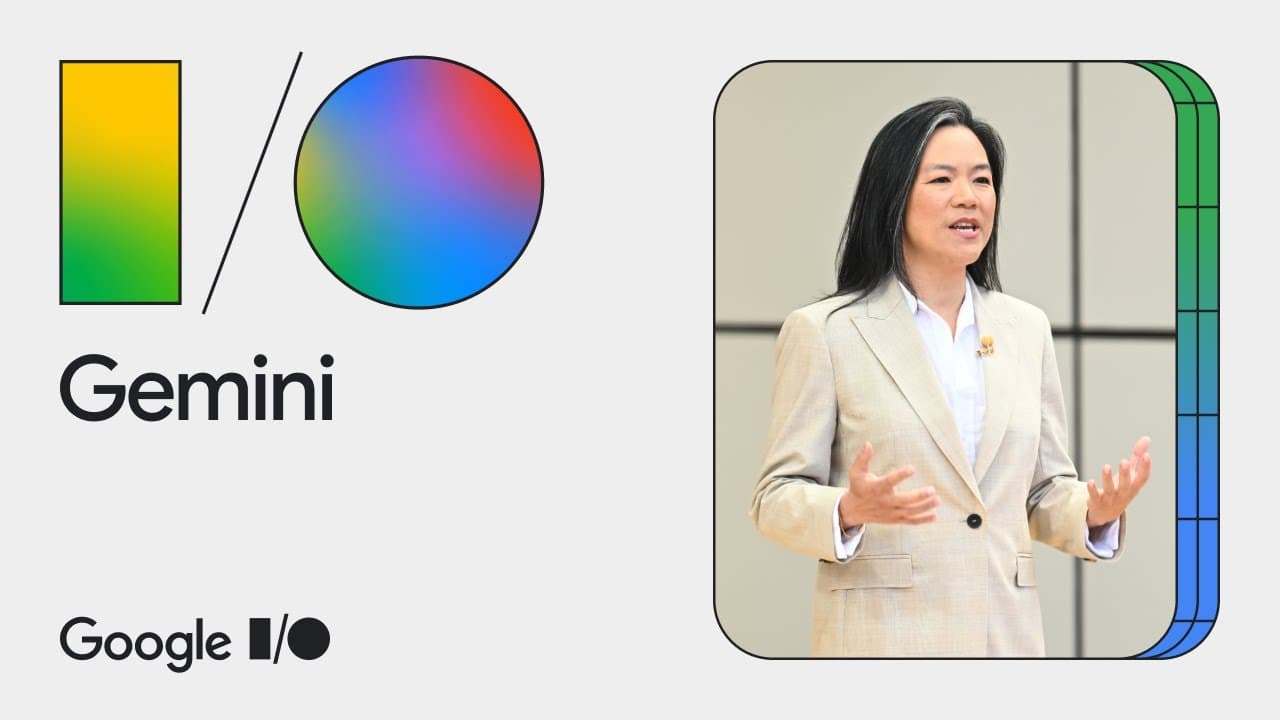
Gemini is a multimodal AI assistant that understands text, voice, and camera input, and supports Live voice conversations. It lets you create personal experts called gems, plan trips with dynamic itineraries, and analyze large data like PDFs, spreadsheets, and code within Gemini Advanced. It can save time by synthesizing information and providing actionable insights.
Transcript
[MUSIC PLAYING] SISSIE HSIAO: Our vision for the Gemini app is to be the most helpful personal AI assistant by giving you direct access to Google's latest AI models. Gemini can help you learn, create, code, and anything else you can imagine. And over the past year, Gemini has put Google's AI in the hands of millions of people with experiences desi... Read More
Key Insights
- Gemini is natively multimodal, enabling text, voice, or camera interactions for natural expression.
- Live voice capability allows in-depth conversations and real-time adaptation to speech patterns.
- Gems enable users to create personalized experts by writing simple routines and reusing them later.
- Trip planning with Gemini Advanced uses a dynamic data graph from Search, Maps, and Gmail to build personalized itineraries.
- The system factors space-time logistics and user priorities to generate customized itineraries and adjust plans on the fly.
- Gemini Advanced offers a 1 million token context window, allowing long documents to be uploaded and analyzed end to end.
- Future updates include handling larger data inputs like 30,000 lines of code or hour-long videos for deeper analysis.
- Google emphasizes privacy by noting that files are not used to train models, with controls to manage data usage.
Install to Summarize YouTube Videos and Get Transcripts
Explore YouTube Video Summarizer or Get YouTube Transcript Extractor
Questions & Answers
Q: A real search query question about the video (e.g. 'How to...', 'What is...', 'Why does...'). Question 1
Gemini is a multimodal AI assistant designed to be highly interactive by supporting text, voice, and camera input. It enables users to have long, natural conversations, interrupt during responses, and customize interactions through gems, which are personal experts created with simple prompts. This setup helps users tailor Gemini to individual workflows and preferences.
Q: Question 2
Gems are simple to set up and let you capture recurring interaction styles for specific tasks. By tapping to create a gem and writing a one-time instruction, you can later return to the same expert to help with things like writing coaching or coding reviews. This saves time by avoiding repetitive configuration.
Q: Question 3
Gemini Advanced introduces a large context window, enabling tasks that require extensive data review such as PDFs, spreadsheets, or code. Users can upload multiple files and receive integrated insights, with Gemini generating analyses and visualizations that clarify which options are most valuable.
Q: Question 4
Trip planning in Gemini Advanced uses a data graph that combines information from Search, Maps, and Gmail to create a personalized itinerary. It prioritizes constraints and user preferences to adjust the plan dynamically, including starting times and activity recommendations based on real-time context.
Q: Question 5
There is a live demonstration of prompting capabilities where Gemini follows a simple user prompt to generate outputs like images or text. The system is designed to respond to prompts in flexible ways, reinforcing that there is no single right method for interaction, just prompts to guide behavior.
Q: Question 6
Gemini Advanced will eventually support very large data inputs, such as 30,000 lines of code or an hour-long video, enabling comprehensive project analyses. This capacity allows users to extract insights, identify improvements, and even simulate professor-like feedback across large bodies of work.
Q: Question 7
Google emphasizes that user files are not used to train models by default, and there are controls to manage data usage. This privacy stance aims to reassure users that uploading documents, spreadsheets, or videos will not automatically feed model training without consent.
Q: Question 8
The video showcases how Gemini can be used to organize complex planning tasks, from travel itineraries to data-heavy analyses. By combining multimodal input, context retention, and customizable gems, users can streamline workflows, reduce manual planning time, and receive actionable insights across diverse domains.
Summary & Key Takeaways
-
Gemini combines text, voice, and visual input to create a versatile assistant that adapts to user needs through Live conversations and camera input.
-
Gems are customizable personal experts that you can configure once and reuse, enabling consistent interactions for tasks like writing coaching, cooking, or code review.
-
Gemini Advanced expands capabilities with large context, data upload, and multi-file analysis, including plans for PDFs, spreadsheets, and video inputs to deliver in-depth insights.
Read in Other Languages (beta)
Share This Summary 📚
Summarize YouTube Videos and Get Video Transcripts with 1-Click
Try YouTube Summary with ChatGPT & Claude or YouTube Transcript Generator
Explore More Summaries from Google 📚

Summarize YouTube Videos and Get Video Transcripts with 1-Click
Try YouTube Summary with ChatGPT & Claude or YouTube Transcript Generator