How to Organize Ideas in Notion with Sub Items
TL;DR
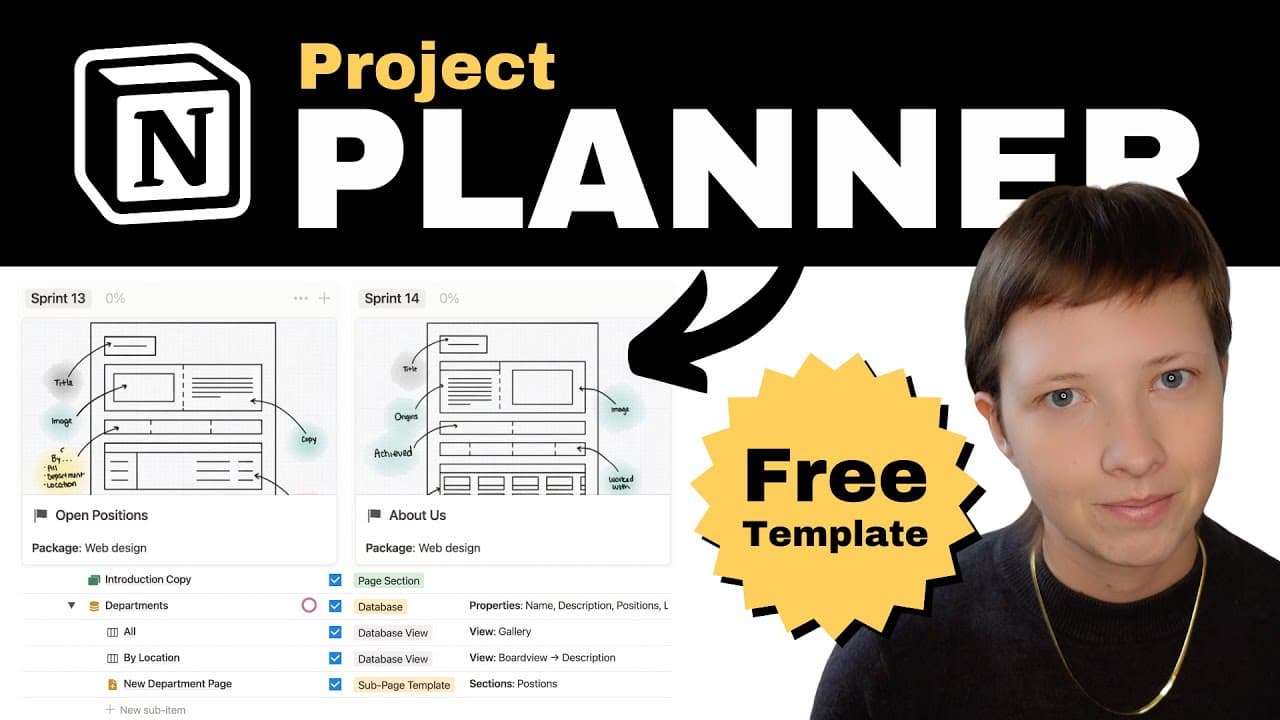
Utilize Notion's sub items feature to break down and structure your ideas into actionable tasks. This method enhances your project management by creating detailed outlines and enabling progress tracking through checklists, while dependencies help manage project interconnections effectively.
Transcript
today I'm going to show you how I organize unstructured ideas for notion templates that I want to sell into fully realized projects with the sub items feature then I'm going to show you how I create intuitive checklists for those newly structured projects to convert my Concepts into realized project checklists I'm going to use the sub item and the ... Read More
Key Insights
- 👻 Notion's sub items feature allows for the creation of detailed outlines and brainstorming of ideas within projects.
- 📽️ The checklists feature in Notion helps turn outlines into actionable tasks and provides a visual representation of project progress.
- 📽️ Dependencies in Notion enable effective project management by establishing interdependencies between projects and ensuring the correct sequencing.
- 💦 Sprints and selective grouping help in managing a large list of projects and prioritizing work.
- 👻 Using board, table, and timeline views in Notion allows for different perspectives and visualizations of projects and tasks.
- 📟 Notion's customizable page layouts and metadata options allow for organizing and decluttering project pages.
- 📽️ Sub items and dependencies can be used for both personal and professional project management in Notion.
Install to Summarize YouTube Videos and Get Transcripts
Explore YouTube Video Summarizer or Get YouTube Transcript Extractor
Questions & Answers
Q: How does the sub items feature in Notion help with organizing ideas?
With sub items, you can create detailed outlines and brainstorm ideas within a project, breaking it down into smaller sections for better organization and clarity. It allows you to create nested sub items to further structure your ideas.
Q: Can you explain how the checklists feature in Notion works?
The checklists feature in Notion allows you to turn your outlines into actionable tasks. As you complete each task, you can check it off, and the progress bar associated with the project will update accordingly. This provides a visual representation of your progress.
Q: What is the purpose of using dependencies in Notion?
Dependencies in Notion help you manage the interdependencies between different projects. By creating connections between projects, you can ensure that certain projects cannot be started or completed until their dependent projects are finished. This feature helps with project planning and sequencing.
Q: How can Notion's sub items and dependencies features improve project management?
By using sub items, you can effectively structure your ideas and brainstorm project details. This helps with organizing and breaking down complex projects into manageable tasks. Dependencies, on the other hand, allow for better project planning and sequencing, ensuring that projects are tackled in the correct order and with the necessary prerequisites met.
Key Insights:
- Notion's sub items feature allows for the creation of detailed outlines and brainstorming of ideas within projects.
- The checklists feature in Notion helps turn outlines into actionable tasks and provides a visual representation of project progress.
- Dependencies in Notion enable effective project management by establishing interdependencies between projects and ensuring the correct sequencing.
- Sprints and selective grouping help in managing a large list of projects and prioritizing work.
- Using board, table, and timeline views in Notion allows for different perspectives and visualizations of projects and tasks.
- Notion's customizable page layouts and metadata options allow for organizing and decluttering project pages.
- Sub items and dependencies can be used for both personal and professional project management in Notion.
- Value estimation of digital products can be incorporated into the project planning process in Notion.
Summary & Key Takeaways
-
The content explains how to organize unstructured ideas in Notion templates by using the sub items feature to create outlines and brainstorm project ideas.
-
It also demonstrates how to convert these outlines into actionable tasks by utilizing the checklists feature and track progress.
-
Additionally, the video shows how to use the dependencies feature to connect projects and manage their interdependencies effectively.
Read in Other Languages (beta)
Share This Summary 📚
Summarize YouTube Videos and Get Video Transcripts with 1-Click
Try YouTube Summary with ChatGPT & Claude or YouTube Transcript Generator
Explore More Summaries from Red Gregory 📚
Summarize YouTube Videos and Get Video Transcripts with 1-Click
Try YouTube Summary with ChatGPT & Claude or YouTube Transcript Generator