How Does Runway Gen 2 Generate Videos from Text?
TL;DR
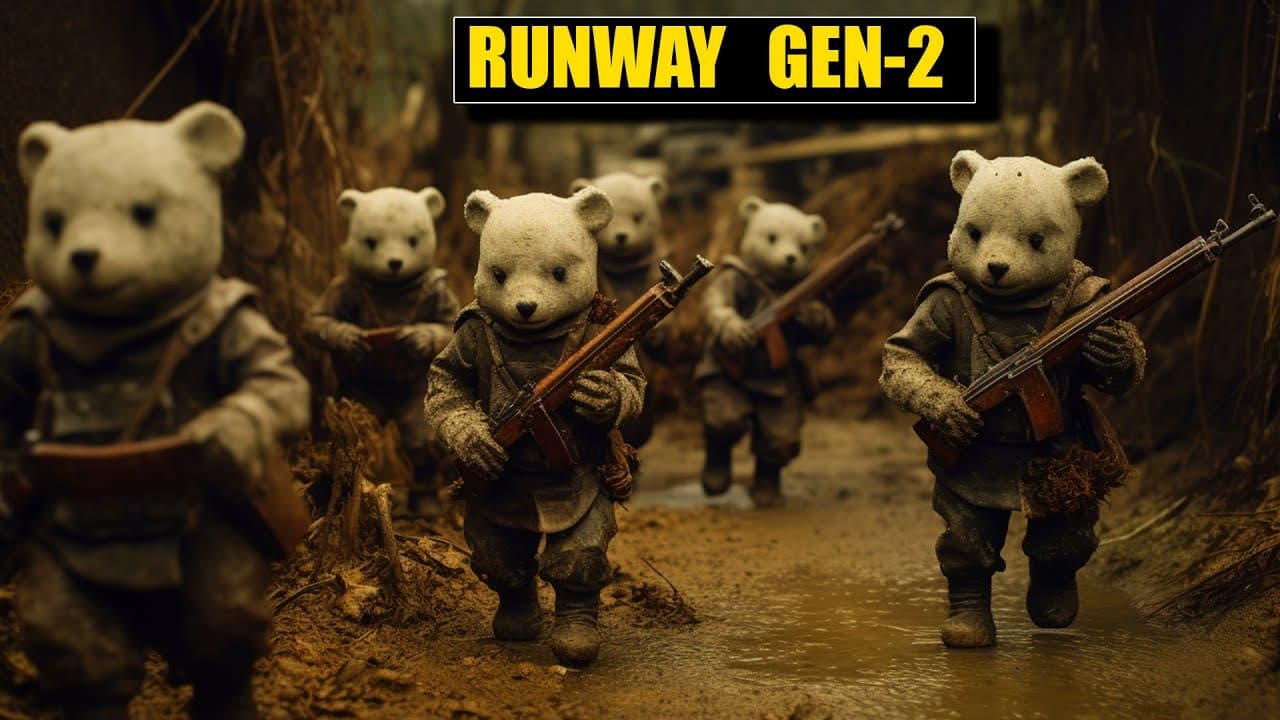
Runway Gen 2 allows users to create videos by simply inputting text prompts, transforming ideas into visual content. It can take real-life footage and apply various themes or artistic styles, enhancing creative possibilities for content creators. The tool also includes features for background removal and image manipulation, although it is still in beta and may require experimentation for optimal results.
Transcript
foreign so you probably heard about a Runway the video AI model that's been making some news take a real life video and then add a theme or an art style or another photograph that outputs a new video in that style very cool you can use words and images to generate new videos and it keeps on getting better and better today they dropped the brand new... Read More
Key Insights
- 🤗 Runway's Gen 2 tool enables users to generate videos from text prompts, opening up new possibilities for creative content creation.
- 🎮 The tool offers features like background removal, text-to-image, and video-to-video transformations, expanding its functionality.
- 👤 Users can experiment with different prompts, presets, and images to customize their video outputs with Gen 2.
- 🎮 While the tool is still in a beta phase, it showcases the potential of AI-driven video editing and content creation.
- 👤 Runway's Gen 2 tool presents opportunities for users to create thematic videos, enhance presentations, and explore unique visual storytelling techniques.
- 👤 With patience and experimentation, users can leverage the tool's capabilities to produce visually engaging and innovative video content.
- ✊ The tool's ability to transform real-life footage into artistic renderings demonstrates the power of AI in enhancing creative processes.
Install to Summarize YouTube Videos and Get Transcripts
Explore YouTube Video Summarizer or Get YouTube Transcript Extractor
Questions & Answers
Q: What is the primary function of Runway's Gen 2 tool?
Runway's Gen 2 tool allows users to generate videos from text prompts by transforming real-life videos into themed artworks, offering a creative approach to content creation.
Q: How can users enhance their video generation experience with Gen 2?
Users can experiment with various settings, such as modifying backgrounds or foregrounds separately, to achieve more visually appealing results in their generated videos with Gen 2.
Q: In what ways can individuals utilize the output videos created with Runway's tool?
The generated videos can be integrated into presentations, videos, or used to spark creativity, making it a valuable resource for content creators and those looking to experiment with AI-driven video editing.
Q: What are the potential benefits and drawbacks of using Runway's Gen 2 tool?
While the tool offers innovative video generation capabilities, users might encounter challenges in mastering the settings and achieving desired outcomes, but with practice, it can lead to impressive results in content creation.
Summary & Key Takeaways
-
Runway's Gen 2 tool generates videos from text prompts, revolutionizing content creation.
-
Users can combine words, images, and videos to produce thematic and artistic clips.
-
The tool offers diverse features like background removal, text-to-image, and video-to-video transformations.
Read in Other Languages (beta)
Share This Summary 📚
Summarize YouTube Videos and Get Video Transcripts with 1-Click
Try YouTube Summary with ChatGPT & Claude or YouTube Transcript Generator
Explore More Summaries from AI Unleashed - The Coming Artificial Intelligence Revolution and Race to AGI 📚
![LLMs as Tool Makers [LATM] - GPT-4 *UPGRADES* lower AI Models. thumbnail](/_next/image?url=https%3A%2F%2Fi.ytimg.com%2Fvi%2FqWI1AJ2nSDY%2Fhqdefault.jpg&w=750&q=75)
Summarize YouTube Videos and Get Video Transcripts with 1-Click
Try YouTube Summary with ChatGPT & Claude or YouTube Transcript Generator