How to Make an Automatic Wheat Farm in Minecraft PE 0.15.4!
TL;DR
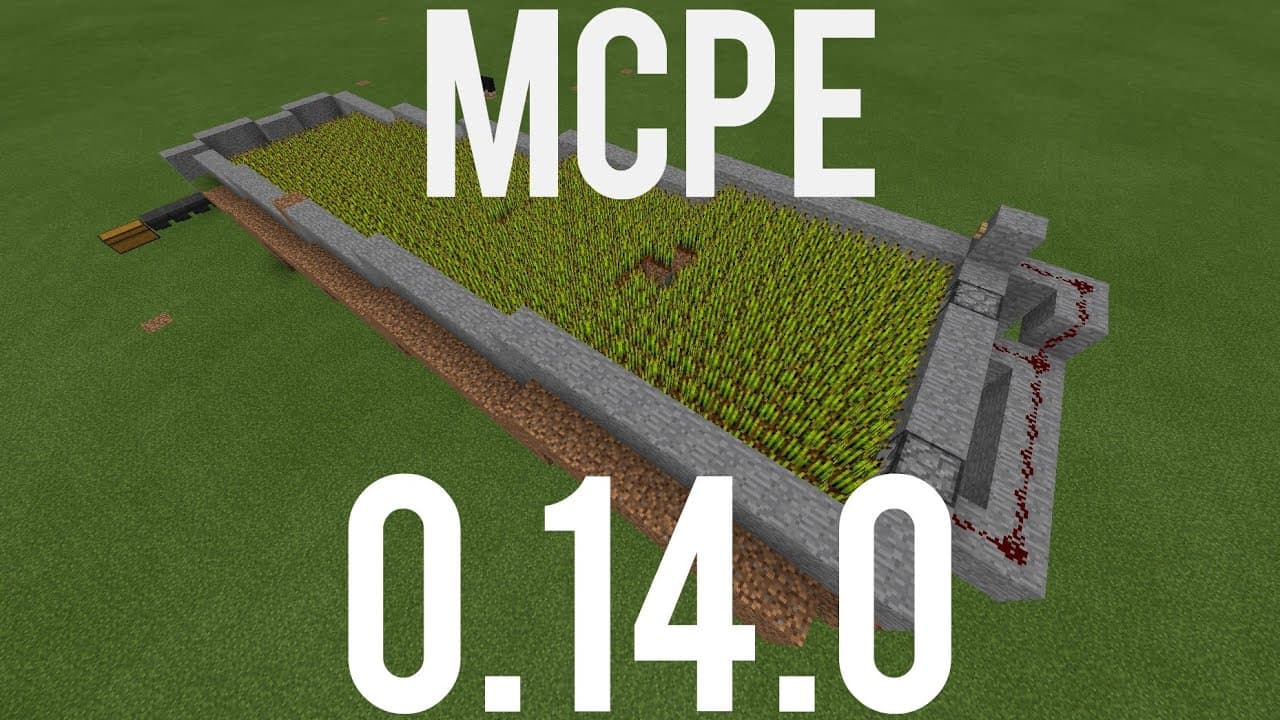
This Minecraft tutorial demonstrates how to build an automatic wheat farm in version 0.14.0, which can be replicated in both pocket edition and Windows 10 edition.
Transcript
uh hello youtube i am at video productions and welcome back to another minecraft pocket edition tutorial this one is for 0.14.0 and now 0.14.0 is on ios and android and it's on windows 10 edition 2 which is what i'm playing on right now so uh the menu is gonna be a little bit different but uh trust me this is exactly like pocket edition there's no ... Read More
Key Insights
- 😑 The video creator expresses gratitude for the success of their previous tutorials and the support of their subscribers.
- 💦 The automatic wheat farm utilizes water and hoppers to efficiently collect and store wheat in Minecraft Pocket Edition.
- 🧑🌾 Building the farm in creative mode is recommended due to the extensive amount of iron required for crafting hoppers.
- 💦 The tutorial showcases the step-by-step process of building the automatic wheat farm, including the placement of block, water, dispensers, redstone wiring, and hoppers.
- 💬 The importance of using beetroot seeds instead of regular seeds is highlighted, and viewers are encouraged to comment "I love beetroots" in the video comments.
- 💦 The video demonstrates how to operate the automatic wheat farm by activating the water flow and observing the wheat collection in the chest.
- 🙃 Troubleshooting tips are provided, such as ensuring the water troughs are properly covered and checking for any remaining wheat or seeds on the sides.
Install to Summarize YouTube Videos and Get Transcripts
Explore YouTube Video Summarizer or Get YouTube Transcript Extractor
Questions & Answers
Q: Why is the video creator using the 0.14.0 version of Minecraft Pocket Edition?
The video creator uses the 0.14.0 version to demonstrate the construction of an automatic wheat farm, as this version is available on iOS, Android, and Windows 10 edition.
Q: How does the automatic wheat farm work?
The farm utilizes water to destroy and collect the wheat. The water from the troughs carries the wheat into hoppers, which then transfer it to a chest for storage.
Q: Can I build this farm in survival mode?
Yes, it is possible to build the automatic wheat farm in survival mode, but it would require a significant amount of iron for crafting the hoppers.
Q: How long does it take for all the wheat to be collected?
It takes around four minutes to replant all the crops and for the wheat to be completely collected into the chest. It is advised to manually check and ensure all stray wheat has entered the hoppers.
Summary & Key Takeaways
-
The video creator expresses gratitude for the success of their previous tutorials and gives a shoutout to their subscribers.
-
The tutorial showcases the construction of an automatic wheat farm, which utilizes water to collect wheat into hoppers and a chest.
-
The video advises using creative mode to build the farm due to the substantial amount of iron required for crafting hoppers.
Read in Other Languages (beta)
Share This Summary 📚
Summarize YouTube Videos and Get Video Transcripts with 1-Click
Try YouTube Summary with ChatGPT & Claude or YouTube Transcript Generator
Explore More Summaries from MattVidPro AI 📚






Summarize YouTube Videos and Get Video Transcripts with 1-Click
Try YouTube Summary with ChatGPT & Claude or YouTube Transcript Generator