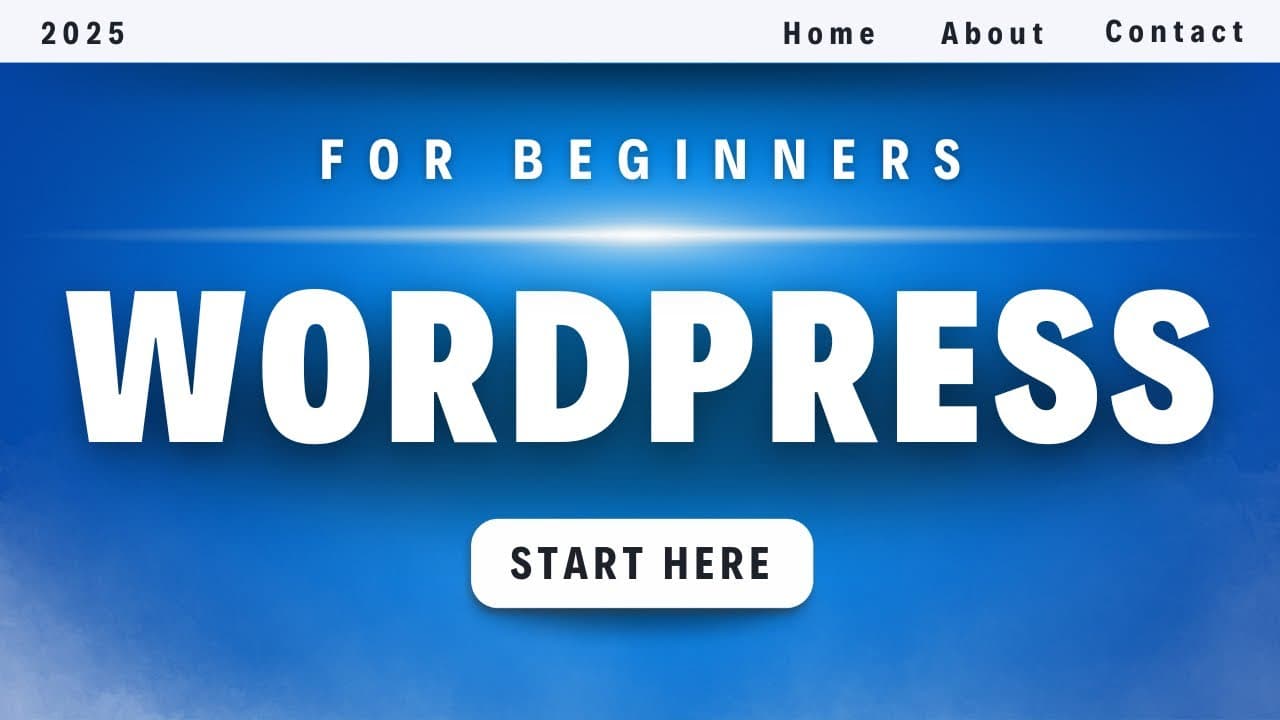
WordPress Tutorial for Beginners 2025 (Free Course)
TL;DR
Learn to build a website using WordPress and Elementor.
Transcript
- This is the only WordPress tutorial you will ever need to create any website you want using WordPress. WordPress is the most popular way to build websites. It's used by famous brands such as Mercedes-Benz, Katy Perry, Usain Bolt, and even the White House. And by the end of this video, you'll be able to build any of these websites yourself using W... Read More
Key Insights
- WordPress is a versatile platform used by major brands like the White House and Mercedes-Benz, making it a reliable choice for building various types of websites.
- The tutorial emphasizes using Elementor, a popular page builder, to create websites visually without needing to write code.
- The course covers four main steps: obtaining hosting and a domain, installing WordPress, setting up a theme and page builder, and customizing the website.
- Hostinger is recommended as a hosting provider for its reliability and affordability, with a special discount available through an affiliate link.
- Templates play a crucial role in simplifying website design, offering pre-made layouts that can be customized to fit individual needs.
- The tutorial includes a checklist to help track progress and ensure all steps are followed, enhancing the learning experience.
- Responsive design is highlighted, with guidance on optimizing websites for mobile devices to ensure accessibility and usability.
- The importance of plugins like WPForms for adding functionalities such as contact forms is discussed, demonstrating how to manage and customize these features.
Install to Summarize YouTube Videos and Get Transcripts
Explore YouTube Video Summarizer or Get YouTube Transcript Extractor
Questions & Answers
Q: What is the main focus of this WordPress tutorial?
The main focus of this WordPress tutorial is to guide beginners through creating a website using WordPress and the Elementor page builder. It covers essential steps like obtaining hosting, installing WordPress, setting up themes and templates, and customizing the website to suit individual needs.
Q: Why is Hostinger recommended in this tutorial?
Hostinger is recommended in this tutorial because it offers reliable and affordable hosting services. The instructor has had positive experiences with Hostinger and has negotiated an exclusive discount for viewers, making it a cost-effective choice for hosting WordPress websites.
Q: How does the tutorial simplify website design for beginners?
The tutorial simplifies website design for beginners by using Elementor, a visual page builder that allows users to create websites without coding. It also emphasizes the use of pre-made templates, which provide a starting point and reduce the complexity of designing a website from scratch.
Q: What tools are highlighted for customizing WordPress websites?
The tutorial highlights tools like Elementor for visual design, Astra for themes, and WPForms for creating contact forms. These tools provide a range of customization options, allowing users to tailor their websites to specific needs without requiring advanced technical knowledge.
Q: How does the tutorial address mobile optimization?
The tutorial addresses mobile optimization by demonstrating how to use Elementor's responsive mode to adjust the layout and design for smaller screens. It emphasizes the importance of ensuring websites are accessible and user-friendly on mobile devices, given the prevalence of mobile internet usage.
Q: What is the purpose of the checklist mentioned in the tutorial?
The checklist mentioned in the tutorial serves as a progress-tracking tool, helping users ensure they follow all necessary steps in the website creation process. It is designed to enhance the learning experience by providing clear guidance and linking to specific parts of the tutorial for easy reference.
Q: What role do plugins play in this WordPress tutorial?
Plugins play a significant role in this WordPress tutorial by adding functionality to websites. For example, WPForms is used to create contact forms, enhancing user interaction. The tutorial explains how to install, manage, and customize plugins to extend the capabilities of a WordPress site.
Q: How does the tutorial ensure a professional-looking website?
The tutorial ensures a professional-looking website by guiding users through the process of selecting and customizing templates, adjusting typography and color schemes, and optimizing the site for different devices. It emphasizes consistency in design and provides tips for enhancing visual appeal and functionality.
Summary & Key Takeaways
-
This WordPress tutorial provides a comprehensive guide for beginners to create a website using Elementor. It covers essential steps like obtaining hosting, installing WordPress, and customizing the site.
-
The tutorial recommends Hostinger for hosting due to its affordability and reliability, with an exclusive discount available. It also emphasizes using templates for easier website design.
-
Key features include a focus on responsive design, ensuring websites are optimized for mobile devices, and the use of plugins like WPForms for added functionality, such as contact forms.
Read in Other Languages (beta)
Share This Summary 📚
Summarize YouTube Videos and Get Video Transcripts with 1-Click
Try YouTube Summary with ChatGPT & Claude or YouTube Transcript Generator
Explore More Summaries from Metics Media 📚


Summarize YouTube Videos and Get Video Transcripts with 1-Click
Try YouTube Summary with ChatGPT & Claude or YouTube Transcript Generator