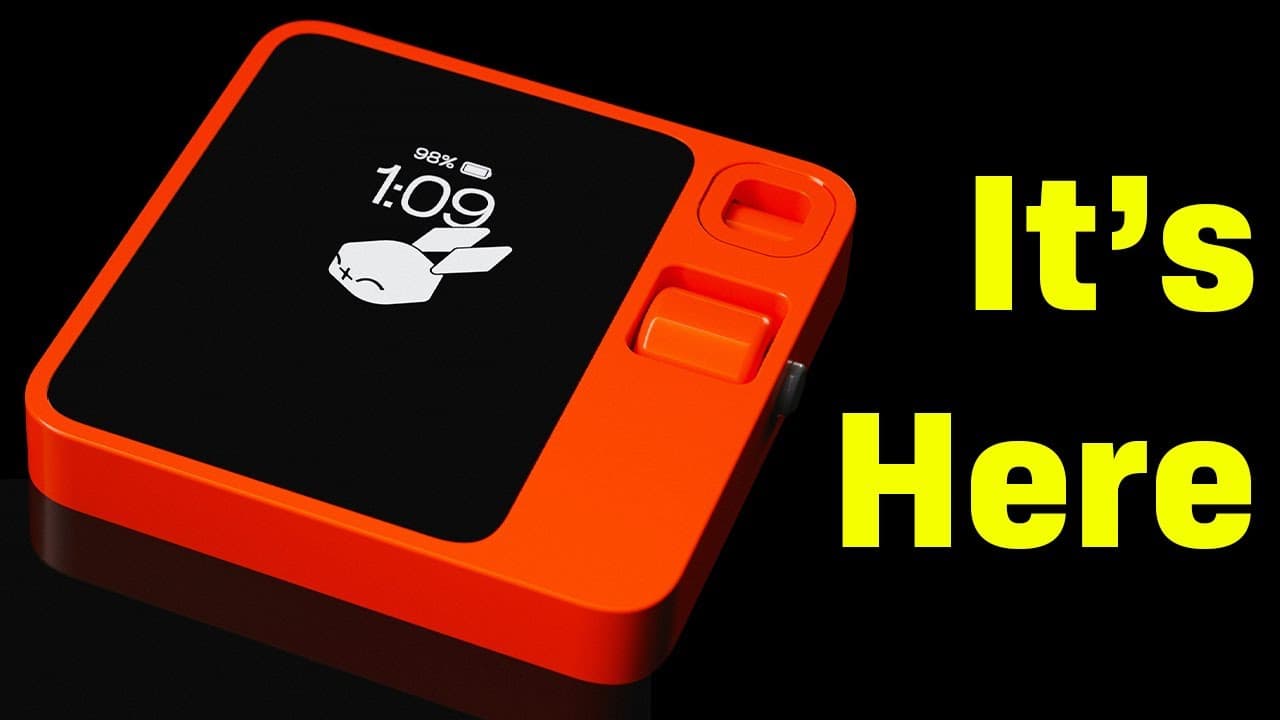
What Can the Rabbit R1 Do? Unboxing and Features Overview
TL;DR
The Rabbit R1 combines sleek design with powerful features, including advanced search capabilities, voice-activated commands, and integration with services like Amazon and Uber. Future updates will introduce enhancements such as a teach mode for personalized computing and potential upgrades toward a desktop operating system, further optimizing user experience.
Transcript
[Applause] this is a brand new unit I just took it out set it up in the backstage this is the rabbit R1 so I think one thing that a lot of people are not getting it from my numerous demos uh home BR Style on Discord is about the color right would you guys agree this color is unreal how to get into the settings so you just shake twice really nicely ... Read More
Key Insights
- 💇 The Rabbit R1 showcases cutting-edge features like generative AI, voice-activated commands, and advanced image creation capabilities to enhance user experiences.
- 💻 Future updates, including the teach mode and migration towards a desktop OS, promise to revolutionize personal computing functionality and user interactions.
- 👤 The focus on personalized computing, adaptive interfaces, and streamlined operations highlight Rabbit's commitment to innovation and user-centric design.
Install to Summarize YouTube Videos and Get Transcripts
Explore YouTube Video Summarizer or Get YouTube Transcript Extractor
Questions & Answers
Q: What are some key features of the Rabbit R1 showcased in the presentation?
The Rabbit R1 demonstrates features like advanced color displays, network connectivity, AI advancements, voice-activated commands, generative AI for image creation, and integration with popular services like Amazon and Uber.
Q: How does the teach mode function and what potential benefits does it offer to users?
The teach mode allows users to train the Rabbit R1 to perform specific tasks by demonstrating the steps required, enabling personalized computing experiences and increased efficiency.
Q: What is the purpose of the generative UI system, and how does it aim to revolutionize user interface design?
The generative UI system aims to create adaptive and personalized interfaces for users by converting designers' ideas into final projects efficiently, potentially transforming the UI design process.
Q: How does the evolution of Rabbit OS towards a desktop operating system benefit users, and what features can they expect?
Upgrading Rabbit OS to a desktop level enhances the range of tasks users can perform, enabling advanced computing capabilities, serious job execution, and prolonged AI interactions, all in a comprehensive and integrated system.
Summary & Key Takeaways
-
The Rabbit R1, with its sleek design and powerful capabilities, offers an unparalleled user experience in color, settings, network connectivity, and performance.
-
Demonstrated features include advanced search capabilities, voice-activated commands, generative AI for image creation, and integration with popular services like Amazon, Uber, and more.
-
Future updates promise enhancements like a teach mode, personalized computing, and a potential shift to a desktop operating system to optimize functionality.
Read in Other Languages (beta)
Share This Summary 📚
Summarize YouTube Videos and Get Video Transcripts with 1-Click
Try YouTube Summary with ChatGPT & Claude or YouTube Transcript Generator
Explore More Summaries from AI Unleashed - The Coming Artificial Intelligence Revolution and Race to AGI 📚



![LLMs as Tool Makers [LATM] - GPT-4 *UPGRADES* lower AI Models. thumbnail](/_next/image?url=https%3A%2F%2Fi.ytimg.com%2Fvi%2FqWI1AJ2nSDY%2Fhqdefault.jpg&w=750&q=75)


Summarize YouTube Videos and Get Video Transcripts with 1-Click
Try YouTube Summary with ChatGPT & Claude or YouTube Transcript Generator