Video Editing Software & Tips
TL;DR
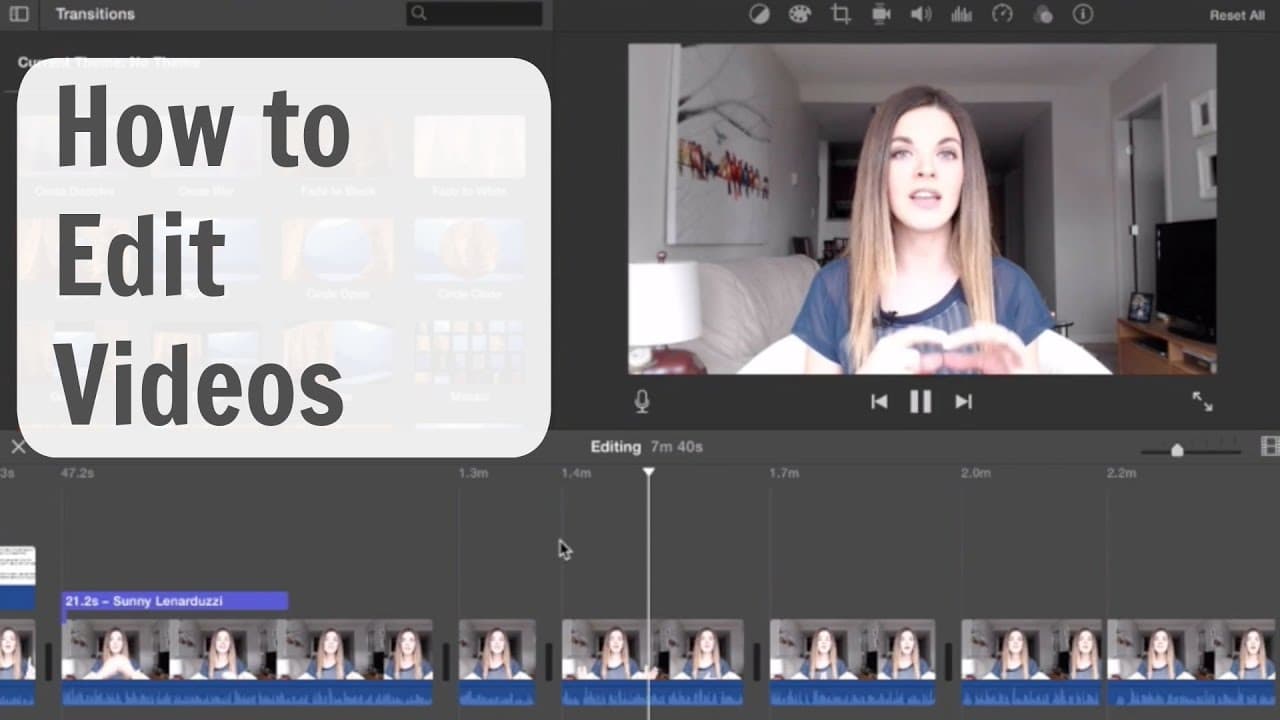
Learn video editing basics to create powerful marketing videos easily.
Transcript
thank goodness for editing without it my videos would probably be about an hour long said that wrong I forgot what I was going to say so but editing can be a really intimidating process if you're just getting started making videos and often times it's one of the biggest excuses for people not to make videos the reality is videos are such a powerful... Read More
Key Insights
- 🎮 Video editing is a powerful marketing tool, increasing visibility and conversions significantly.
- 💇 Understanding basic terminology, using b-roll, multiple shots, cuts, and simple transitions can enhance video quality.
- 👤 Recommended software like iMovie, ScreenFlow, and Camtasia provides user-friendly options for beginners.
- 🎥 Planning ahead and filming with editing in mind streamline the editing process and improve video quality.
- 🥶 Consider using royalty-free music and text overlays to enhance your videos effectively.
- 😀 Apps like Director offer easy editing options and storyboard templates for quick video creation.
- 🎮 Keeping transitions simple and focusing on content quality is crucial for professional videos.
Install to Summarize YouTube Videos and Get Transcripts
Explore YouTube Video Summarizer or Get YouTube Transcript Extractor
Questions & Answers
Q: Why is video editing essential for marketing?
Video editing is crucial for marketing as it enhances visibility, engagement, and conversions, making your content more compelling and professional.
Q: What is the importance of b-roll in video editing?
B-roll is crucial as it supports your narrative visually, making it easier for viewers to understand complex ideas and stay engaged with your content.
Q: What are the recommended video editing software for beginners?
For Mac users, iMovie and ScreenFlow are great options, while Camtasia is recommended for PC users, providing user-friendly interfaces for easy editing.
Q: How can planning ahead make the video editing process easier?
Planning ahead by thinking about necessary elements and b-roll footage before filming simplifies the editing process, ensuring a smoother workflow and more polished final videos.
Summary & Key Takeaways
-
Video editing is crucial for marketing, with stats showing increased visibility and conversions through videos.
-
Basics include understanding terminology, using b-roll for visuals, multiple shots for engagement, cuts for pacing, and simple transitions.
-
Recommended software like iMovie, ScreenFlow, and Camtasia for beginners on Mac and PC, and mobile app suggestions for easy editing.
Read in Other Languages (beta)
Share This Summary 📚
Summarize YouTube Videos and Get Video Transcripts with 1-Click
Try YouTube Summary with ChatGPT & Claude or YouTube Transcript Generator
Explore More Summaries from Sunny Lenarduzzi 📚
Summarize YouTube Videos and Get Video Transcripts with 1-Click
Try YouTube Summary with ChatGPT & Claude or YouTube Transcript Generator