How to Build and Sell AI Agents for Real Clients
TL;DR
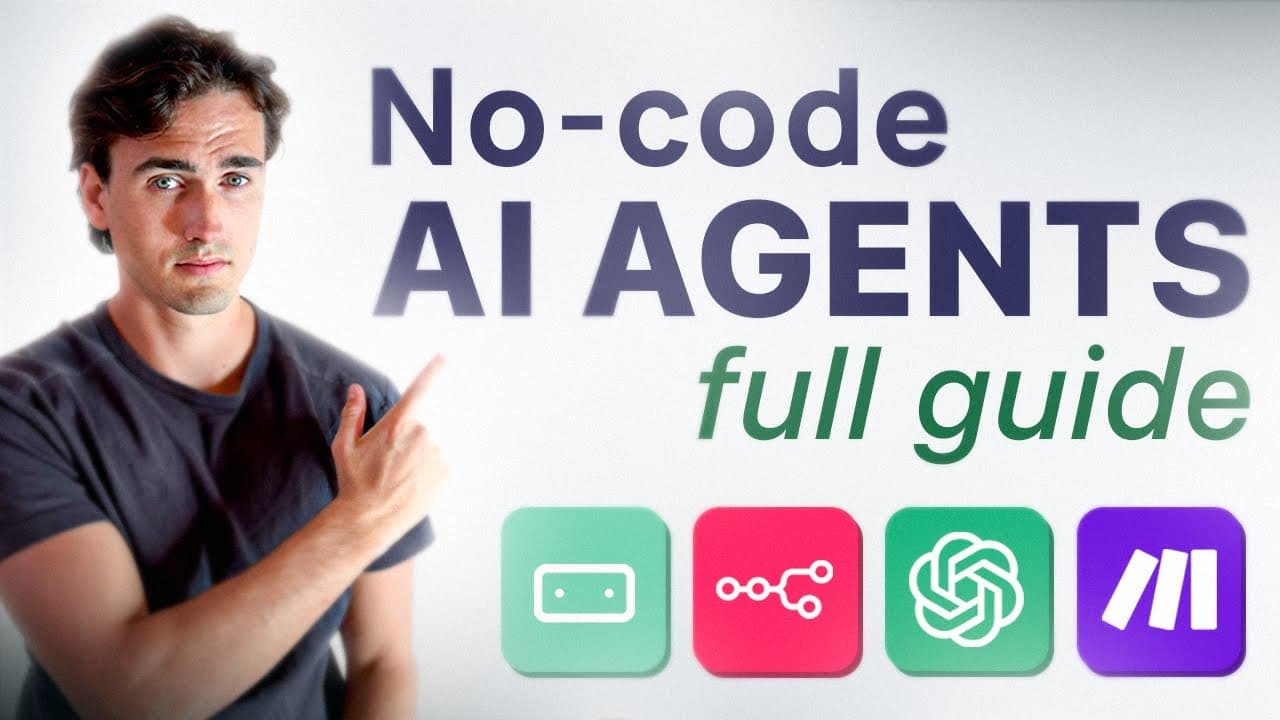
AI agents can be built using build my agent tools and deployed as website widgets to generate client work. Start with a starter plan, use a secret link for discounts and extra credits, and test the agent with logs to ensure accurate results before delivering to a client. This approach enables you to demonstrate a working product and collect payment for real world use.
Transcript
In these videos, you'll go from being a complete beginner to advanced and how to give AI access to tools, build intelligent AI agents that you can sell in the real world, and make your first money with AI. I'll cover the basics of how to set it up, how to create anything you really want, and also how to add intelligent website widgets to business w... Read More
Key Insights
- AI agents are built by combining a workspace, an agent, and integrations such as Gmail and Google Calendar, enabling real world task automation.
- The tool buildmyagent.io supports adding and removing integrations, testing with a dedicated test mode, and viewing logs to understand tool triggers.
- Pricing and model selection matter; the video recommends cost-efficient models like Gemini 2.5 flash and warns against expensive options like GBT 5 Pro.
- You can share a 72 hour link for clients to connect their calendar without giving access to the agent account, enabling secure client onboarding.
- Demoing the agent with a real email or calendar task demonstrates practical value and helps close deals with potential clients.
- The workflow includes creating templates, building agents from templates, and using authentication steps to connect client tools.
- The video emphasizes deploying the agent as a website widget and expanding to other channels such as Instagram, WhatsApp, and SMS.
- There is a revenue focus, with examples of selling widgets for hundreds of dollars per month and scaling toward more complex AI apps.
Install to Summarize YouTube Videos and Get Transcripts
Explore YouTube Video Summarizer or Get YouTube Transcript Extractor
Questions & Answers
Q: How can I start building AI agents for real clients according to the video
You start by using a builder like buildmyagent.io to assemble an agent with multiple integrations such as Gmail and Google Calendar. You can test the agent in a dedicated test mode, adjust settings in the workspace, and refine its behavior before presenting a working demo to a client. The emphasis is on practical, demonstrable results and a clear path to monetization.
Q: What role do templates play in building agents
Templates provide pre-made prompts and configurations that save time. By selecting a template such as a Google Calendar agent, you can quickly build the agent and then connect essential tools like Gmail and calendar services. This speeds up the process and helps beginners deliver functional prototypes sooner.
Q: How does the video suggest handling client onboarding without giving agent access
The video recommends sharing a 72 hour link that lets the client connect their own Google Calendar while keeping the agent account secure. This onboarding flow enables calendar access without exposing sensitive credentials and ensures the client can see and approve how the agent will operate in their environment.
Q: What is the suggested model choice for cost efficiency
The video advises using a cost efficient model like Gemini 2.5 flash and to compare model pricing against other options. It warns against expensive models such as GBT 5 Pro because they consume more credits and increase costs, which is particularly important when running multiple agents for clients.
Q: What steps are involved in deploying an AI agent to a real website
Deployment steps include selecting the deployment target, configuring the workspace and prompts, and ensuring the agent has access to the necessary tools. The video shows how to deploy a working widget on a client website and mentions expanding deployment to channels like Instagram DMs, WhatsApp, and messaging platforms.
Q: What is the purpose of testing and logs in the agent workflow
Testing allows you to run real tasks and observe how the agent triggers tools, while logs reveal the actual tool interactions and decisions. Turning log mode on helps validate behavior, identify issues, and demonstrate reliability during client demonstrations and handoffs.
Q: How does the video suggest positioning the service to potential clients
Positioning focuses on a complete product: a website widget that performs real tasks, demonstrated with a client example, and backed by a clear deployment plan. The presenter emphasizes the potential to sell widgets for hundreds of dollars per month and to scale by offering additional AI apps and integrations.
Q: What are the key steps to increase credibility with clients
Key steps include showing a live demo of an agent performing a task, explaining how Gmail and calendar integrations work, sharing a secure onboarding link for client calendars, and presenting a clear plan for deployment across channels. Demonstrating tangible outcomes and providing a scalable pricing path builds credibility and potential revenue.
Summary & Key Takeaways
-
Summary point 1 describes the workflow from building to deploying an AI agent as a widget for real clients, including testing and client demos.
-
Summary point 2 covers cost considerations, model choices, and the importance of a cost-efficient setup with a focus on practical deployment.
-
Summary point 3 highlights client delivery, sharing a calendar integration flow and the option to deploy across different channels for real revenue.
Read in Other Languages (beta)
Share This Summary 📚
Summarize YouTube Videos and Get Video Transcripts with 1-Click
Try YouTube Summary with ChatGPT & Claude or YouTube Transcript Generator
Explore More Summaries from Albert Olgaard 📚





Summarize YouTube Videos and Get Video Transcripts with 1-Click
Try YouTube Summary with ChatGPT & Claude or YouTube Transcript Generator