How to use DeepSeek R1 for local AI prompting?
TL;DR
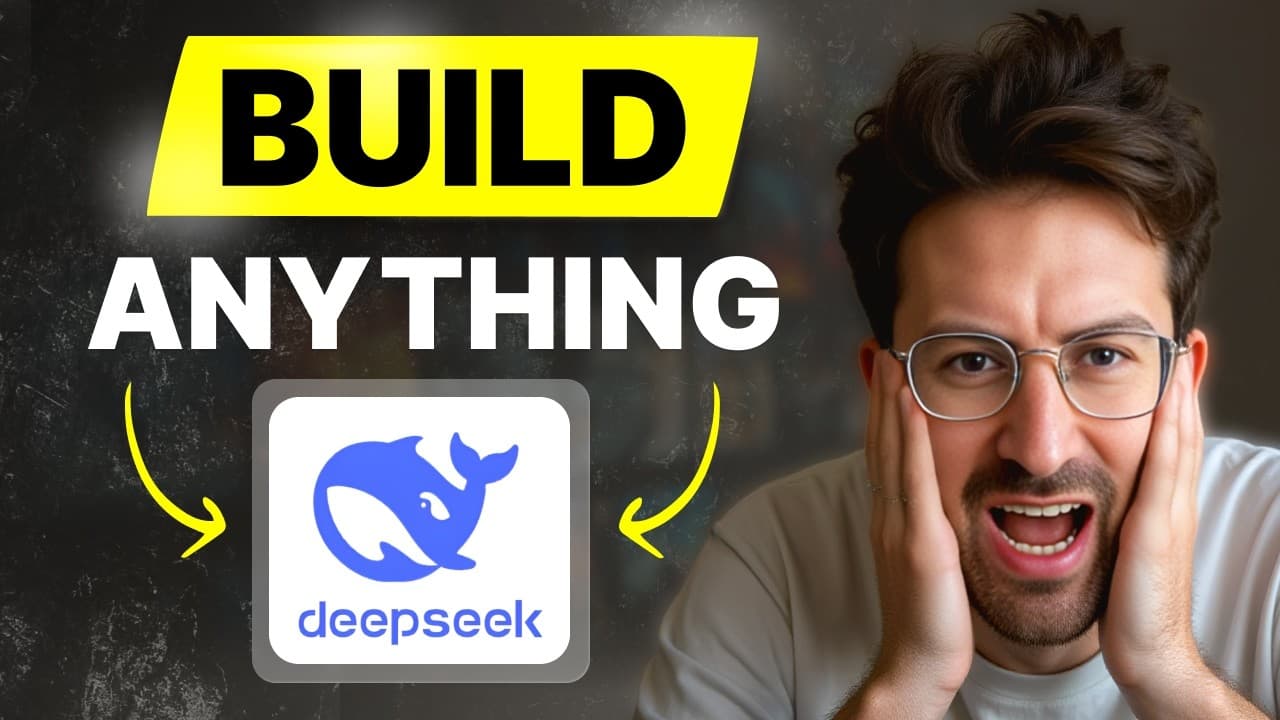
DeepSeek R1 offers reasoning capabilities comparable to large models and can be used locally or via API. The video emphasizes data privacy concerns when models are hosted in China, and it demonstrates setting up local environments with OpenWebUI and Docker, plus using Fireworks or Grok for hosting. It also covers mobile usage via Apollo.
Transcript
Ray Fernando on the Pod he's a 12year ex Apple engineer he streams AI coding he's building an AI startup in real time I needed to have you on because what are we going to talk about today Ray today we're going to talk about prompting and we're going to be specifically prompting with the new reasoning models with deep seek R1 and there are a lot of ... Read More
Key Insights
- DeepSeek R1 is described as having reasoning capabilities on par with leading models and is open source, which contributes to its rapid adoption.
- The video emphasizes data privacy concerns when DeepSeek is hosted in China, recommending alternatives like local deployment to keep data in North America or on the user’s device.
- Local deployment can be achieved with tools like OpenWebUI and Docker, enabling private, offline or controlled data processing without sending data to external servers.
- The OpenWebUI setup is demonstrated as a way to connect to external providers such as Fireworks AI, facilitating access to the DeepSeek model through an API key.
- Different hosting providers are discussed, including Fireworks AI and Grok, with focus on latency, cost, and regional data handling differences.
- There is a clear distinction between using a cloud hosted model and running locally, highlighting speed, reliability, and data sovereignty considerations.
- Prompts are shown as a method to guide the model’s reasoning, with advice on building and sharing advanced chaining prompts for better outputs.
- The episode covers practical caveats like server busy times and data sensitivity, suggesting workflows that include transcripts and prompts to generate content and insights from existing material.
Install to Summarize YouTube Videos and Get Transcripts
Explore YouTube Video Summarizer or Get YouTube Transcript Extractor
Questions & Answers
Q: A real search query question about the video (e.g. 'How to...', 'What is...', 'Why does...', 'When should...'). Question 1
DeepSeek R1 is highlighted as a model with strong reasoning capabilities that can rival established models, and it is open source and free to use. The video discusses both the potential and the caveats of using this model, including the fact that it is hosted in China which raises data privacy concerns. The guide explains how to access the model via the DeepSeek website as well as through alternative providers, emphasizing the importance of understanding where data goes and how to control it.
Q: Question 2
The video explains that DeepSeek can be accessed directly via deepseek.com or through web UI integrations with providers like Fireworks AI. It emphasizes that when using the China hosted version, data may be subject to local regulations, so users should be cautious with sensitive information. It also introduces the concept of running the model locally to avoid sending data to external servers.
Q: Question 3
Local deployment is demonstrated using OpenWebUI and Docker, enabling users to run the DeepSeek model on their own hardware. The setup allows for private processing, which is beneficial for business use cases such as legal or medical data. The tutorial discusses connecting OpenWebUI to a provider like Fireworks via an API key to leverage hosted models while retaining more control over data.
Q: Question 4
The video compares hosting providers such as Fireworks AI and Grok, discussing aspects like latency, cost, and regional data handling. It explains that using a web UI with an API can offer practical alternatives to direct China hosted access, presenting a tradeoff between convenience and data sovereignty depending on user needs and location.
Q: Question 5
Prompts are shown as a key tool to guide model reasoning, including advanced chaining prompts that can process transcripts or long text to generate blogs or analysis. The speaker describes creating prompts that effectively tell the model what to do with the input data, which can significantly improve the usefulness and quality of outputs.
Q: Question 6
The episode highlights the importance of data privacy and the potential risk of sending sensitive information to foreign servers. It suggests steps like transcribing videos locally, feeding transcripts into the model in a controlled environment, and considering offline or on device processing to protect proprietary information.
Q: Question 7
There is a discussion about cost and performance tradeoffs when using hosted models versus running locally. The video explains that larger models may offer deeper reasoning but can incur higher costs and latency, while distilled or locally run versions can provide faster results with more predictable privacy and control.
Q: Question 8
The video provides practical tips for beginners, including how to enable web search in the DeepSeek setup, how to copy transcripts, and how to experiment with prompts. It emphasizes learning through hands on practice, starting with simple prompts and gradually building more complex chaining prompts to unlock advanced capabilities.
Summary & Key Takeaways
-
DeepSeek R1 is highlighted for its reasoning abilities and open source nature, enabling free use while noting data privacy issues with China hosting.
-
The tutorial includes steps to run models locally using OpenWebUI and Docker, avoiding data leaving the device, and compares hosting providers like Fireworks and Grok.
-
The discussion covers practical prompts, workflow integration, and potential business implications of local AI deployment and data ownership.
Read in Other Languages (beta)
Share This Summary 📚
Summarize YouTube Videos and Get Video Transcripts with 1-Click
Try YouTube Summary with ChatGPT & Claude or YouTube Transcript Generator
Explore More Summaries from Greg Isenberg 📚




Summarize YouTube Videos and Get Video Transcripts with 1-Click
Try YouTube Summary with ChatGPT & Claude or YouTube Transcript Generator