How to Create AI Assistants Using OpenAI API
TL;DR
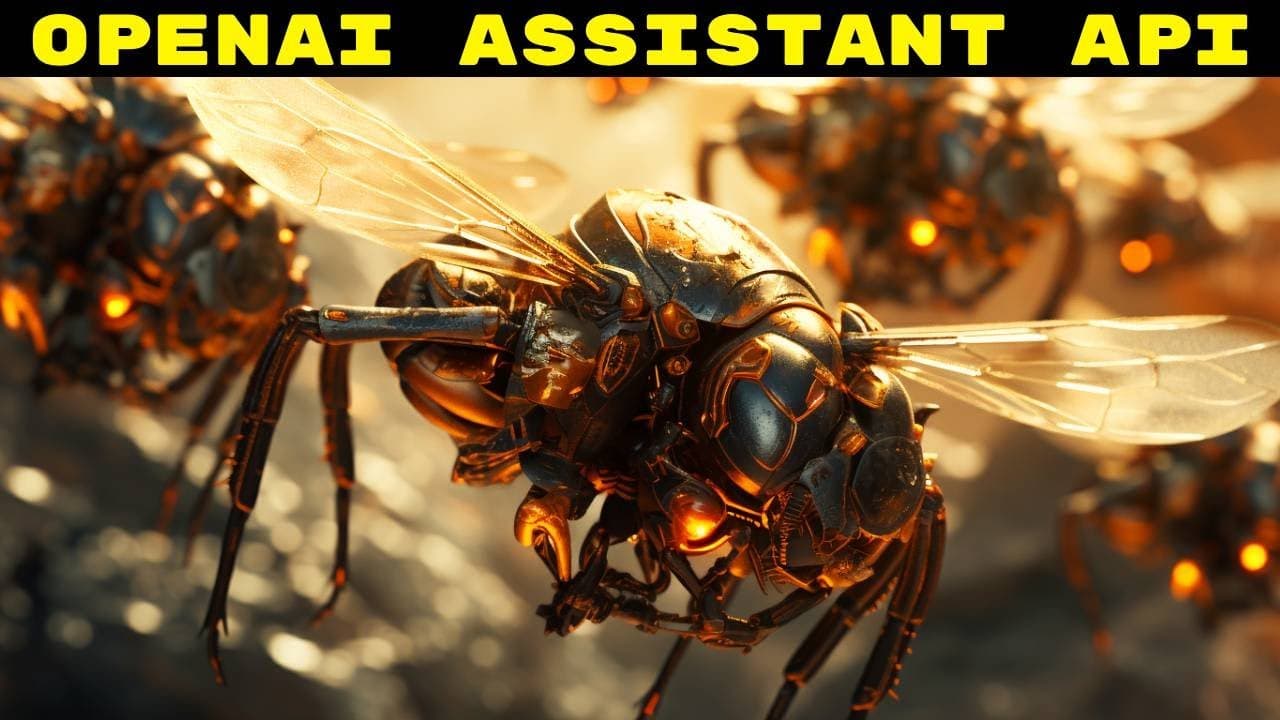
To create AI assistants using the OpenAI API, utilize the new Assistant SDK and fine-tuning features for customization. Key tools include Code Interpreter for executing code and improved Function Calling for parallel processing. Threads maintain context across user interactions, allowing seamless conversations, while Retrieval tools expand the assistant's knowledge base with external data.
Transcript
so the open ey developer conference happened not too long ago and the recordings that were available to the people who attended are now beginning to roll out to the rest of us and some of them are pretty cool for example this one this is where the presenter goes over how to create assistance by doing API calls now the two biggest announcements for ... Read More
Key Insights
- ❓ Customization of AI models and assistants showcased during OpenAI Developer Day.
- 🪜 Code Interpreter simplifies adding custom functions for specialized tasks and actions.
- 🤙 Function Calling improvements like Json mode and Parallel Function Calling enhance automation and performance.
- 🔨 Tools like Retrieval expand AI assistants' knowledge with external data sources.
- 🧵 Threads maintain conversation context and message history for AI assistant interactions.
- 👶 New features on the horizon include multimodal support, code execution, and real-time support.
- 🏛️ Developers can leverage Assistant SDK for building AI assistants with advanced capabilities.
Install to Summarize YouTube Videos and Get Transcripts
Explore YouTube Video Summarizer or Get YouTube Transcript Extractor
Questions & Answers
Q: What were the key announcements during the OpenAI Developer Day?
The key announcements were the release of new GPT models and the introduction of AI assistants, emphasizing customization and fine-tuning capabilities for developers.
Q: How do the Code Interpreter and Function Calling tools enhance AI assistant development?
Code Interpreter simplifies adding custom functions, while Function Calling improvements like Json mode and Parallel Function Calling streamline execution and output handling, boosting efficiency and functionality.
Q: What role do Threads play in creating conversational AI systems?
Threads allow developers to manage user interactions and store messages for the AI assistant, ensuring seamless conversations and context retention for personalized experiences.
Q: How does the Retrieval tool expand the knowledge of AI assistants?
The Retrieval tool enables AI assistants to access external data sources like documents or information to enhance their knowledge base, improving responses and accuracy in assisting users.
Summary & Key Takeaways
-
OpenAI Developer Day focused on creating AI assistants with fine-tuned GPT models and Assistant SDK.
-
Demonstrated using tools like Code Interpreter for custom functions and easy model deployment.
-
Introduced Function Calling enhancements like Json mode and Parallel Function Calling for increased efficiency.
Read in Other Languages (beta)
Share This Summary 📚
Summarize YouTube Videos and Get Video Transcripts with 1-Click
Try YouTube Summary with ChatGPT & Claude or YouTube Transcript Generator
Explore More Summaries from AI Unleashed - The Coming Artificial Intelligence Revolution and Race to AGI 📚


Summarize YouTube Videos and Get Video Transcripts with 1-Click
Try YouTube Summary with ChatGPT & Claude or YouTube Transcript Generator