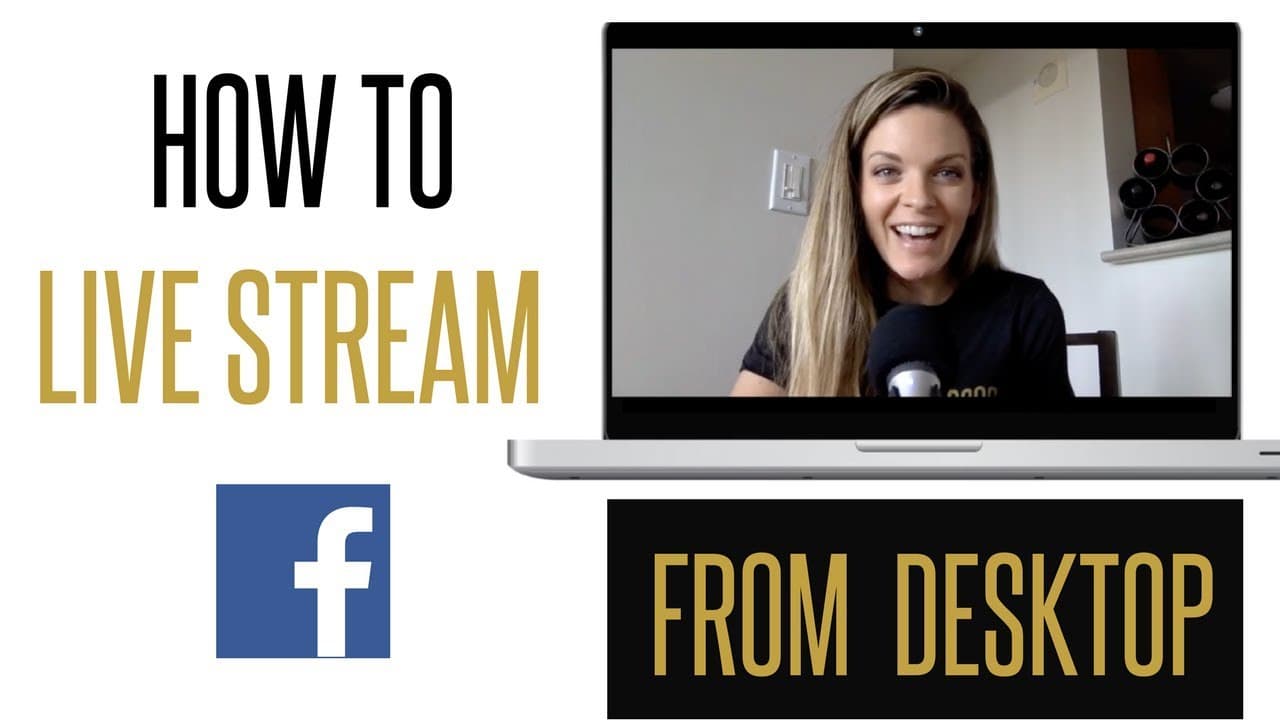
How to Live Stream on Facebook from your Desktop with OBS (Open Broadcast Software)
TL;DR
Learn how to enhance your live streams using graphics and OBS for a branded look on Facebook.
Transcript
SunnyLenarduzzi: For the bright side of branding, business and being your own boss. Hey Boss, it's Sunny Lenarduzzi. Welcome to The Sunny Show - for the bright side of branding, business and being your own boss. It has been a minute since I've done a tech tutorial, and there's one question that I've been asked so much over the last couple months. I... Read More
Key Insights
- 🫒 Canva offers powerful design tools for creating branded graphics for live streams.
- 😭 OBS is an essential software for enhancing live stream quality and professionalism.
- 🤪 Preparing engaging graphics and interactions before going live can boost viewer engagement.
- 💬 Monitoring live stream comments in real-time is crucial for maintaining audience interaction.
- 🫒 Incorporating branding elements in live streams can increase brand recognition and visibility.
- 🫒 Utilizing tools like Canva and OBS can streamline the process of creating and broadcasting professional live streams.
- 🤪 Engaging viewers through questions and comments before going live can improve audience participation.
Install to Summarize YouTube Videos and Get Transcripts
Explore YouTube Video Summarizer or Get YouTube Transcript Extractor
Questions & Answers
Q: How can Canva be used to create graphics for live streams?
Canva offers templates and design tools to create custom graphics for live streams, enhancing brand visibility and viewer engagement.
Q: What is OBS, and why is it important for live streaming on Facebook?
OBS (Open Broadcast Software) is crucial for broadcasting live on Facebook, providing the ability to add elements like graphics and screen sharing for a professional look.
Q: How can engaging viewers before going live improve the reach of a live stream?
Encouraging viewer comments and interactions before starting the live stream can boost engagement, leading to increased reach on platforms like Facebook Live.
Q: What are some tips for monitoring live stream comments while broadcasting?
Having a second device or computer to monitor comments allows for real-time engagement with viewers while managing graphics and content on the main broadcasting setup.
Summary & Key Takeaways
-
Sunny Lenarduzzi shares tips on creating branded graphics for live streams using Canva.
-
Step-by-step guide on setting up OBS for a polished live stream appearance on Facebook.
-
Insightful tips on engaging viewers and maximizing reach through live streaming.
Read in Other Languages (beta)
Share This Summary 📚
Summarize YouTube Videos and Get Video Transcripts with 1-Click
Try YouTube Summary with ChatGPT & Claude or YouTube Transcript Generator
Explore More Summaries from Sunny Lenarduzzi 📚

Summarize YouTube Videos and Get Video Transcripts with 1-Click
Try YouTube Summary with ChatGPT & Claude or YouTube Transcript Generator