How to Record Acoustic Guitar Like a Pro Fast
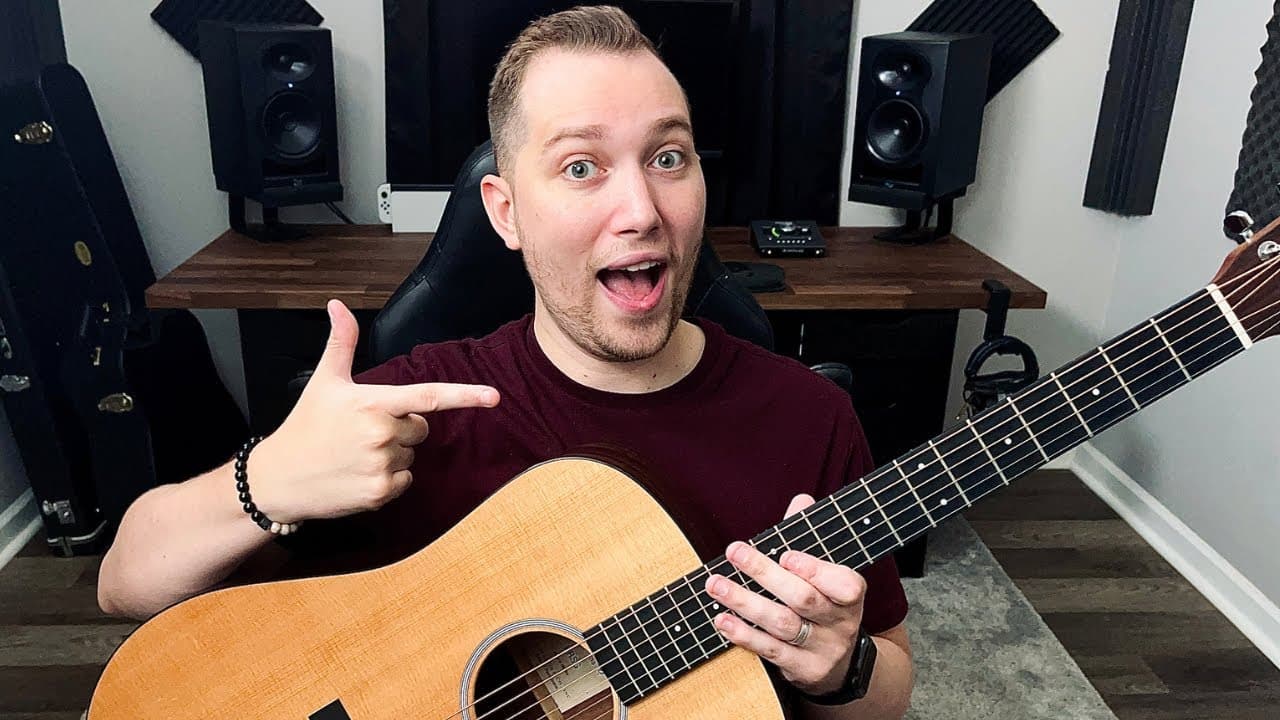
TL;DR
To record acoustic guitar like a pro, position your microphone about a foot away from the 12th to 14th fret, avoiding the sound hole to prevent muffling. Use an XLR cable to connect to your audio interface, enable phantom power if needed, and set your gain levels to avoid clipping while recording. Acoustic treatment in your space can further enhance sound quality.
Transcript
in this video I'm going to be teaching you how to record acoustic guitar like a pro welcome to the home at home my name is no snow Freitas and my goal today is to help you get professional quality recordings out of your acoustic guitar so in order to do that you will need a microphone in order to capture the sound of your guitar even if it has an i... Read More
Key Insights
- 👂 Using a microphone rather than an input jack captures a more authentic acoustic sound, enhancing recording quality.
- 🕳️ Proper mic placement is critical; positioning it near specific frets provides clarity while avoiding muffled tones from the sound hole.
- ✊ An XLR cable and compatible audio interfaces are essential for professional setups, especially with condenser microphones requiring phantom power.
- 😫 Setting correct gain levels ensures recordings are clean; visual feedback is important to prevent clipping during performance.
- 😑 Practicing monitoring techniques can lead to better performances during recording sessions, facilitating a genuine musical expression.
- 👾 Acoustic treatment in your recording space aids in minimizing unwanted reflections, improving sound quality overall.
- 👣 Understanding basic DAW setup and features is crucial for effective audio track preparation and management.
Install to Summarize YouTube Videos and Get Transcripts
Explore YouTube Video Summarizer or Get YouTube Transcript Extractor
Questions & Answers
Q: Why is it important to use a microphone instead of the instrument's input jack?
While many acoustic guitars feature an input jack, using a microphone captures a fuller and more natural sound. A jack may limit tonal characteristics and create an unbalanced recording. A quality microphone allows you to record the nuances of the guitar’s acoustics, producing a professional-sounding track that highlights the instrument's full range.
Q: How should I position my microphone for the best sound?
For optimal microphone placement, position it about a foot away from the guitar and oriented towards the 12th to 14th fret. This area produces a balanced tone, allowing the microphone to capture the guitar's definition and richness. Avoid placing the mic directly at the sound hole, as it tends to result in a muffled sound lacking clarity.
Q: What is the significance of low latency monitoring in recording?
Low latency monitoring allows you to hear your performance in real time with minimal delay. This feature is crucial when recording, especially for rhythm-intensive instruments like the acoustic guitar, as it helps you maintain timing and make precise adjustments during the take, resulting in a more cohesive and polished recording.
Q: What should I watch for when setting gain levels?
When adjusting gain levels, aim for the indicator lights on your audio interface to be green or yellow, avoiding any red lights indicating clipping. During playback, keep your track's levels hitting between negative 18 and negative six decibels. This ensures a clean recording without distortion, allowing you to maintain audio integrity for post-production.
Summary & Key Takeaways
-
The video guides viewers on achieving professional-quality acoustic guitar recordings utilizing the correct microphone and placement techniques.
-
Key steps include positioning the microphone away from walls, targeting specific fret areas, and avoiding common mistakes, like miking the sound hole.
-
The tutorial also covers setting up audio interfaces, gain levels, and ensuring audio integrity during recording.
Read in Other Languages (beta)
Share This Summary 📚
Summarize YouTube Videos and Get Video Transcripts with 1-Click
Try YouTube Summary with ChatGPT & Claude or YouTube Transcript Generator
Explore More Summaries from Home Studio Academy 📚

Summarize YouTube Videos and Get Video Transcripts with 1-Click
Try YouTube Summary with ChatGPT & Claude or YouTube Transcript Generator