How to Create Custom Thumbnails on YouTube Effectively
TL;DR
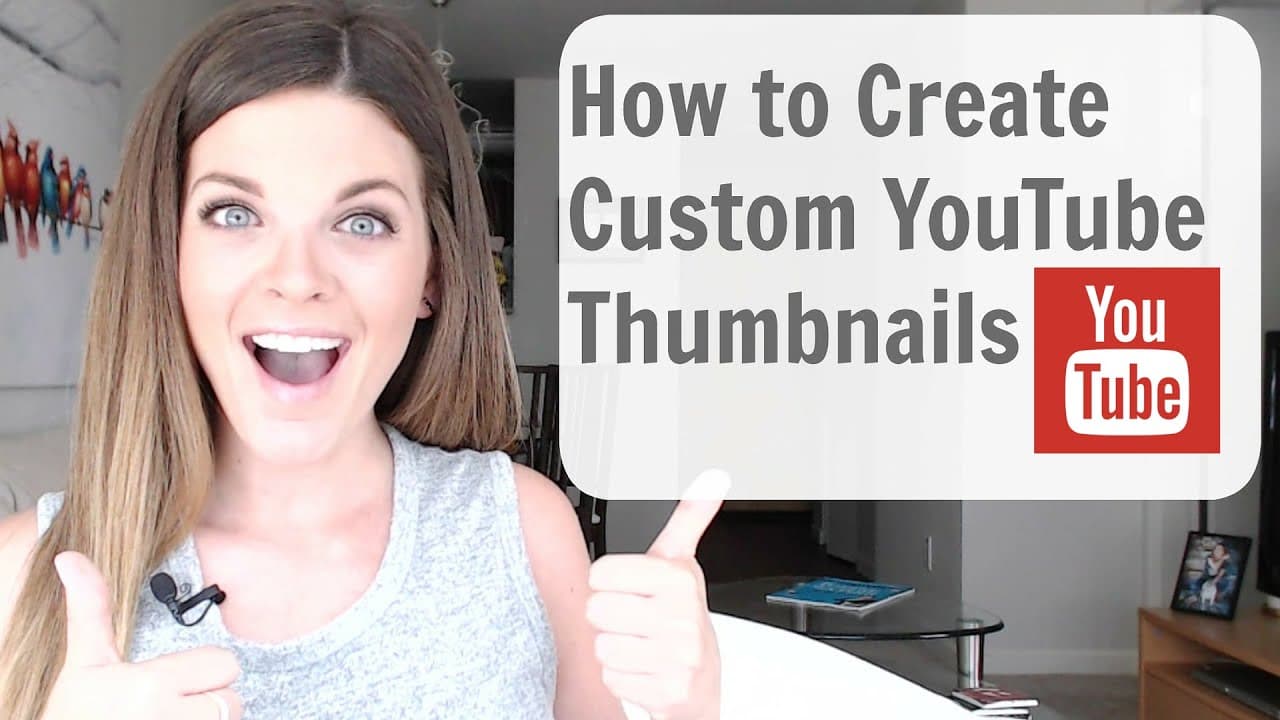
To create custom thumbnails on YouTube, use Canva and PicMonkey for easy design. Start by cropping your image to 1920x1080, add overlays and text for branding, and save your thumbnail before uploading it to your video. Custom thumbnails enhance engagement and can lead to increased views and subscribers.
Transcript
no degree in graphic design not creative no Photoshop no worries I have two secret weapons that I use to create my own social media graphics across platforms and more importantly I use them to create my custom YouTube thumbnails having your own custom thumbnails is a small detail that makes a big difference and take it from me once I started creati... Read More
Key Insights
- 🫵 Custom thumbnails enhance video visibility and attract more viewers.
- 👀 Canva and PicMonkey are effective tools for creating professional-looking thumbnails.
- 🥺 Consistent branding through custom thumbnails can lead to increased engagement and subscriber growth.
- 🪜 Creating custom thumbnails requires following a simple process of cropping, adding overlays, text, and icons.
- 👻 Using Canva and PicMonkey allows for customization and personalization of thumbnails.
- 🫵 Changing thumbnails for existing YouTube videos can improve viewer engagement.
- 😃 Custom thumbnails are a small detail that can make a big difference in video performance.
Install to Summarize YouTube Videos and Get Transcripts
Explore YouTube Video Summarizer or Get YouTube Transcript Extractor
Questions & Answers
Q: How can custom thumbnails on YouTube impact engagement?
Custom thumbnails can attract viewers and increase clicks, leading to higher engagement and views on YouTube videos. They help in creating a distinct brand identity and improving recognition.
Q: Why is it important to have custom thumbnails for YouTube videos?
Custom thumbnails make your videos stand out in search results and recommendations, grabbing the attention of potential viewers. They can convey the video's content effectively and entice users to click and watch.
Q: What are the benefits of using Canva and PicMonkey for creating custom thumbnails?
Canva and PicMonkey offer user-friendly interfaces, templates, and tools that simplify the process of designing custom thumbnails. They provide creative freedom and flexibility to customize thumbnails according to your brand and content.
Q: How can creating custom thumbnails using Canva and PicMonkey boost channel growth?
Consistent use of custom thumbnails across videos creates a professional and cohesive look for your channel, attracting more subscribers and improving overall channel growth and visibility.
Summary & Key Takeaways
-
Custom thumbnails on YouTube can significantly improve engagement and views.
-
Use Canva and PicMonkey to create custom thumbnails easily.
-
Follow a simple process of cropping, adding overlays, text, and icons to create eye-catching thumbnails.
Read in Other Languages (beta)
Share This Summary 📚
Summarize YouTube Videos and Get Video Transcripts with 1-Click
Try YouTube Summary with ChatGPT & Claude or YouTube Transcript Generator
Explore More Summaries from Sunny Lenarduzzi 📚
Summarize YouTube Videos and Get Video Transcripts with 1-Click
Try YouTube Summary with ChatGPT & Claude or YouTube Transcript Generator