How to Connect Arlo to Chromecast for Streaming
TL;DR
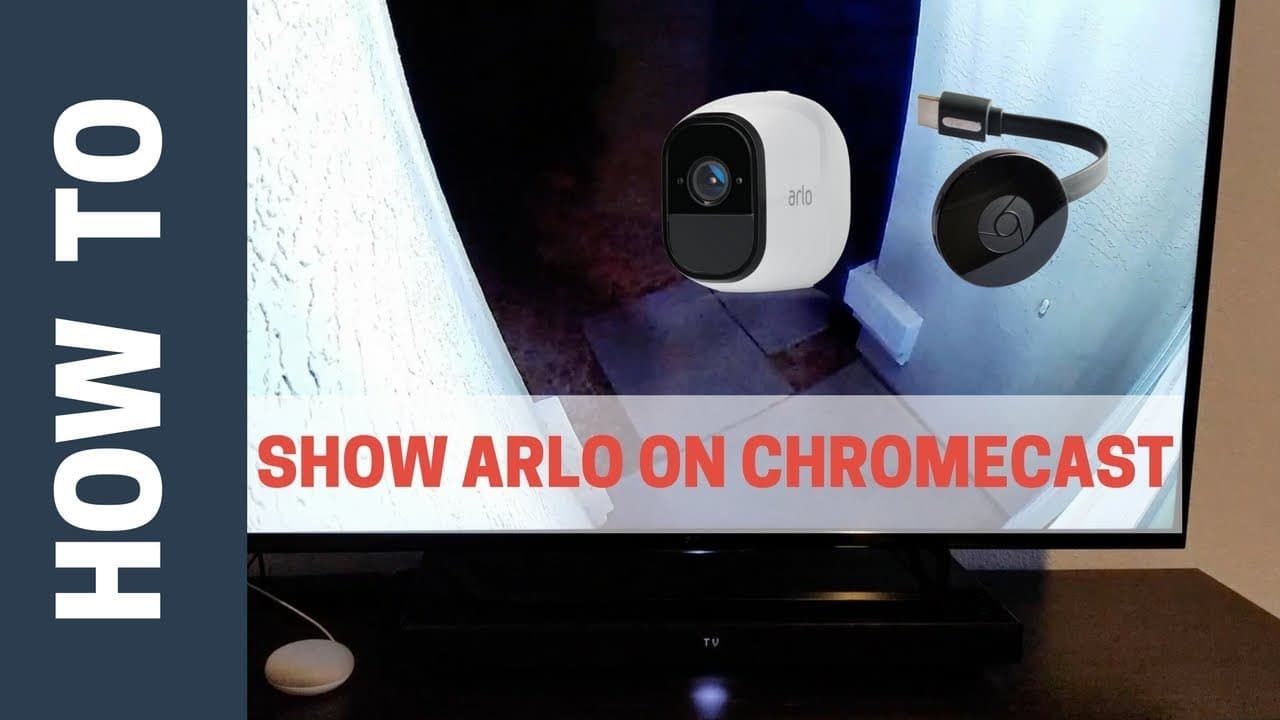
To connect Arlo to Chromecast, use the Google Home app to add your Arlo device and authenticate with your Arlo credentials. Rename your Arlo camera and the Chromecast to avoid YouTube playback issues; use specific commands like 'show front porch on family room TV' to successfully stream Arlo. Following these steps enables seamless streaming of your Arlo camera on your TV.
Transcript
front porch on family room TV okay it's leaving the front porch on family room TV hey what's up this is Reid with smart home solver and today I just want to make a quick video on setting up the Arlo on a chromecast it's a really cool feature that just came out recently and it can be a little bit tricky to set up if you run into some similar issues ... Read More
Key Insights
- 😀 Setting up Arlo on Chromecast requires authenticating through the Google Home app and using specific device names in commands.
- 🎥 Renaming devices effectively, like the front porch camera, can help avoid playback issues showing unrelated YouTube videos on Chromecast.
- 💁 Troubleshooting tips include renaming the TV to correctly stream Arlo on Chromecast by using detailed device names in commands.
- 😫 The feature of connecting Arlo to Chromecast offers a seamless streaming experience when set up correctly.
- 📛 Using unique device names in commands ensures Arlo streaming on Chromecast without playback errors.
- 👪 Innovation in smart home technology, like connecting Arlo to Chromecast, enhances the user experience for automated home security.
- ❓ Following detailed setup instructions, like authenticating Arlo and using specific commands, guarantees successful streaming on Chromecast.
Install to Summarize YouTube Videos and Get Transcripts
Explore YouTube Video Summarizer or Get YouTube Transcript Extractor
Questions & Answers
Q: How can you connect Arlo to Chromecast?
To connect Arlo to Chromecast, open the Google Home app, click on add device, select Arlo, authenticate with your Arlo credentials, and use specific device names in commands for successful streaming.
Q: What issues did Reid face when setting up Arlo on Chromecast?
Reid encountered commands showing YouTube videos instead of streaming Arlo on Chromecast. He resolved this by renaming devices effectively in the commands to avoid playback issues.
Q: What is the key takeaway for setting up Arlo on Chromecast?
The key takeaway is to use specific device names in commands like "show front porch on TV" to ensure Arlo streams correctly on Chromecast, eliminating playback errors like showing YouTube videos instead.
Q: What steps can viewers take to avoid playback issues when setting up Arlo on Chromecast?
Viewers can ensure a smooth setup by authenticating Arlo in the Google Home app, renaming devices appropriately, and using precise commands like "show front porch on family room TV" for seamless streaming.
Summary & Key Takeaways
-
Reid from Smart Home Solver shares tips on setting up Arlo on Chromecast, a recently added feature.
-
Initially facing issues with commands showing YouTube videos, Reid troubleshoots by renaming devices.
-
By using specific device names in commands, like "show front porch on family room TV," Arlo successfully streams on Chromecast.
Read in Other Languages (beta)
Share This Summary 📚
Summarize YouTube Videos and Get Video Transcripts with 1-Click
Try YouTube Summary with ChatGPT & Claude or YouTube Transcript Generator
Explore More Summaries from Smart Home Solver 📚
Summarize YouTube Videos and Get Video Transcripts with 1-Click
Try YouTube Summary with ChatGPT & Claude or YouTube Transcript Generator