How to Create Mind Maps with Obsidian's Canvas Feature
TL;DR
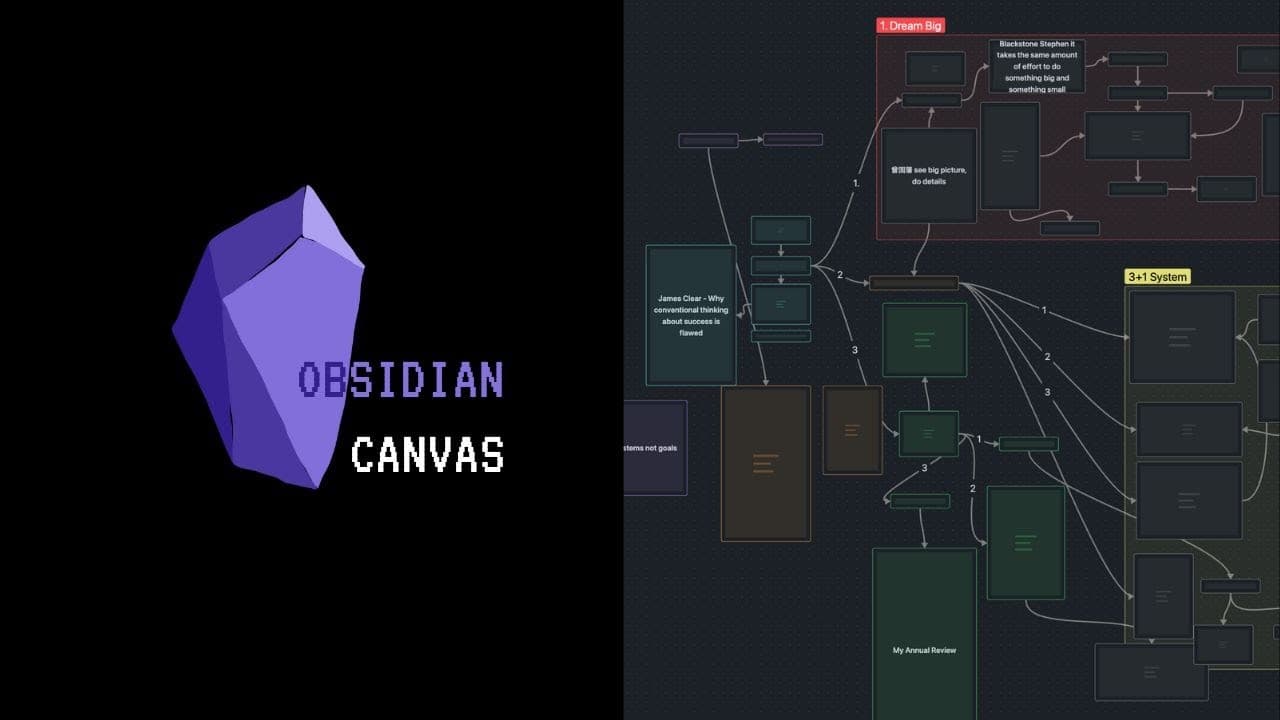
To create mind maps in Obsidian, enable the Canvas feature in Settings under Core Plugins. Start a new canvas by clicking the canvas icon, then add notes, media, and cards. This visual approach helps organize and connect ideas intuitively, supporting a bottom-up thinking process.
Transcript
we can finally mind mapping obsidian intuitively canvas came out recently and I've been using it to mind map and I want to show you how to mind map with obsidian how to use canvas in general so let's get to it first let's make sure canvas is turned on or come down to settings core plugins yes it's a core plug-in which is awesome and you'll see canv... Read More
Key Insights
- 🤯 Canvas in Obsidian allows users to create mind maps by adding notes, media, and cards to a visual canvas.
- 💨 The canvas feature provides an intuitive way to visually connect elements and create meaningful relationships.
- 👤 Users can easily navigate, zoom in/out, and organize their canvas to focus on specific sections.
Install to Summarize YouTube Videos and Get Transcripts
Explore YouTube Video Summarizer or Get YouTube Transcript Extractor
Questions & Answers
Q: How do you turn on the canvas feature in Obsidian?
To turn on the canvas feature in Obsidian, go to Settings > Core Plugins and toggle on the canvas plugin. You can then see the canvas icon and create a new canvas by clicking on it.
Q: What are the three main things you can add to a canvas in Obsidian?
The three main things you can add to a canvas in Obsidian are notes from your vault, media (e.g., images and videos), and cards (similar to sticky notes).
Q: How can you connect elements in the canvas to create visual connections?
In the canvas, you can connect elements by dragging arrows from one node to another. This allows you to create visual connections and easily see the relationships between different elements.
Q: Can you convert a card in the canvas into a note in Obsidian?
Yes, you can convert a card into a note in Obsidian. Simply right-click on the card, select "Convert to File," and it will be transformed into a note that you can title and save.
Key Insights:
- Canvas in Obsidian allows users to create mind maps by adding notes, media, and cards to a visual canvas.
- The canvas feature provides an intuitive way to visually connect elements and create meaningful relationships.
- Users can easily navigate, zoom in/out, and organize their canvas to focus on specific sections.
- Canvas in Obsidian promotes bottom-up thinking, allowing users to build connections and discover new insights.
Summary & Key Takeaways
-
Canvas in Obsidian allows users to create mind maps by adding notes, media, and cards to a visual canvas.
-
Users can easily navigate and zoom in/out of the canvas, create groups, and make connections between different elements.
-
The canvas feature offers a bottom-up thinking approach, helping users visually make connections between their notes.
Read in Other Languages (beta)
Share This Summary 📚
Summarize YouTube Videos and Get Video Transcripts with 1-Click
Try YouTube Summary with ChatGPT & Claude or YouTube Transcript Generator
Explore More Summaries from Vicky Zhao [BEEAMP] 📚



Summarize YouTube Videos and Get Video Transcripts with 1-Click
Try YouTube Summary with ChatGPT & Claude or YouTube Transcript Generator